ENGLISH ENGLISH
7 7
7. OPERATION OF THE APPLIANCE
7.1. Preliminaries
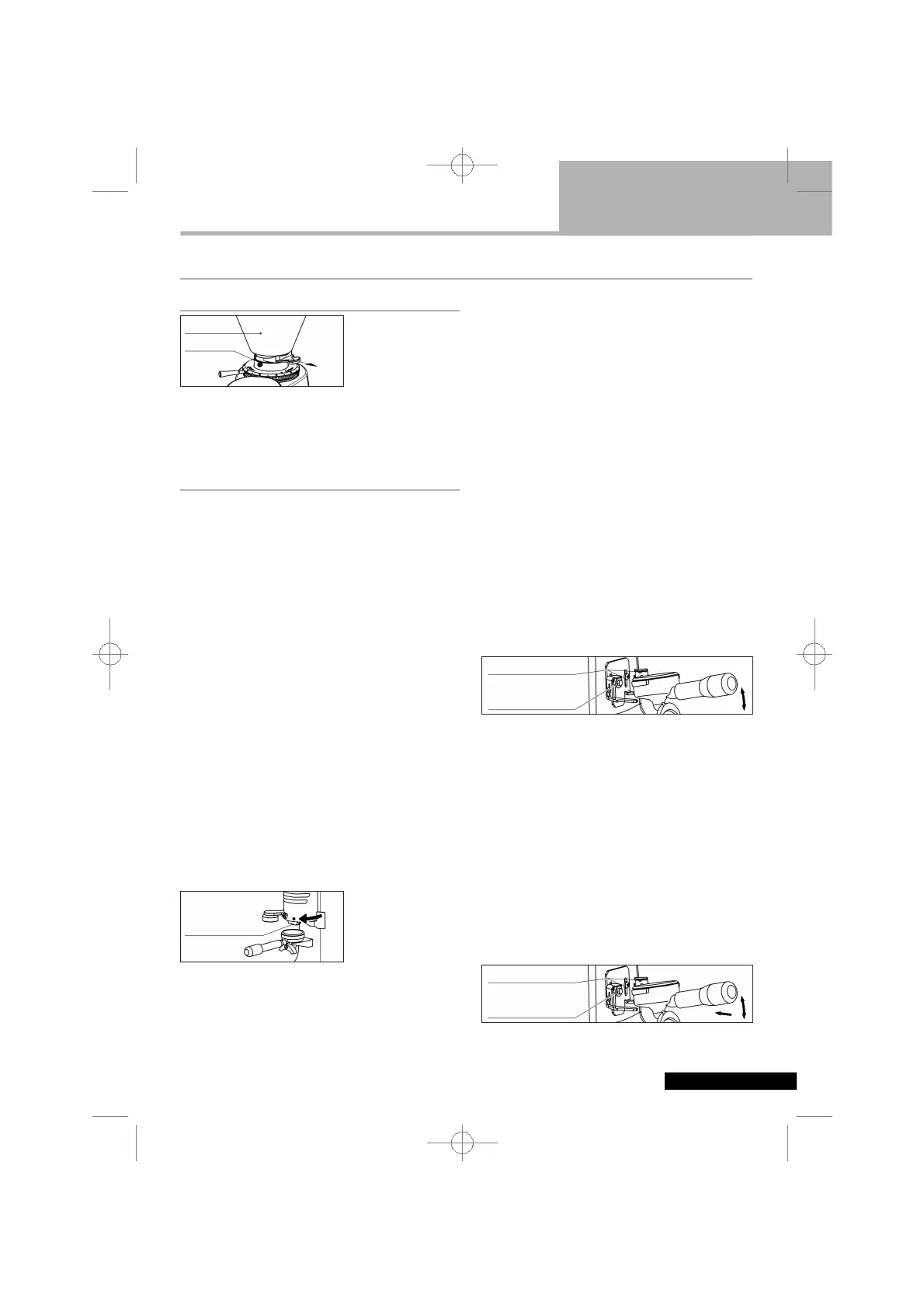
Make sure the hop-
per is positioned
correctly on the
appliance and fixed
to the casing with
the relevant screw.
Close the locking slide and fill the hopper with cof-
fee beans. Open the locking slide so that the
beans are allowed to drop into the grinding
system.
7.2. Switching the appliance on and off
Grinder-dosers
•
Manual version
Operate the switch for start/stop
Start: switch in position I.
Stop: switch in position O.
•
Version with time switch (timer)
In order to switch on the appliance, turn the timer
knob clockwise.
The appliance switches off automatically. In
order to switch it off manually, turn the knob anti-
clockwise all the way.
•
Automatic version
In order to power up the appliance, turn the on-
off switch knob to I.
The appliance starts automatically every 12 por-
tions of coffee. It switches off automatically when
the doser is filled with ground coffee. In order to
switch the appliance on manually, the switch
knob must be turned all the way (to position ►).
In order to switch off the appliance manually, set
the on-off switch knob to O.
In order to collect the portions of ground coffee
dispensed, insert the coffee machine’s filter holder
all the way onto the fork-shaped support under the
ground coffee outlet.
In order to release a
portion of ground
coffee, the doser
lever must be pulled
all the way and allo-
wed to return on its own. Pull twice in a row for a
double portion.
The appliance is equipped with a funnel system to
optimize the centering of the coffee falling from the
doser into the portafilter. It is possible to adjust
the position of the fork according to the instruc-
tions in chapter 8.
Electronic Grinder-Dosers
In order to power up the appliance, set the on-off
knob to I.
The electronic grinder-dosers are equipped with a
fork which allows the coupling of the filter holder.
This fork, which is suitable for most filter holder
shapes and diameters, must be suitably set accor-
ding to the instructions in chapter 8.
The electronic grinder-dosers can operate with two
different operating modes. In KEYBOARD mode,
grinding start is managed by pressing a key on the
keypad cover. In PORT-A-FILTER mode, grinding
start is managed by the activation pin on the fork,
and the icon [PF] will appare. To toggle the opera-
ting mode, press the menu [☰] button then press
the activation pin. The display will show the new
operating mode set, and after a few moments will
return to the stand-by screen.
The [M/3] button can be setted as manual dose or
as dose 3. For this setting and for all the function
of the administrator menu, see chapter 8.
•
KEYBOARD operating mode
Position the filter holder, pushing it until it tou-
ches the activation pin and secure it using the
appropriate spouts. It is recommended that you
keep the filter holder slightly inclined, and
straighten it once it has reached the activation
pin. Coffee grinding and dosing takes place by
pressing one of the dose buttons [1], [2] or [M/3];
grinding continues for the time set for the selec-
ted dose button. One can manually activate the
appliance keeping pushed the push button for
manual grinding . Hold down the push button
[M/3] for manual grinding and the grinder will
grind until you lift the finger. We suggest to use
the push button for manual grinding to adjust the
grinding of the appliance.
•
PORT-A-FILTER operating mode
OPEN
SCREW
HOPPER
COLLECTING THE
DOSE
DOSER FUNNEL
ACTIVATION PIN
SPOUTS
ACTIVATION PIN
SPOUTS


 To Next Page