8
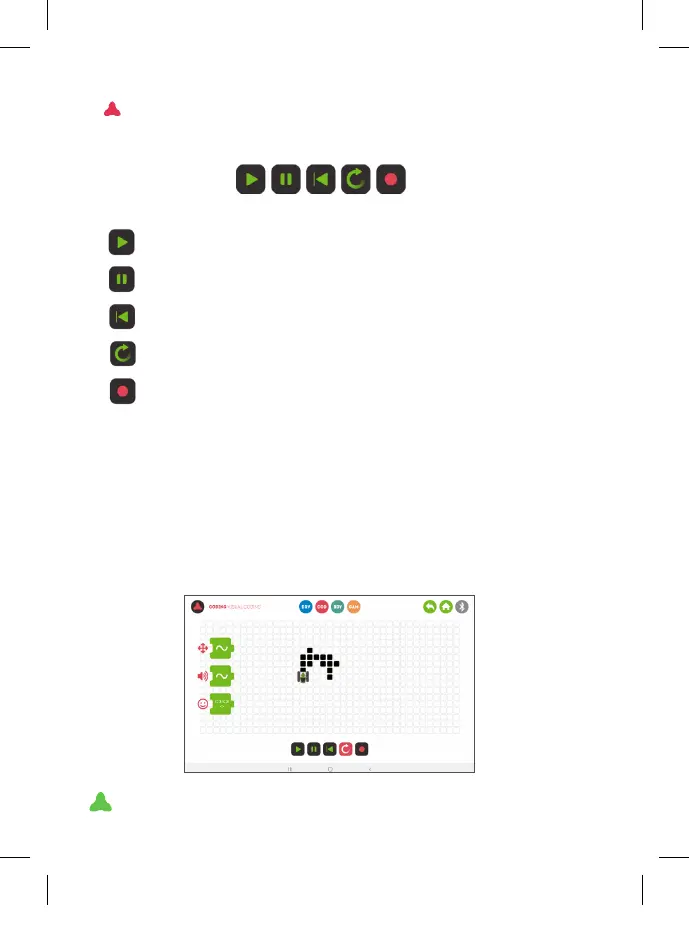
SIMULATOR
1. Prepare a sequence in Visual Coding mode.
2. Click “end of sequence” to automatically ll in the blank spaces.
3. Save the sequence in the desired memory (1, 2 or 3).
4. Open the simulator.
5. With the memory button, select the sequence you want to play in
the simulator.
6. Press Play.
This basic menu will always appear at the bottom:
1 2 3 4 5
PLAY: play the sequence.
PAUSE: you can pause the simulation with this button.
RESTART: start the simulation again from the beginning.
LOOP: click this option to repeat the loop sequence.
MEMORY: choose which sequence you want to simulate in the
dropdown menu.
XT380851_MAZZY-IMAPP-EN-v5.indd 8 29/5/20 10:54



 To Next Page