EasyManua.ls Logo

MB QUART RVDVD2.0 - User Manual

MB QUART RVDVD2.0
22 pages
Print Icon
To Next Page IconTo Next Page
Loading...
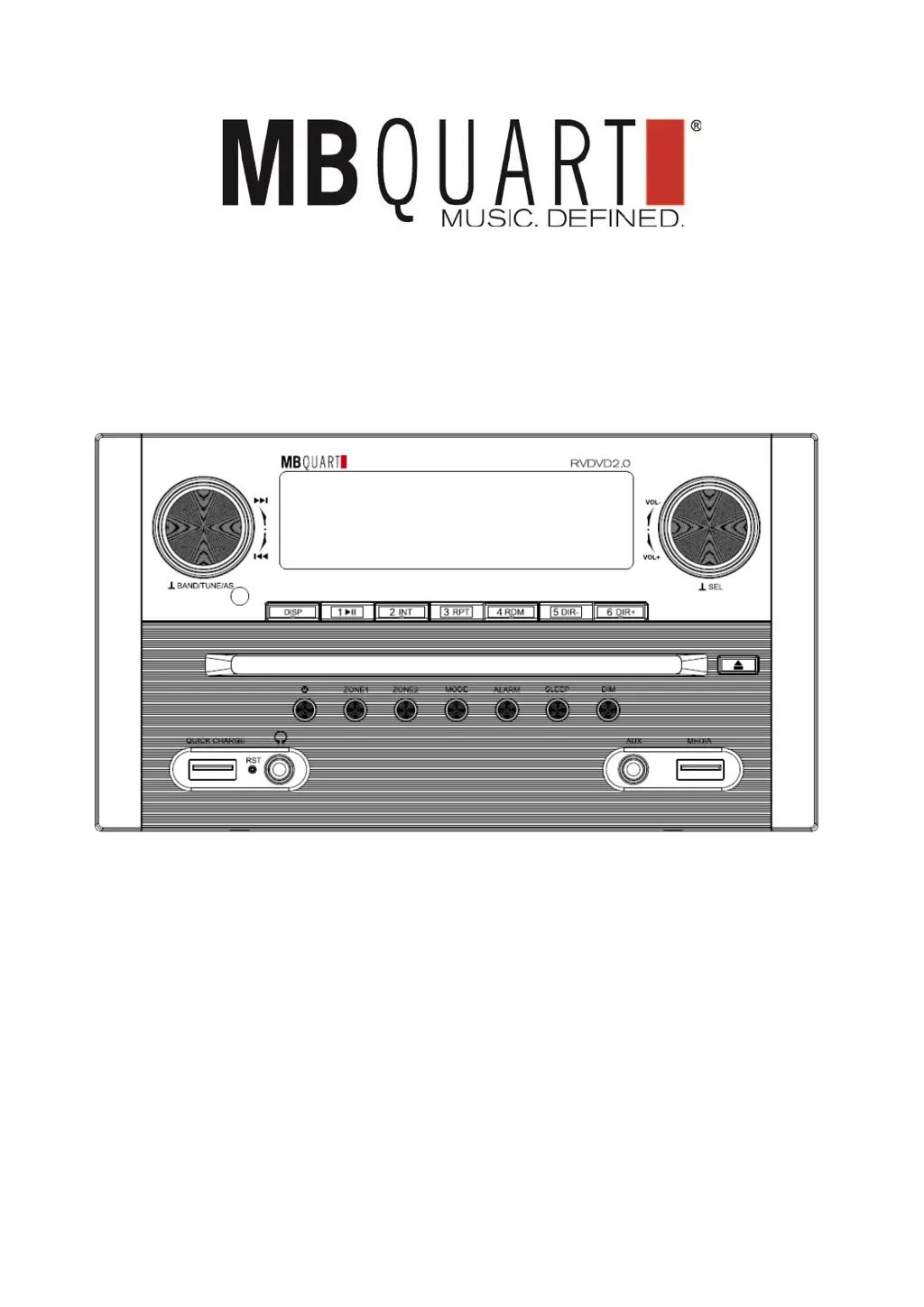
RVDVD2.0 USER MANUAL
AM/FM/WB ● Bluetooth
®
● USB ● HDMIMulti-Zone
RV DVD Player and Media Receiver

Questions and Answers

  • M
    Melanie FitzgeraldJul 28, 2025
    What to do if my MB QUART RVDVD2.0 has no power?
    • E
      Elizabeth WestJul 28, 2025
      If your MB QUART DVD Player isn't powering on, there are a couple of things to check. First, if connected to the vehicle's accessory circuits, make sure the ignition key is switched to 'ACC' if the engine isn't running. Also, check the fuse; if it's blown, replace it.
  • E
    Emily Wu MDAug 4, 2025
    Why does my MB QUART RVDVD2.0 turn on but has no sound?
    • A
      amypriceAug 4, 2025
      If your MB QUART DVD Player powers on but produces no sound, start by checking the volume level and adjust it to your preference. If the volume isn't the issue, inspect the audio wiring connections to the preamp outputs and speakers to ensure they are properly connected.
  • A
    afieldsAug 12, 2025
    What to do if the buttons on my MB QUART RVDVD2.0 do not respond?
    • A
      Angela LunaAug 12, 2025
      If the buttons on your MB QUART DVD Player aren't responding, the built-in microcomputer may not be operating correctly due to noise. Try pressing the reset button located on the front panel.
  • D
    Desiree JohnsonAug 20, 2025
    Why does the radio not work on my MB QUART DVD Player?
    • C
      Christopher MooreAug 20, 2025
      If the radio on your MB QUART DVD Player isn't working, or the automatic station selection fails, first ensure the antenna cable is firmly connected. If the signals are too weak, try selecting a radio station manually.

Summary

PRE-INSTALLATION CHECKLIST

FEATURES

Highlights key product features like AM/FM radio, Bluetooth, USB, and HDMI.

CHECKLIST

Provides essential pre-installation steps and warnings for safe setup.

WIRING & INSTALLATION

REAR PANEL CONNECTORS

Details all input/output ports on the rear of the unit for connectivity.

SPEAKER WIRING DIAGRAM

Illustrates connections for 4 speakers across two zones (Zone 1 & Zone 2).

POWER AND SPEAKER PLUG

Identifies the main 20-pin connector for power and speaker connections.

INSTALL THE UNIT

UNIT MOUNTING PROCEDURE

Provides step-by-step instructions for physically mounting the unit.

FRONT PANEL CONTROLS & INPUTS

FRONT PANEL LAYOUT AND LABELS

Identifies buttons, knobs, and inputs on the front panel.

ICON BUTTON FUNCTIONS EXPLAINED

Explains the function of icon-based buttons for various sources like AM/FM/WB.

FRONT PANEL FUNCTIONS BY MODE

BUTTON ACTIONS PER OPERATING MODE

Details button operations across Radio, Disc, USB, AUX, and BT modes.

OPERATION - BASIC FUNCTIONS

POWER, MUTE, AND SOUND ADJUSTMENTS

Covers turning the unit on/off, muting, and basic sound adjustments.

GENERAL SETTING ADJUSTMENTS

Introduces setting adjustments for BEEP, CLOCK, and P_VOL.

OPERATION - SETTINGS

AM;FM RADIO SETTINGS CONFIGURATION

Configures radio reception settings like CT SYNC, AREA, DX/LOC, and STEREO/MONO.

BEEP, CLOCK, AND VOLUME SETTINGS

Sets audible beep feedback, clock time/format, and preset volume (P_VOL).

OPERATION - ZONES, ALARM & DISPLAY

ZONE CONTROL AND MUTING

Explains operation for Zone 1 and Zone 2, including volume and muting.

ALARM AND DISPLAY FUNCTIONS

Covers alarm operation and showing clock/source information.

OPERATION - ADVANCED FUNCTIONS

ALARM AND SLEEP TIME SETTING

Guides on setting the wake-up alarm time and sleep timer duration.

DISPLAY DIMMER AND UNIT RESET

Adjusts screen brightness and provides instructions for performing a unit reset.

OPERATION - MEDIA INPUTS

DVD, HDMI ARC, AND AUX OPERATION

Covers disc playback, HDMI audio return, and AUX input selection.

USB SOURCE OVERVIEW

Provides an overview of connecting and playing files from USB devices.

OPERATION - RADIO

AM;FM;WB RADIO RECEPTION AND TUNING

Instructions for tuning and selecting radio stations and bands.

RADIO PRESETS AND WEATHER BAND

Details on storing, recalling presets, and operating the weather band.

OPERATION - USB

USB CONNECTION AND FILE PLAYBACK

How to connect a USB device and play audio/video/photo files.

USB INTRO, REPEAT, AND NAVIGATION

Utilizing INTRO, REPEAT functions and navigating files on USB.

OPERATION - USB SEARCH

USB RANDOM AND DIRECTORY SEARCH

Enables random playback and folder navigation for USB media.

SONG SEARCH METHODS

Details direct search methods for songs on USB devices.

OPERATION - USB SEARCH

NUMERIC SONG SEARCH MODE

Uses numeric input or buttons to find songs on USB devices.

OPERATION - BLUETOOTH CONNECTIVITY

HEADPHONES, VIDEO, AND BLUETOOTH PAIRING

Connecting headphones, video devices, and pairing Bluetooth devices.

BLUETOOTH STREAMING AND MANAGEMENT

Streaming audio and managing Bluetooth device connections.

REMOTE CONTROL

IR REMOTE OPERATION AND LAYOUT

Explains the IR remote's operation and identifies its buttons.

REMOTE CONTROL FUNCTIONS

KEY OPERATIONS BY MODE

Details the function of each remote key across various modes.

REMOTE CONTROL FUNCTIONS

KEY OPERATIONS BY MODE (Continuation)

Continues detailing remote key operations for specific functions.

REMOTE CONTROL FUNCTIONS

KEY OPERATIONS BY MODE (Continuation)

Final details on remote key operations across different modes.

SPECIFICATIONS AND TROUBLESHOOTING

GENERAL AND RADIO SPECIFICATIONS

Lists general specs (power, dimensions) and radio specs (frequency, sensitivity).

TROUBLESHOOTING GUIDE

Provides common issues, their causes, and solutions for unit operation.

FCC NOTICE

WARRANTY INFORMATION

MB QUART RVDVD2.0 Specifications

General IconGeneral
BrandMB QUART
ModelRVDVD2.0
CategoryDVD Player
LanguageEnglish