Operating Manual
Operation instructions Page 6-5
6. 4 SETTING KEYS
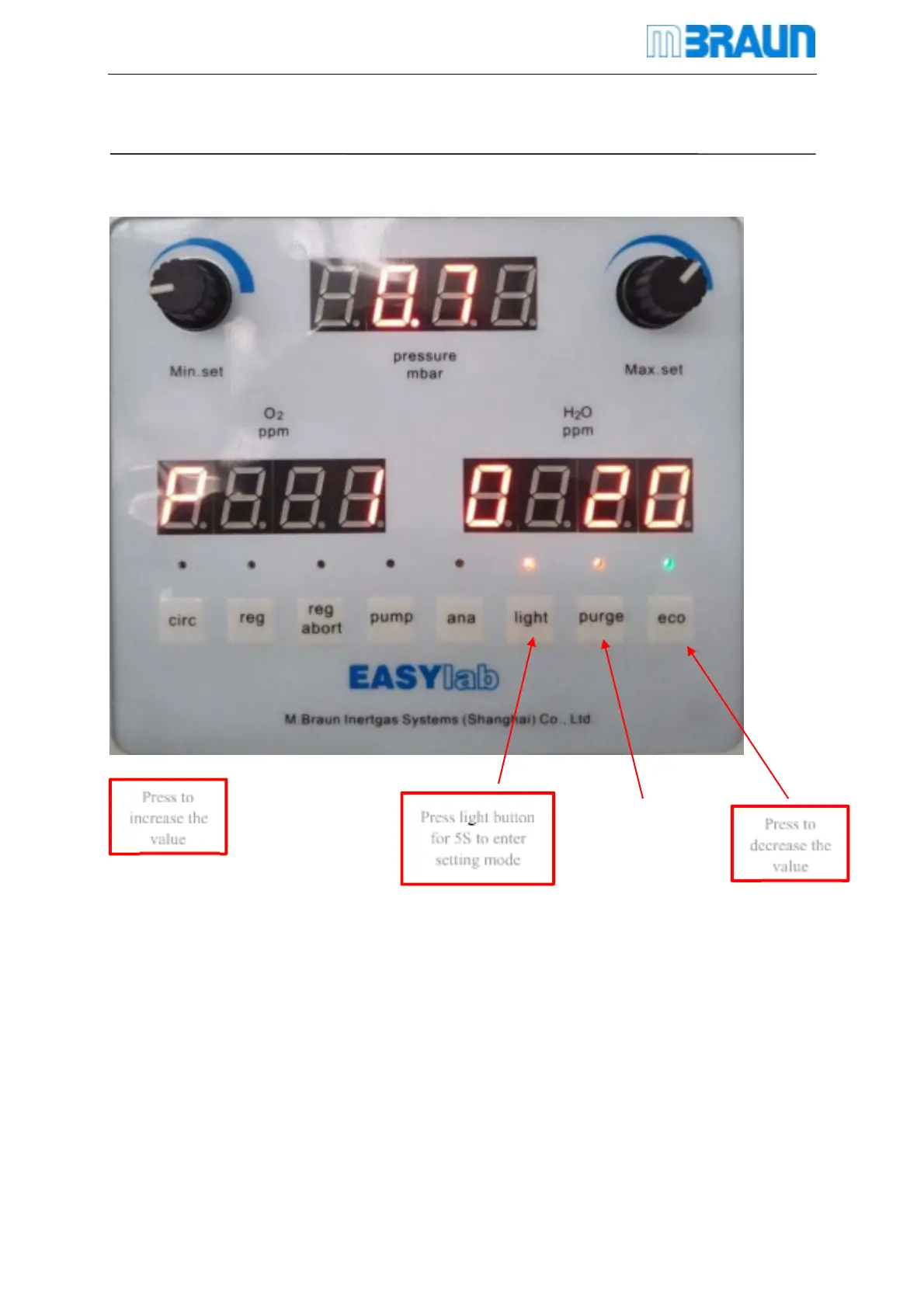
The function of these three buttons “Illumination, quick purging, and ECO mode” is different
when come to parameter setting mode.
Press lighting button 5s to parameter setting interface
Set O
2
alarm limit valve Goes to P1
Press light button
for 5S to enter
setting mode
Press to
decrease the
value
Press to
increase the
value



 To Next Page