Operating Manual
Operation instructions Page11-2
11.1 Parameters setting of glovebox
11.1.1 General information
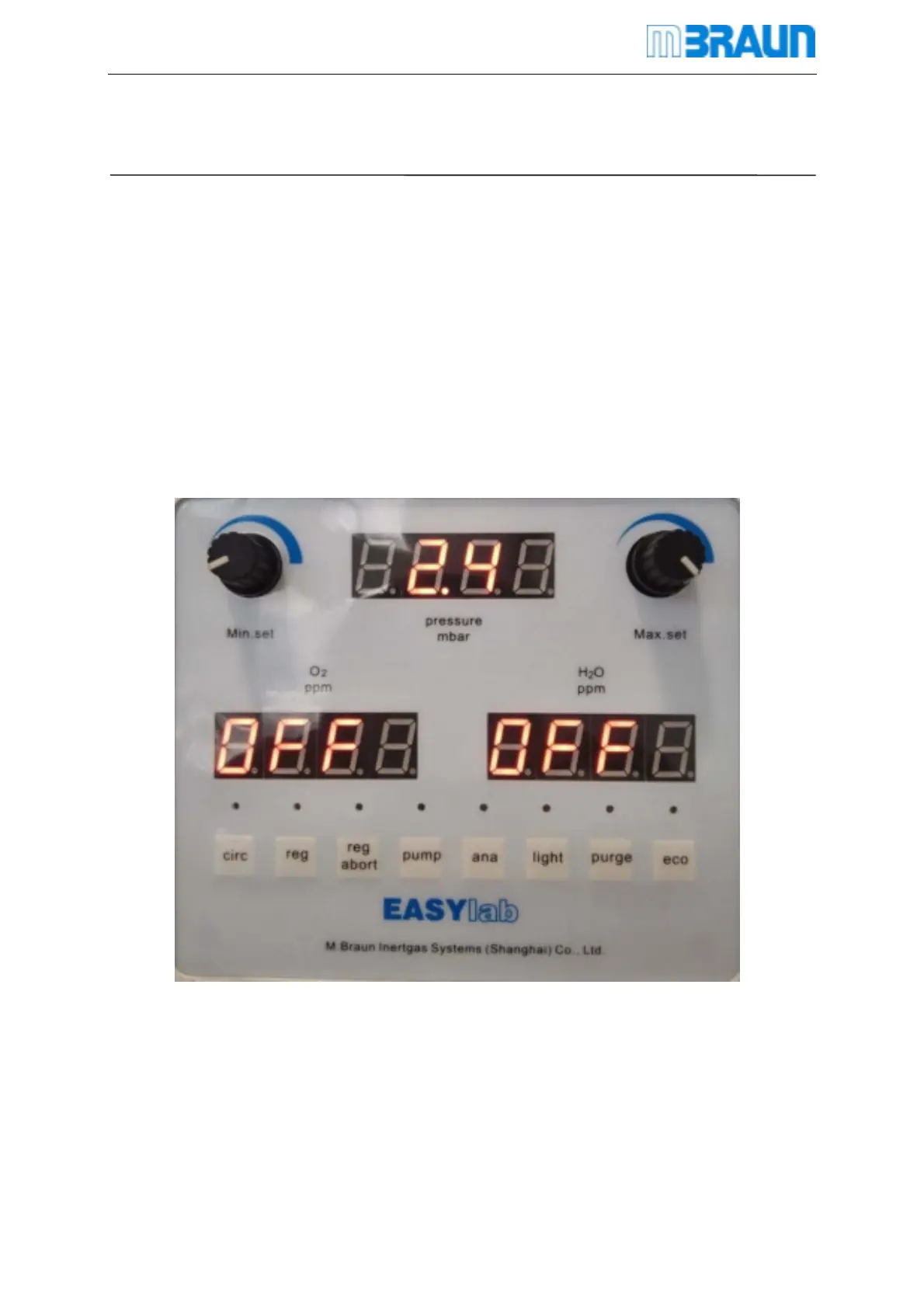
On the operation panel , it shows the system all the information、variables and parameter.
The system has been sated appropriate parameters, but user can change this parameter if
necessary.
11.1.2 Initial display
The system will enter the initial state interface once power on. The operation panel will show
pressure and the condition of each button.
The paragraph above shows the current box pressure real-time.



 To Next Page