Operating Manual
Operation instructions Page13-4
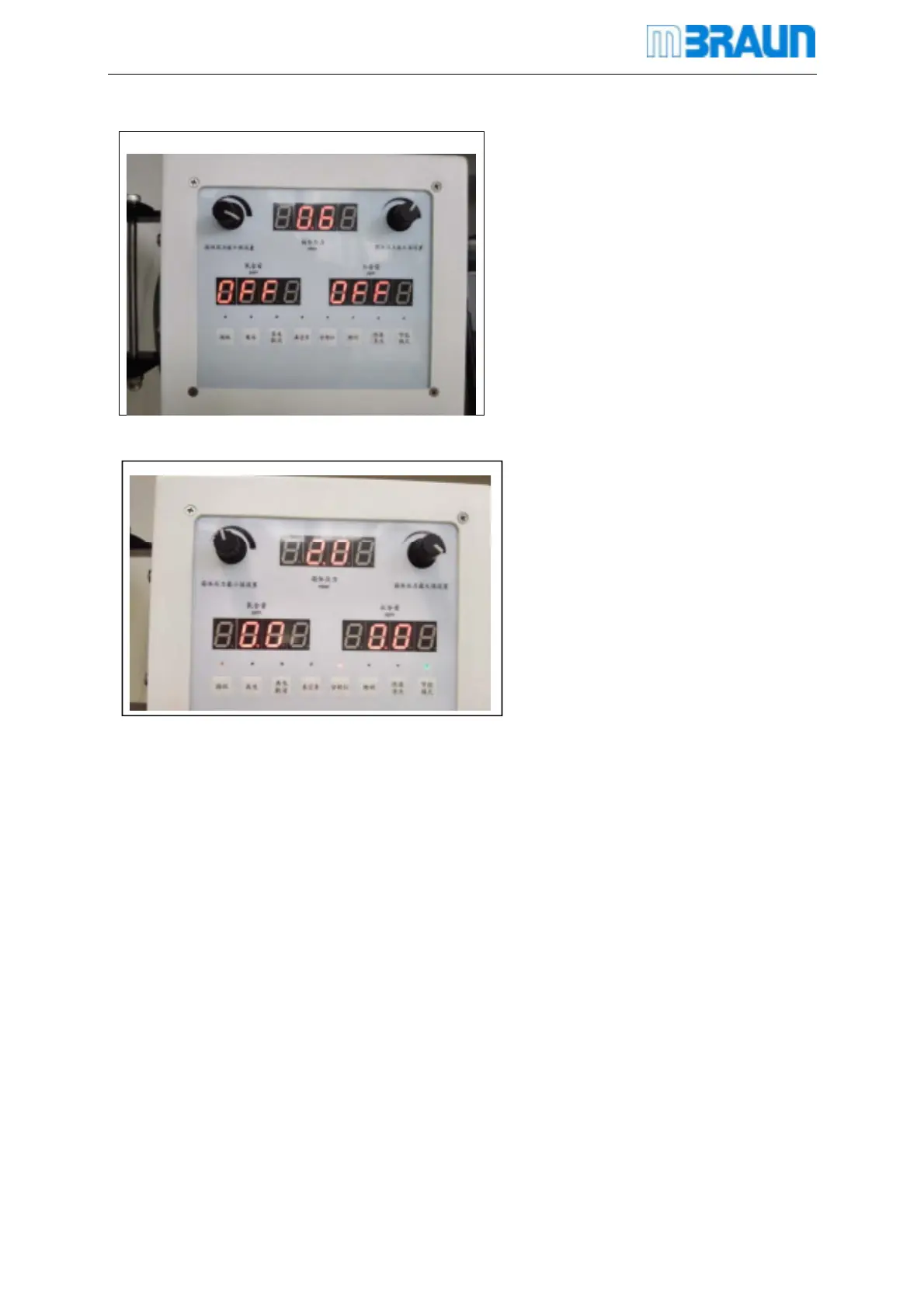
When turn on the system, the
analyzer is in off status.
Turn on the analyzer:Press the
Analyzer button can turn on the
Oxygen and Moisture sensors.
The measurement value will be
displayed on the panel as follows.
Pressure xxxmbar
H2O xxxppm*
O2 xxxppm**
13
.1.3 Turn off the analyzers
Click the analyzer button again can turn off both the sensors.
13
.2 Calibration
Calibration of Sensors
All MBRAUN sensors have a certified calibration before shipping.
The calibration cycle depends on the demand for accuracy as well as on the conditions of the
gas to be measured (purity, spurious gases etc.).



 To Next Page