FL-1000 User Interface
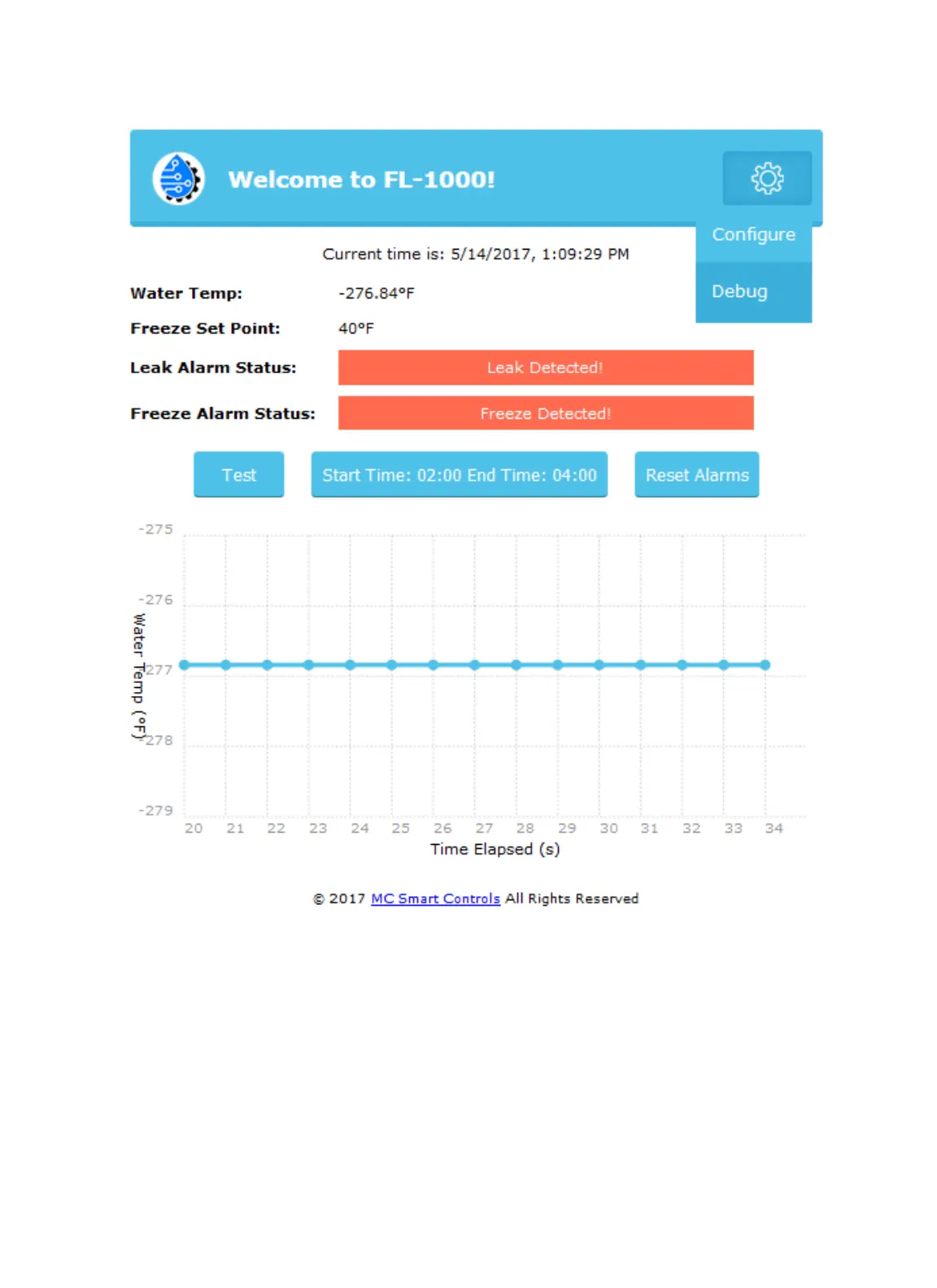
Configure Button- This button will bring you to the communications configuration page. See next page.
Freeze Set Point- The temperature that is set by user. When the water Temperature goes below this
value an alarm is triggered and an email and or a text are sent.
Leak Alarm Status- This is triggered when a leak is detected. Am email and or a text are sent.
Freeze Alarm Status- This is triggered when the water temperature goes below the Freeze set point.
Test Button- Pressing the “Test” button will test for leaks manually within 10 seconds.
Start Time- This is the time window the user sets. This time window will be the time period in which the
FL-1000 will test for leaks in auto mode.



 To Next Page