11
6. Your Steam Cleaner will be ready to use in 2-8 minutes, depending on
how much water is in the reservoir tank. The steam ready light will be on
while the unit is heating. When the steam ready light is no longer lit, you
are ready to utilize the power of steam. The unit is designed to self-
regulate the temperature and pressure of the steam in the water reservoir.
If you do not use your McCULLOCH unit for a period of time
(approximately 4-7 minutes), the unit will discontinue heating in order to
regulate steam pressure, and the steam ready light will appear again.
After reheating, the steam ready light will once again disappear when the
unit has reached the desired temperature and pressure.
7.
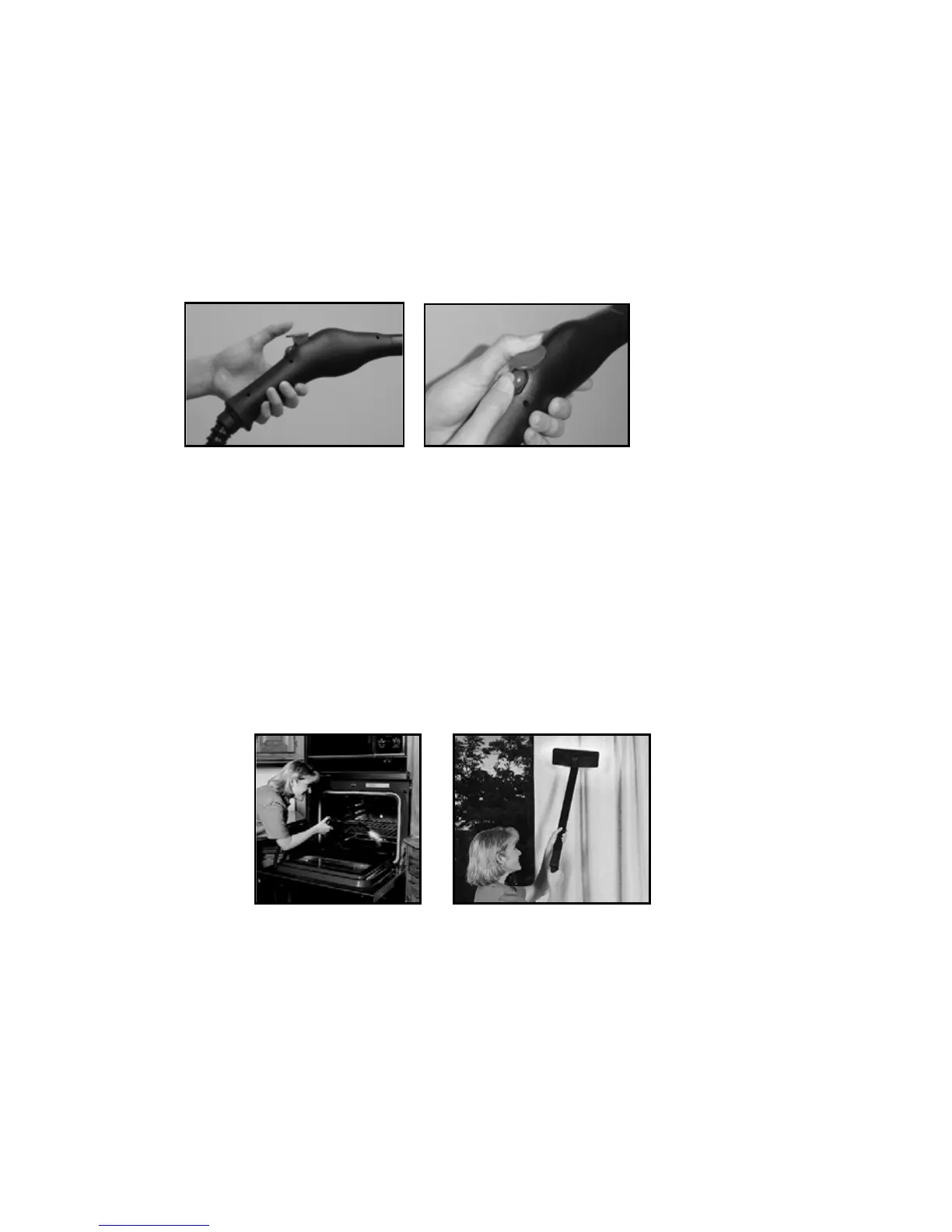
Push down on the
steam control button on the top of the handle for a burst of steam. For
constant steam, slide steam control forward while the steam button is
depressed.
8. To clean, simply direct the hose at the dirt and grime you wish to remove.
Using a slight back-and-forth motion will enhance the cleaning process
when dealing with tough dirt, grease, and grime.
9. Wipe the steamed area with a clean cloth to remove loosened dirt and
grime. Wiping the area while it is still wet is recommended, but take great
care when wiping surfaces such as metal that may still be hot.


 To Next Page