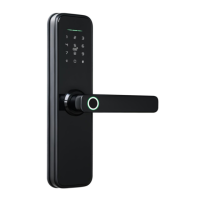
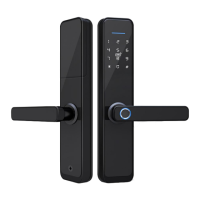
MLA210 Digital Lock
User Manual
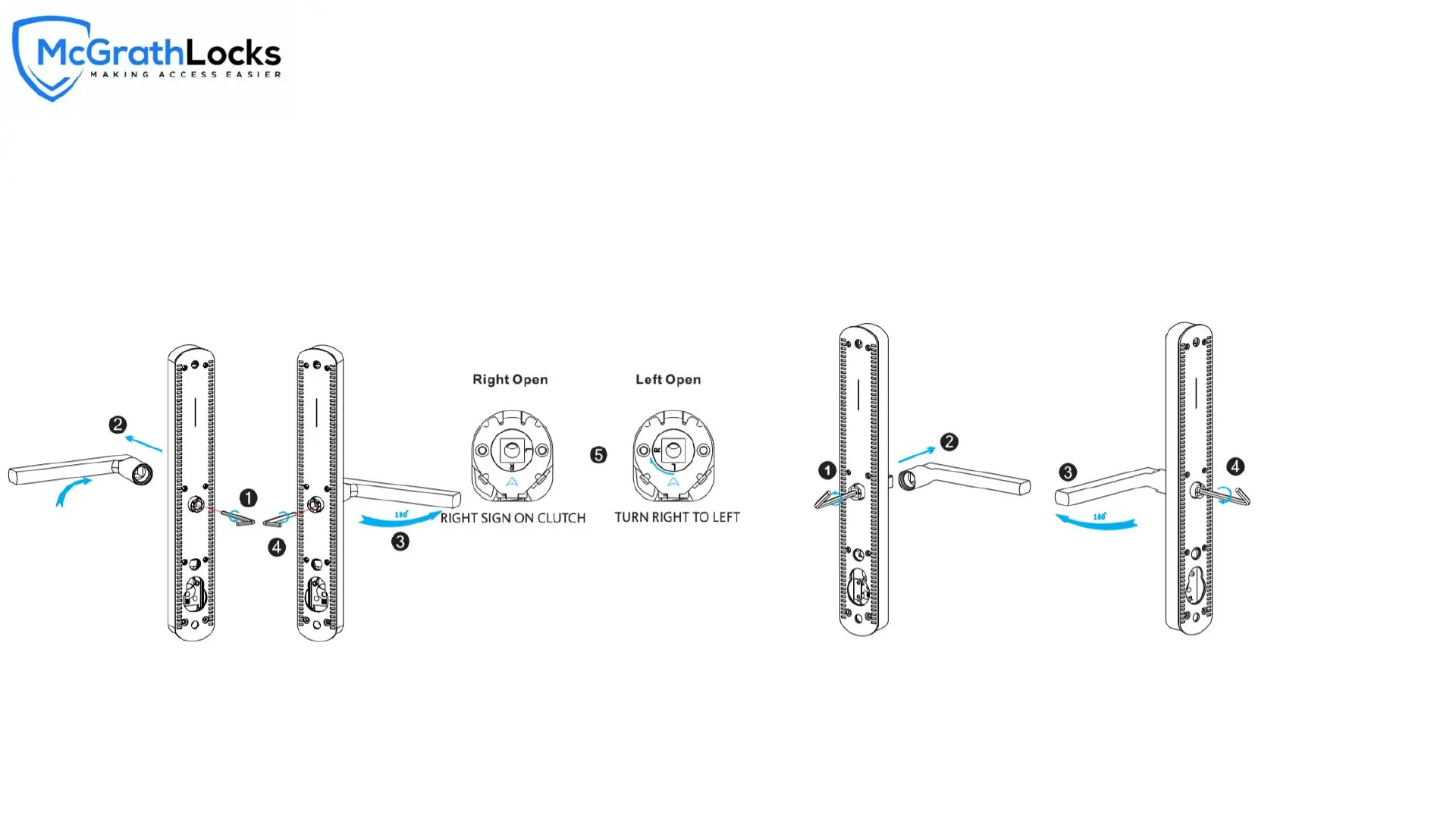
Change Handle :
12
1.Adjust the Front Handle Direction
1.1 Use the allen key to take off the screw from the handle head.
1.2 Take off the handle.
1.3 Rotate the handle 180 degree and fix the direction that you need.
1.4 Tighten the screw with the allen key.
1.5 Adjust the clutch direction as the sign on the right.
2. Adjust the Back Handle Direction
2.1 Use the allen key to take off the screw from the handle head.
2.2 Take off the handle.
2.3 Rotate the handle 180 degree and fix the direction that you need.
2.4 Tighten the screw with the allen key.
2.5 Adjust the handle if it is too tight


 To Next Page