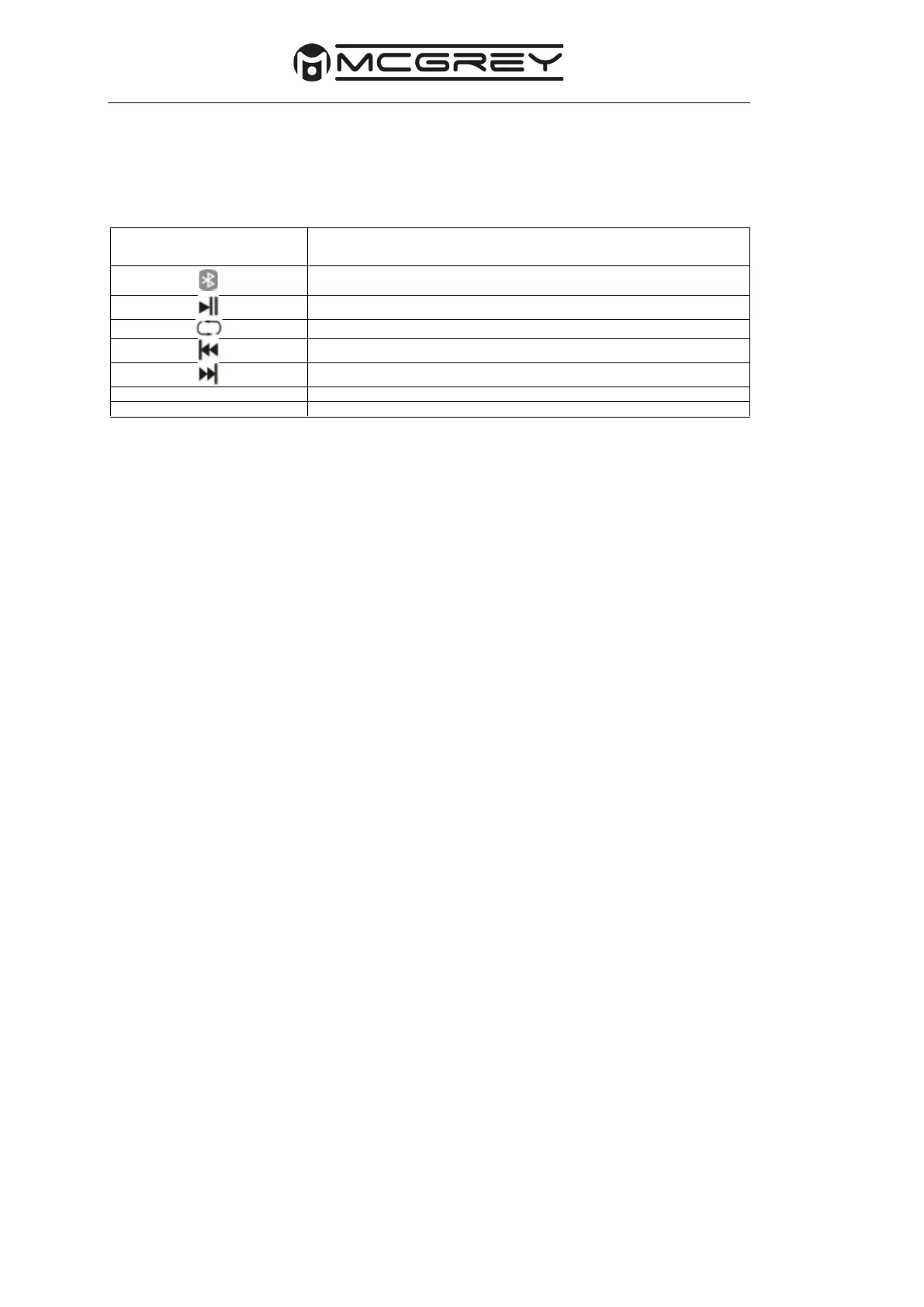
2 & 7. Effect control: Control the amount of echo/delay effect on the microphone inputs
here.
3, 8 & 13. Volume knob: Use this knob to adjust the level of the input signals.
4
& 9. MIC/LINE button: Select the input signal (microphone or line) here.
5
& 10. Jack input (6.35mm): Can be used as input for line signals or as microphone input.
6
& 11. XLR input: Can be used as input for line signals or as microphone input.
12. LEDs:
Power: Lights up as soon as the unit is switched on.
Limit: Lights up when the output limiter is active. This protects the speaker and the amplifier
and attenuates the output signal to the amplifier. When this indicator is lit, lower the level of
the input signal.
14.
LINE/MP3 button: Select the input signal (Line or MP3) here.
15.
LINE input: For connection to AUX-capable devices such as mobile phones, laptops or
line signals.
16.
LINE output: An XLR output that allows you to connect another active speaker.
Master: Controls the overall volume of all inputs.
18.
EQ control: With this control you can choose between different equaliser presets. The
choices are SPEECH (bass cut), MUSIC (balanced bass) and BASS BOOST (bass boost).
19.
Power switch: Turns the system on or off.
20.
AC IN socket: Connect the supplied AC power cable here. First connect the mains cable
to the unit and then insert the plug of the mains cable into the socket.



 To Next Page