EasyManua.ls Logo

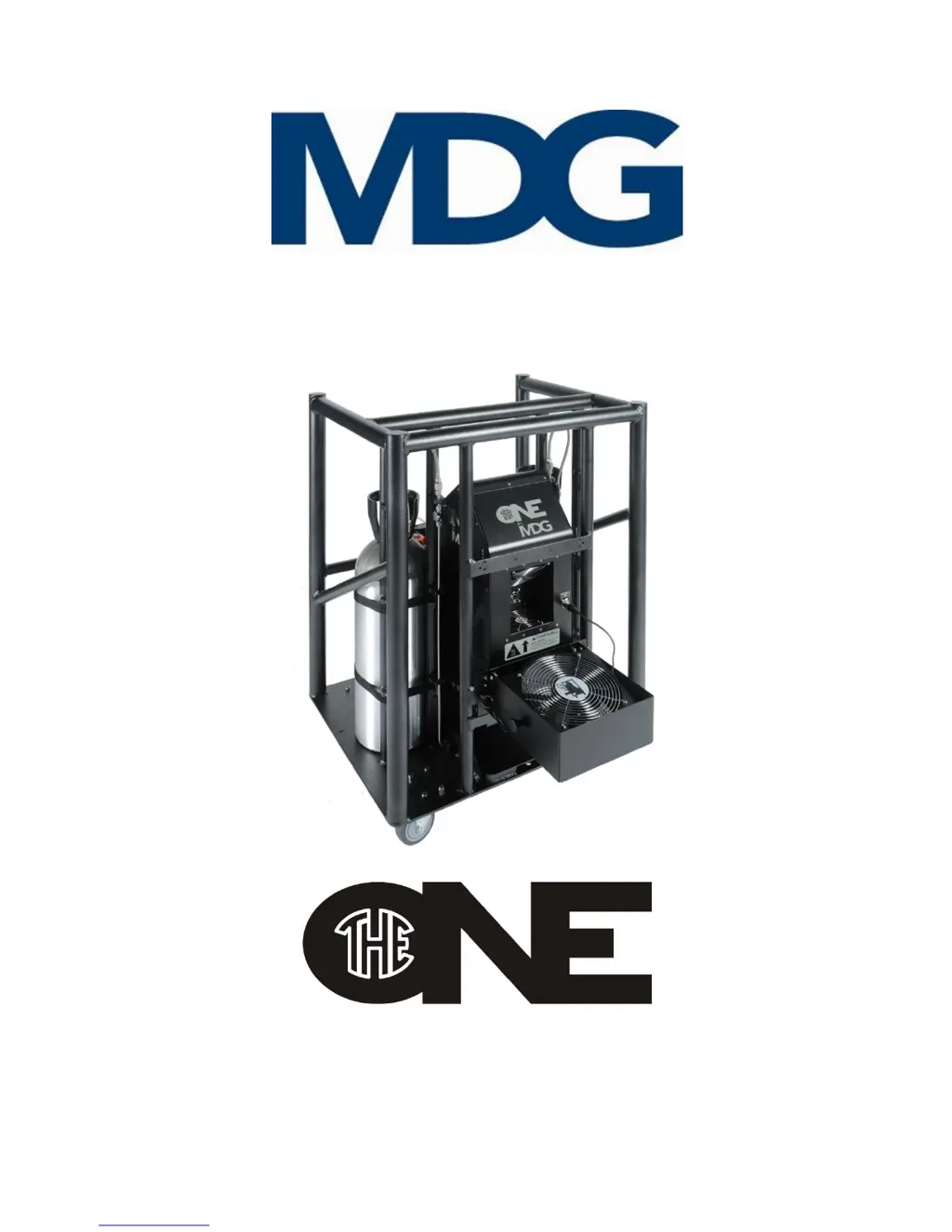
MDG theONE 1.30 - User Manual

MDG theONE 1.30
45 pages
Print Icon
To Next Page IconTo Next Page
Loading...
(Revision A/f, November 2016, © MDG Fog Generators Ltd)
User Guide
Atmospheric Generator
Model 1.30 & 1.31

Questions and Answers

  • A
    adamwardAug 4, 2025
    What to do if MDG Portable Generator does not switch on?
    • M
      melindawilsonAug 4, 2025
      If your MDG Portable Generator doesn't switch on, make sure the AC power cord is properly connected at both ends. Also, check the fuse or breakers of your VAC entry. Verify the AC voltage on the power cord is between 100 and 250 VAC.
  • A
    Anthony WadeAug 12, 2025
    What to do if MDG Portable Generator does not produce fog?
    • R
      Randy BlackAug 12, 2025
      If your MDG Portable Generator isn't producing fog, verify that the unit is ON and in READY state, allowing approximately eight minutes to reach readiness. Ensure it's not in a FAIL state. Check the communication mode, cable, DMX Start address and channels, Node status, RDM ID number, and Universe parameters.
  • C
    Cameron JohnsonAug 18, 2025
    What to do if MDG Portable Generator LCD displays strange letters?
    • W
      William DixonAug 18, 2025
      If the LCD on your MDG Portable Generator displays strange characters, wait 30 seconds without pressing any keys for the LCD saver to start. If the menu doesn't reappear, try restarting the generator.
  • C
    Christina GoodwinNov 25, 2025
    Why does my MDG Portable Generator show «STATUS?STATE = FAIL»?
    • K
      Kevin WilliamsNov 25, 2025
      If your MDG Portable Generator displays «STATUS?STATE = FAIL», accompanied by an error message «STATUS?ERROR = xxxx », here are some things to check: * **REFILL error**: Verify the fluid level in the external reservoir, ensure the filtered end of the fluid line is submerged and unobstructed, and check for leaks in the fluid line. * **P. LOW error**: Open the gas bottles and quarter-turn valves. Check the pressure in the gas bottle and ensure the gas line isn't leaking or frozen. Also, verify the pressure transducer reading. * **P. HIGH error**: Verify the pressure transducer reading and confirm you're not using liquid CO2. If the problem persists, restart the generator and check both Fog/Haze modes. * **HEATER error**: Restart the generator and monitor the heating status. If the h...

Summary

THE MDG theONE

QUALIFIED PERSONNEL

Specifies personnel qualifications for operating and servicing the unit.

PRE-INSTALLATION REQUIREMENTS

ELECTRICAL, ENVIRONMENTAL, CABLE, TUBING

Covers all requirements for power, environment, cables, and tubing.

UNPACKING AND INITIAL SETUP

UNPACKING AND SETTING UP

Instructions for unpacking, inspecting, and positioning the generator.

GAS AND FLUID REQUIREMENTS

GAS AND FLUID SPECIFICATIONS

Details approved gas types, fluid type, and associated safety warnings.

INSTALLATION GUIDELINES

TOURING RACK INSTALLATION

Steps for installing components on the MDG theONE touring rack.

STANDALONE INSTALLATION

CONNECTING STANDALONE COMPONENTS

Instructions for connecting gas, fluid, and data for a standalone unit.

STARTING UP THE GENERATOR

POWER ON SEQUENCE AND DISPLAY

Describes the generator's startup process and initial screen messages.

MENU NAVIGATION AND LCD SAVER

CONTROL MENU ITEMS

UNIT, MODE, PRESSURE

Controls for unit power, mode selection, and pressure settings.

OPERATING INSTRUCTIONS

STARTING PROCEDURES

Guides the user through the initial steps to start the generator.

FOG;HAZE PRODUCTION

COMMUNICATION MODES

FAIL STATE ERRORS

DMX CONTROL

DMX SIGNAL AND RDM CONTROL

NETWORK CONTROL

NODE PROPERTIES

PORT PROPERTIES AND DMX PATCH

DMX CONTROL SUMMARY

RDM CONTROL WITH PATHPORT MANAGER

USB CONTROL AND BOOTLOADER

TOURING RACK OVERVIEW

INSTALLING AND MOUNTING

GAS BOTTLE REPLACEMENT AND FAN INSTALLATION

EXTERNAL FAN MOUNTING AND TRANSPORTATION

TOOL DRAWER AND RIGGING

RACK STACKING AND SAFETY WARNINGS

TROUBLESHOOTING GUIDE

COMMON SYMPTOMS AND SOLUTIONS

Provides solutions for common issues like failure to switch on or produce fog.

TROUBLESHOOTING FAULT CODES

REFILL, PRESSURE, AND HEATER ERRORS

Explains error codes related to refill, pressure, and heating issues.

TROUBLESHOOTING ADDITIONAL ERRORS

TEMPERATURE, PCB, AND LCD ISSUES

Addresses errors related to temperature, PCB, and LCD display problems.

MDG theONE SPECIFICATIONS

SPECIFICATIONS CONTINUED

MAINTENANCE SCHEDULE

MDG theONE 1.30 Specifications

General IconGeneral
Fuel Tank Capacity1.3 gallons
Run Time at 50% Load8 hours
Starting MethodRecoil
Weight30 lbs
Engine Type4-stroke OHV
Starting SystemRecoil

Related product manuals