12
Insert Batteries
Select an Operation
1. Make sure camera is off before
changing batteries.
2. Push the battery compartment lid
forward and lift to open.
3. Insert 2 AAA 1.5v (user-supplied)
batteries into the compartment,
noting the correct polarity as
illustrated inside the compartment.
If you want to... Do this...
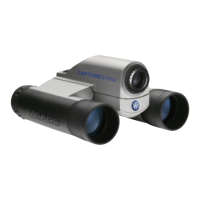
CaptureView performs best under good lighting conditions. Take some time to
practice capturing still pictures and video. Depending on the available light and your
distance from the object, captured images may not appear as bright or centered as
viewed through the binoculars. CaptureView takes focused pictures even if the image
in the binoculars is out-of-focus.
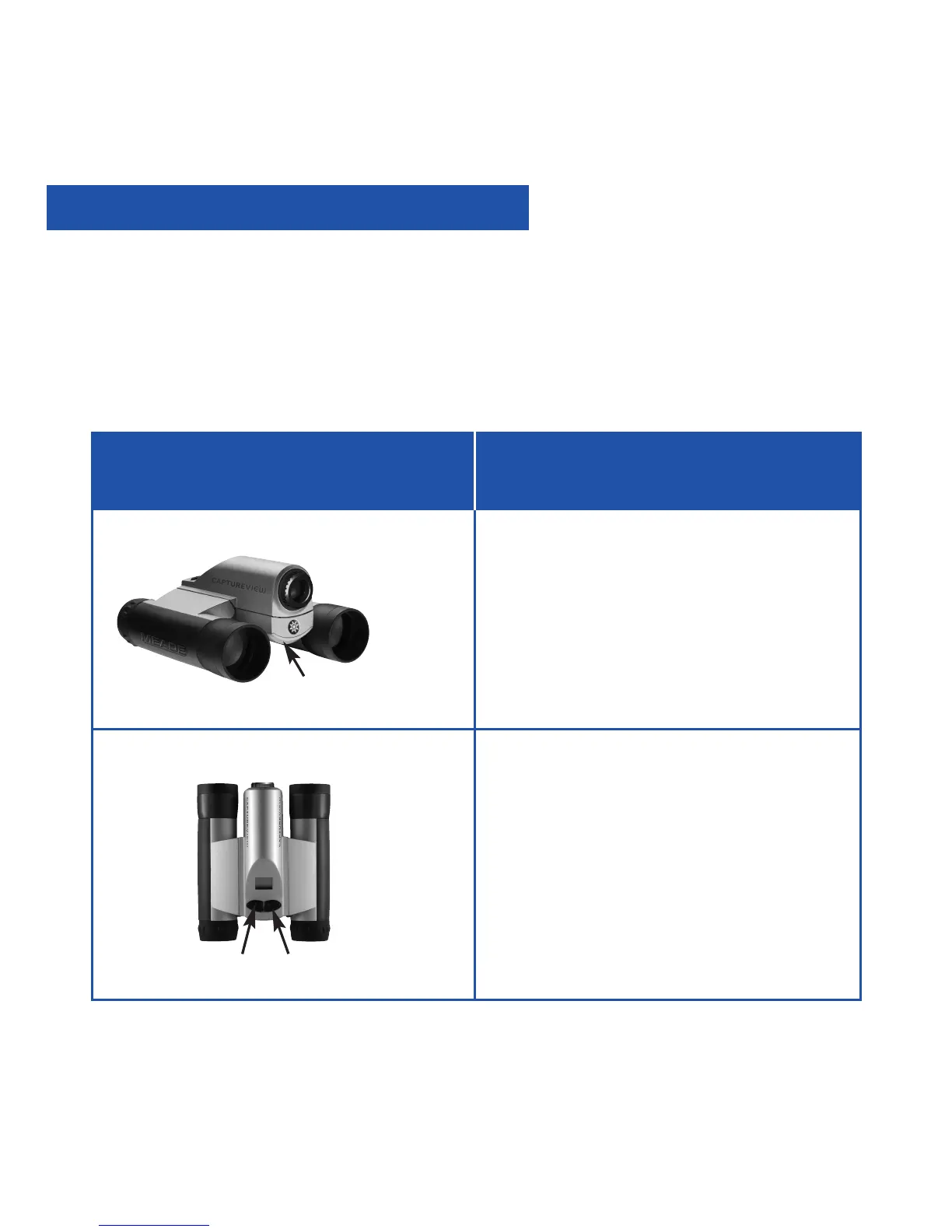
• Press and hold the Mode button
for 3 to 5 seconds to turn on the
camera.
• Press the Mode button to display and
cycle through the operation icons on
the LCD.
• Press the Shutter button when the
desired icon is displayed to select an
operation.
Mode
Shutter
How to Use Your Camera
Battery
compartment


 To Next Page