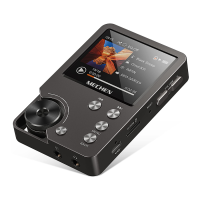
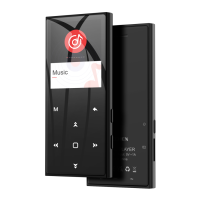
The power bar is moving from one to four: Charging
Four grid power and stopped moving: Full Charged
Attention: Use only the 5V/500mA charger for charging or it may lead to product failure.
Switch the Unit On/Off
To switch on:Tap on the button for 3s.
To switch off: Tap on the button , the screen shows “Bye Bye” confirming that your unit is
switching off.
Basic Audio Functions
Volume up: Tap on the button +
Volume down: Tap on the button -
Data Transfer
Using the supplied USB cable, connect your computer and copy over media files as if it was a flash
driver or use music management software such as Windows Media Player to transfer the files (not
work for iTune).
Attention:
If your computer cannot detect the MP3 Player, pls update your USB driver or try another cable. If it
doesn’t help, pls email to
mechenservice@hotmail.com
Back
While the music is being played, Tap on the button to exit.
Headphones and Speaker
ONLY Headphones with impedance 16Ω or 32Ω are supported.
Built-in Speaker could be turn OFF, see “Settings”.
Reset
Poke the reset hole with a thin needle or hold the power button for 15s.
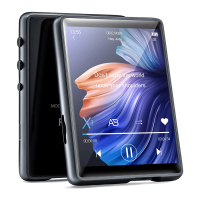
M3 makes it easy for you to listen to music in a convenient and joyful manner.
Music
Tap on the icon of Music, then you’ll find the related lists:


 To Next Page