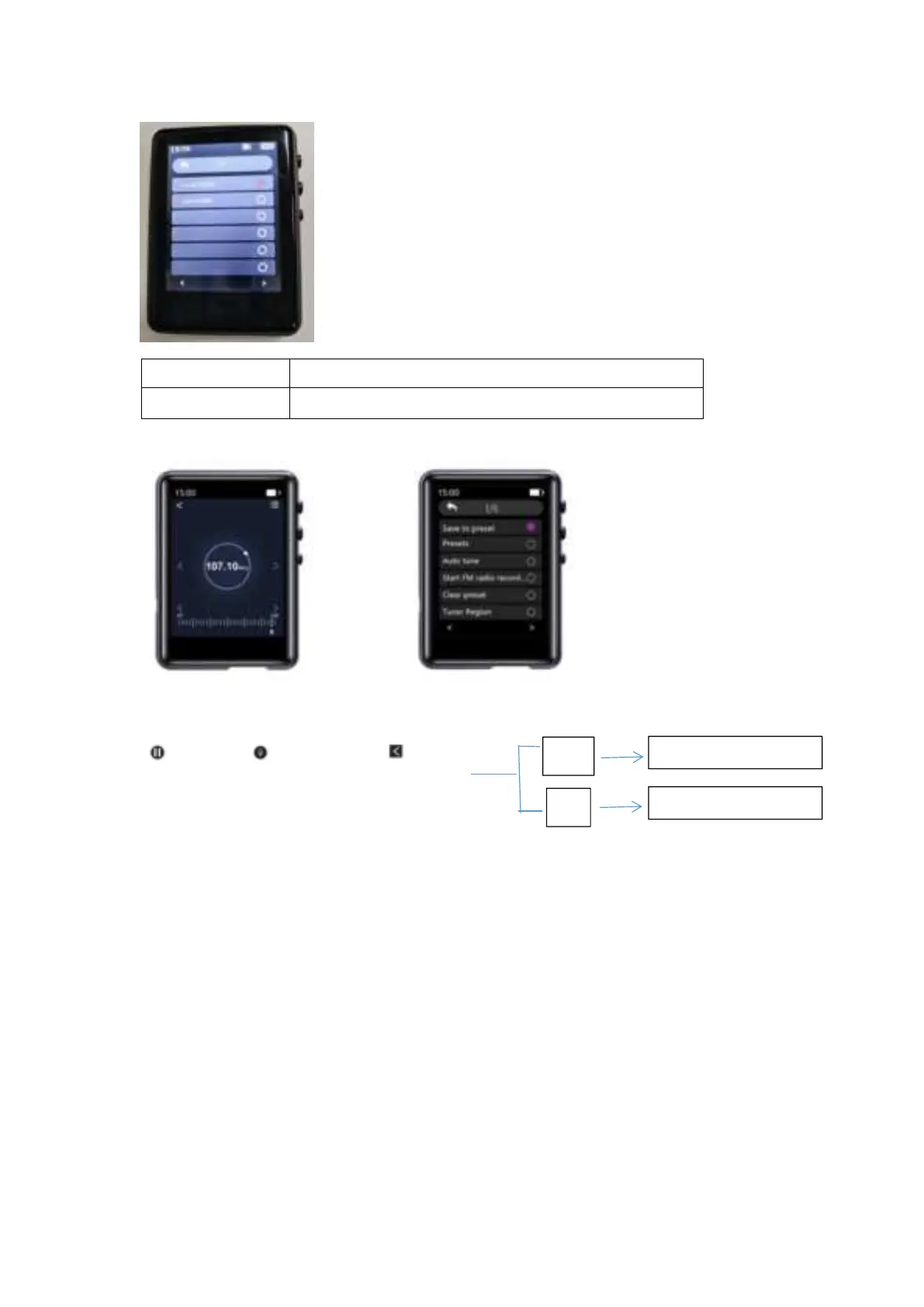
FM Radio
Tap on the FM icon, check the menu of settings and choose the option "Start FM radio recording”.
to pause to continue Save Recording?
2) How to choose the FM Band?
Enter the settings menu of FM , Tap on the "Tuner Region"
Common Band: 87.0 MHZ ~ 108.0 MHZ
Japan Band: 76MHZ ~ 90MHZ
Euro Band: 87.0 MHZ ~ 108.0 MHZ
Bluetooth
Local Folder & Card Folder Listed


 To Next Page