42
PLANETARY MIXER - MX SERIES Use and maintenance manual Edition 09-2011
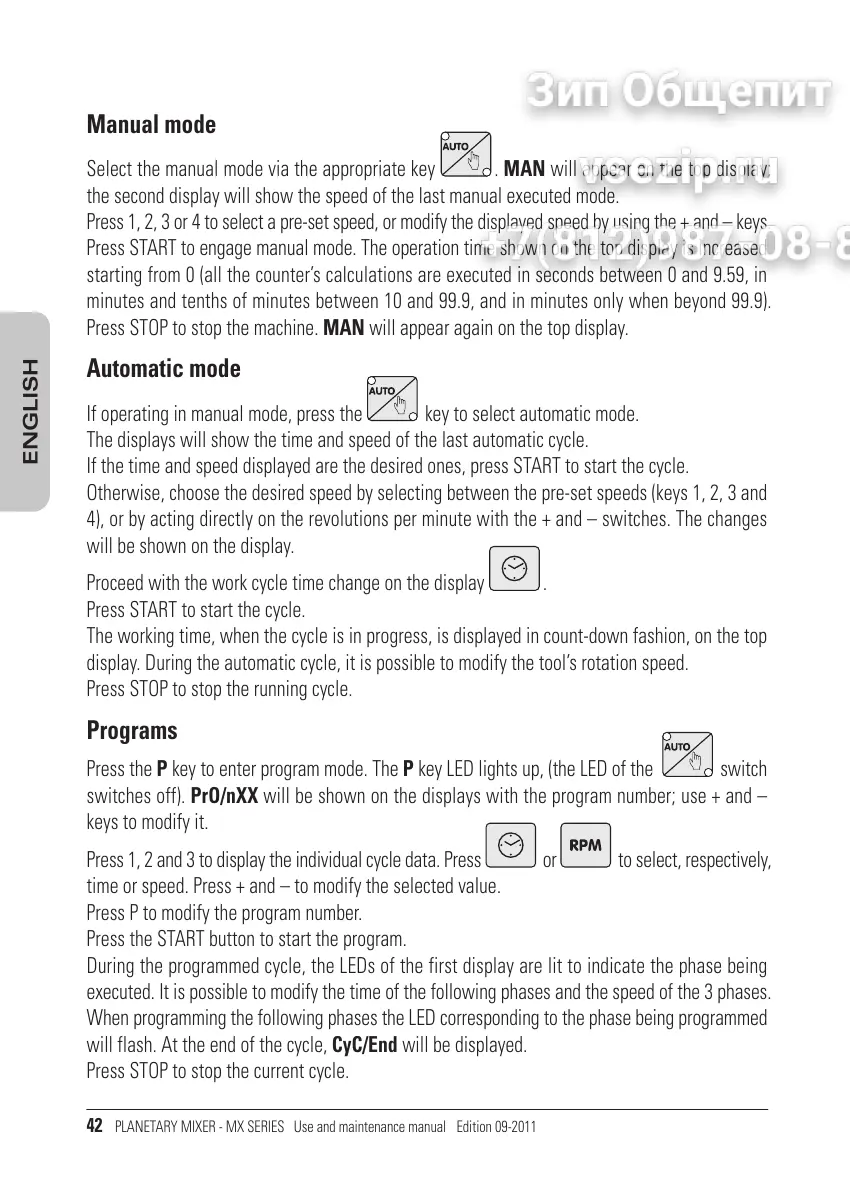
Manual mode
Select the manual mode via the appropriate key
. MAN will appear on the top display;
the second display will show the speed of the last manual executed mode.
Press 1, 2, 3 or 4 to select a pre-set speed, or modify the displayed speed by using the + and keys.
Press START to engage manual mode. The operation time shown on the top display is increased
starting from 0 (all the counters calculations are executed in seconds between 0 and 9.59, in
minutes and tenths of minutes between 10 and 99.9, and in minutes only when beyond 99.9).
Press STOP to stop the machine. MAN will appear again on the top display.
Automatic mode
If operating in manual mode, press the key to select automatic mode.
The displays will show the time and speed of the last automatic cycle.
If the time and speed displayed are the desired ones, press START to start the cycle.
Otherwise, choose the desired speed by selecting between the pre-set speeds (keys 1, 2, 3 and
4), or by acting directly on the revolutions per minute with the + and switches. The changes
will be shown on the display.
Proceed with the work cycle time change on the display
.
Press START to start the cycle.
The working time, when the cycle is in progress, is displayed in count-down fashion, on the top
display. During the automatic cycle, it is possible to modify the tools rotation speed.
Press STOP to stop the running cycle.
Programs
Press the P key to enter program mode. The P key LED lights up, (the LED of the switch
switches off). PrO/nXX will be shown on the displays with the program number; use + and
keys to modify it.
Press 1, 2 and 3 to display the individual cycle data. Press
or
to select, respectively,
time or speed. Press + and to modify the selected value.
Press P to modify the program number.
Press the START button to start the program.
During the programmed cycle, the LEDs of the first display are lit to indicate the phase being
executed. It is possible to modify the time of the following phases and the speed of the 3 phases.
When programming the following phases the LED corresponding to the phase being programmed
will flash. At the end of the cycle, CyC/End will be displayed.
Press STOP to stop the current cycle.
ENGLISH


 To Next Page
 Loading...