Effects Introduction
13
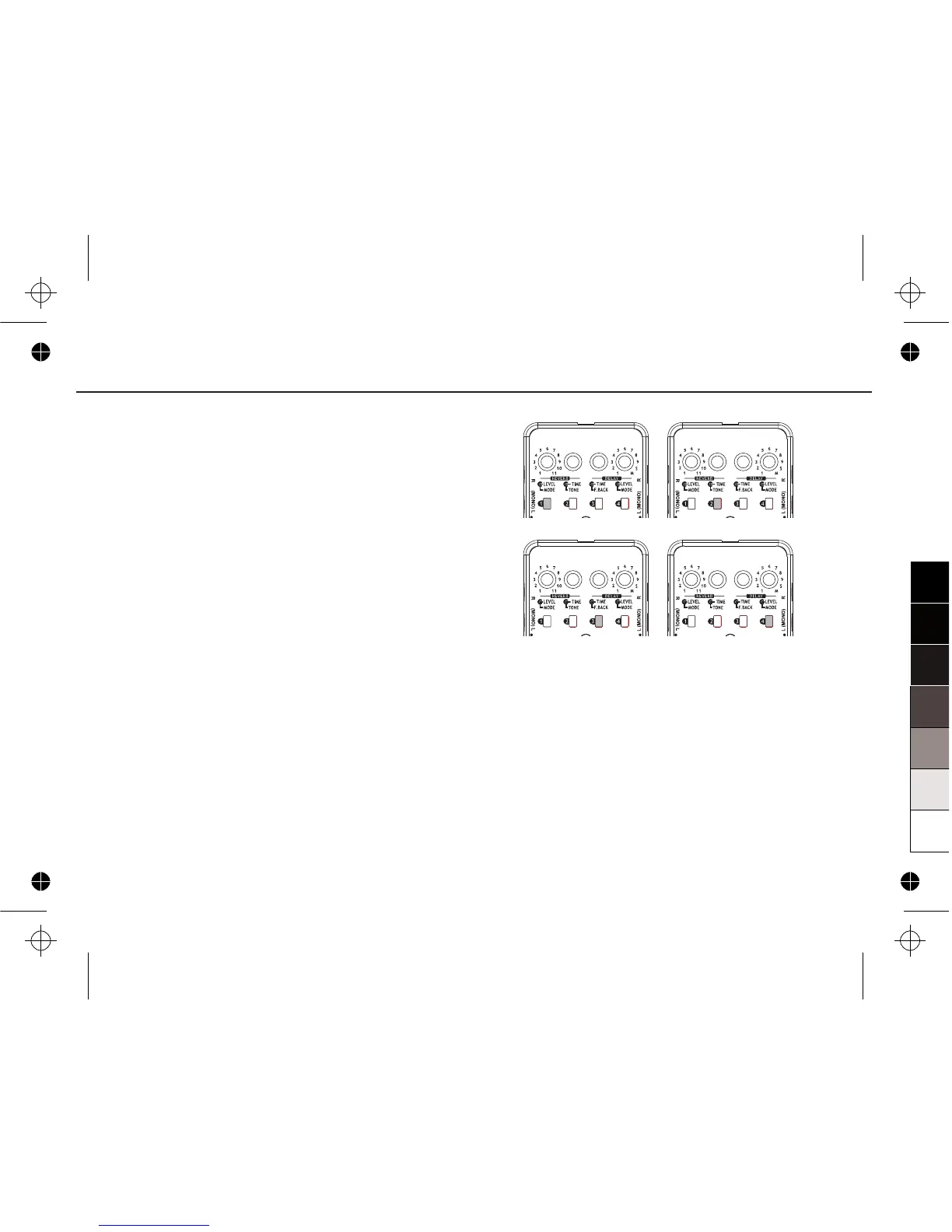
After first recording, M1~M4 will be lighted one by
one to show the beat. The light will keep on showing
till the memory is cleared.
To stop the loop, there are two methods:
1> Turn DELAY MODE to other positions.
2> Quickly press the FOOTSWITCH.
When using SOUND ON SOUND DELAY, turn
DELAY LEVEL knob to adjust the volume of loop,
both DELAY F.BACK knob and DELAY TIME knob
are unavailable.
Whether the LED (ON/OFF) is lighted, REVERB
effects can be adjusted normally.


 To Next Page