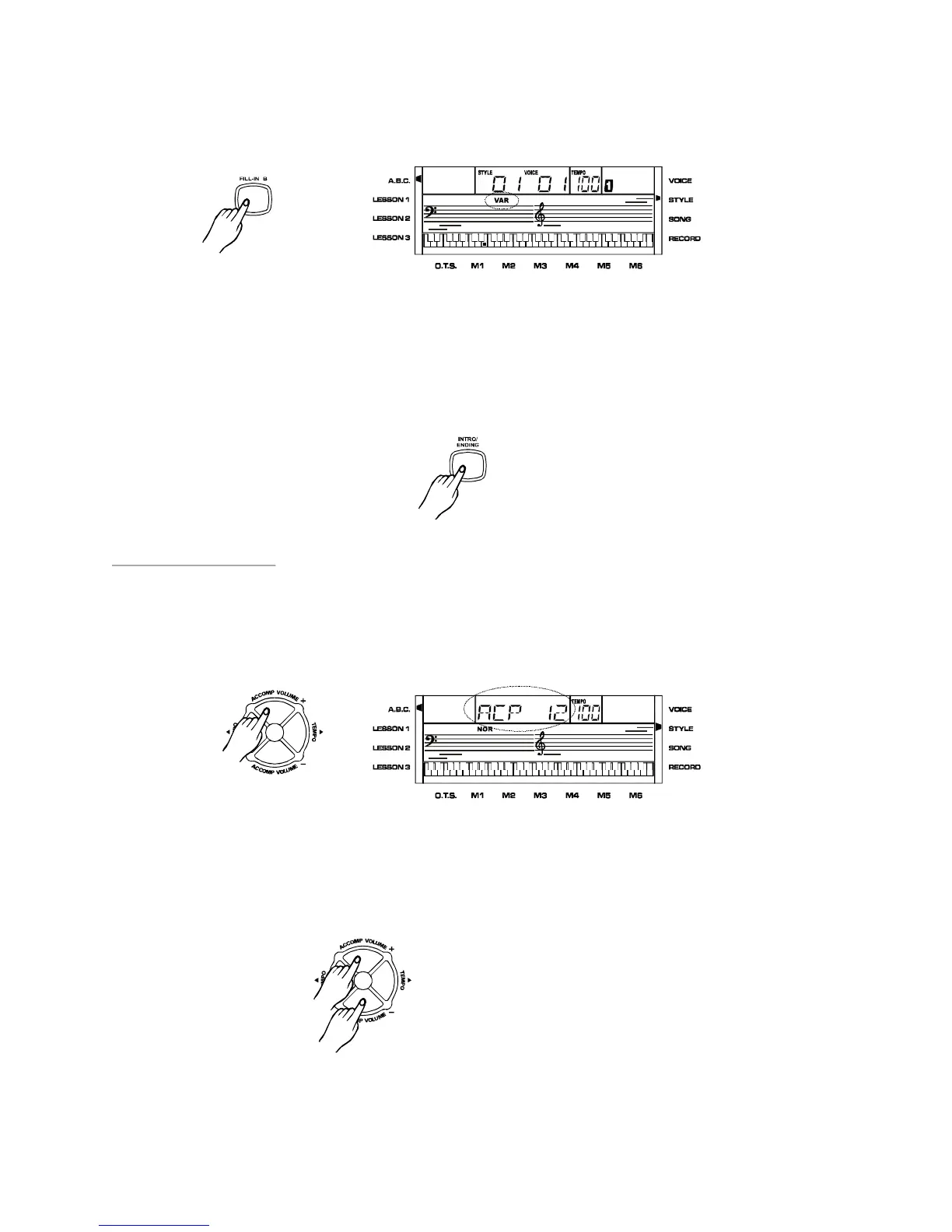
FILL-INB:
Whenthestyleisplaying,press[FILL-INB]toinsertafillinandenterthevariationstatus.
Whenfillinisplaying,theindicatorVARontheLCDisflashing.
ENDING:
Whenthestyleisplaying,press[INTRO/ENDING]toplayanending.Normallythestyle
endswiththeending.Youcanalsousethe[FILL-INA]/[FILL-INB]tomakethestylego
backtothenormalorvariationsstatuswhenanendingisplaying.TheindicatorNORor
VARontheLCDwillflashwhenanendingisplaying.
AccompVolume
Pressthe[ACCOMP.VOLUME+]/[ACCOMP.VOLUME-]buttontochangethestylevolume.
TheLCDwilldisplayACPXX.Therangeisfrom0to15.ThesebuttonsareinactiveinSONG
mode.
Pressboth[ACCOMP.VOLUME+]and[ACCOMP.VOLUME-]atthesametimetorevert
theaccompvolumebacktodefault12.
16
PDF 文件使用 "pdfFactory Pro" 试用版本创建 www.fineprint.com.cn



 To Next Page