7
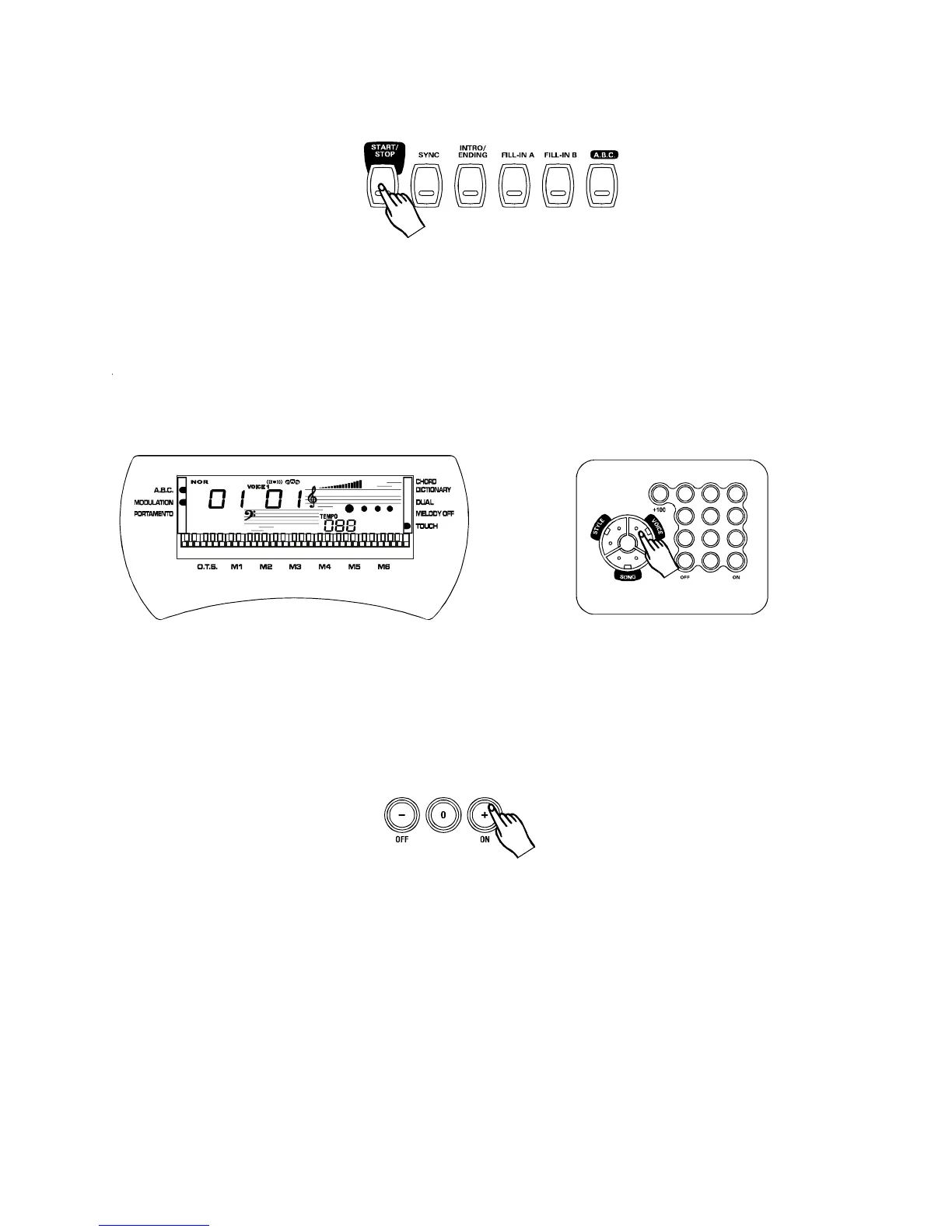
Pressthebuttontostartplayingthedemosong.Thesongwillplayin
endlessloop,re-startingafteritreachestheend.Pressthebuttonagainto
stoptheplay.
[START/STOP]
[START/STOP]
3.
BasicOperation
Selecting&playingvoices
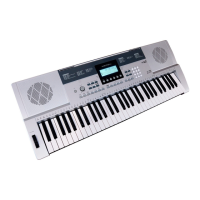
[VOICE]
Thekeyboardhas147PCMvoicesandpercussionkitsthatyoucanselectandplayonthe
keyboard.Beforeyouselectavoice,makesureyouhaveselectedVOICEmode.Pressthe
buttontoselecttheVOICEmode.
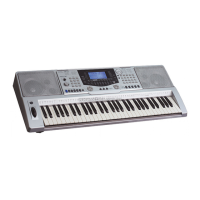
The[-/OFF]and[+/ON]buttons:
VOICEWhenthemodeisselected,thesebuttonsstepupordownthroughthevoiceslist.Press
thesebuttonsbrieflytosteptothenextvoiceinthecorrespondingdirection,orholdthebutton
toscrollrapidlythroughthevoicesinthecorrespondingdirection.Theselectedvoicenumber
showsinthedisplay.
1 2 3
4 5 6
7 8 9
-
0 +
PDF 文件使用 "pdfFactory Pro" 试用版本创建 www.fineprint.com.cn


 To Next Page