Introduction
Thank you for buying this video capture device. Please
take a moment and read this manual before using the
device.
System requirements
■ Processor Pentium4 2.8GHz or faster,
■ RAM 512MB or more,
■ Graphic card with DirectX9.0C support,
■ USB2.0 interface,
■ Windows XP/Vista/7
Installation
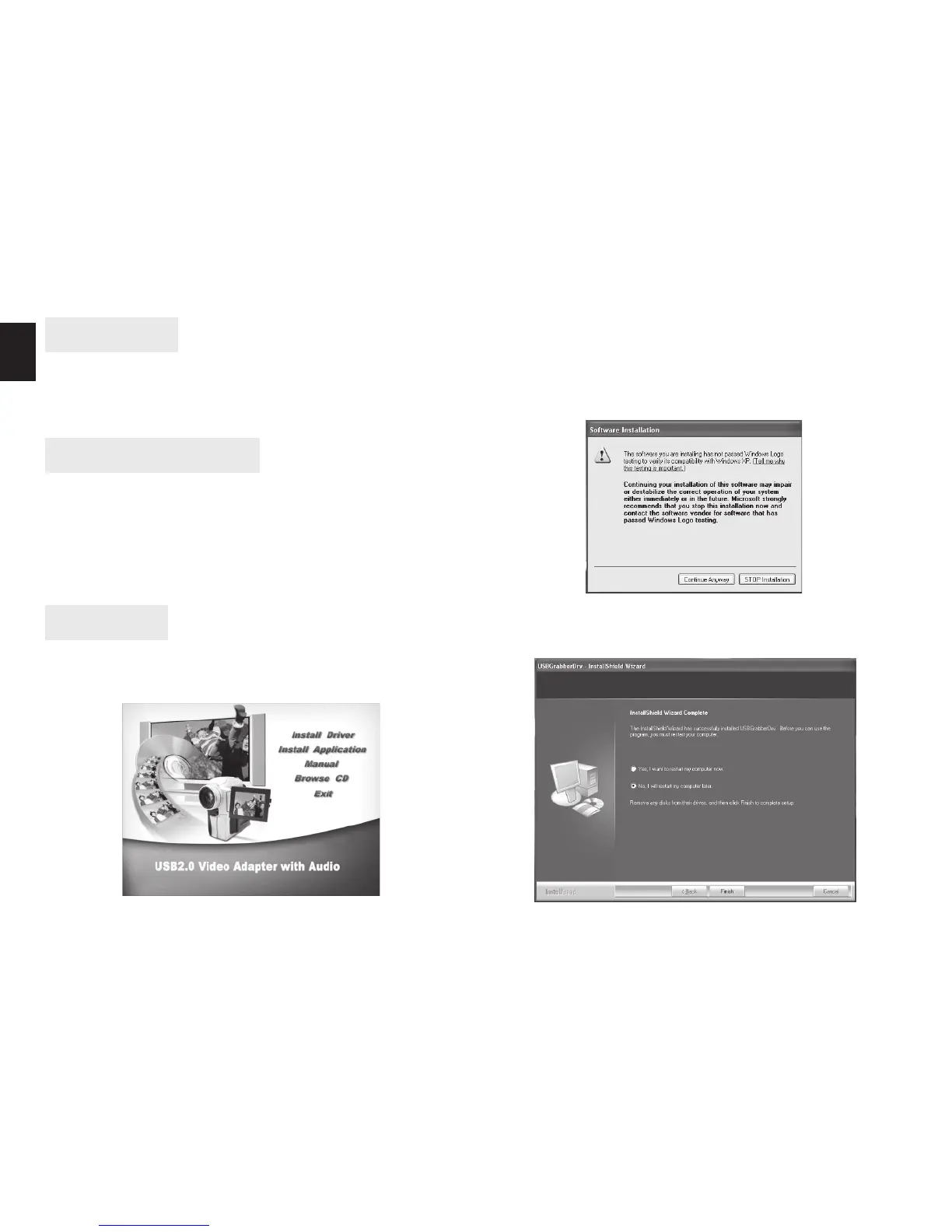
Insert Software CD into CD-ROM drive, you will see fol-
lowing screen:
Select Install Driver
Follow on-screen messages to nish installation, if “no
windows logo” message appears – click “Continue Any-
w a y ”.
If following screen appear select “No, I will reboot my
computer later”.


 To Next Page