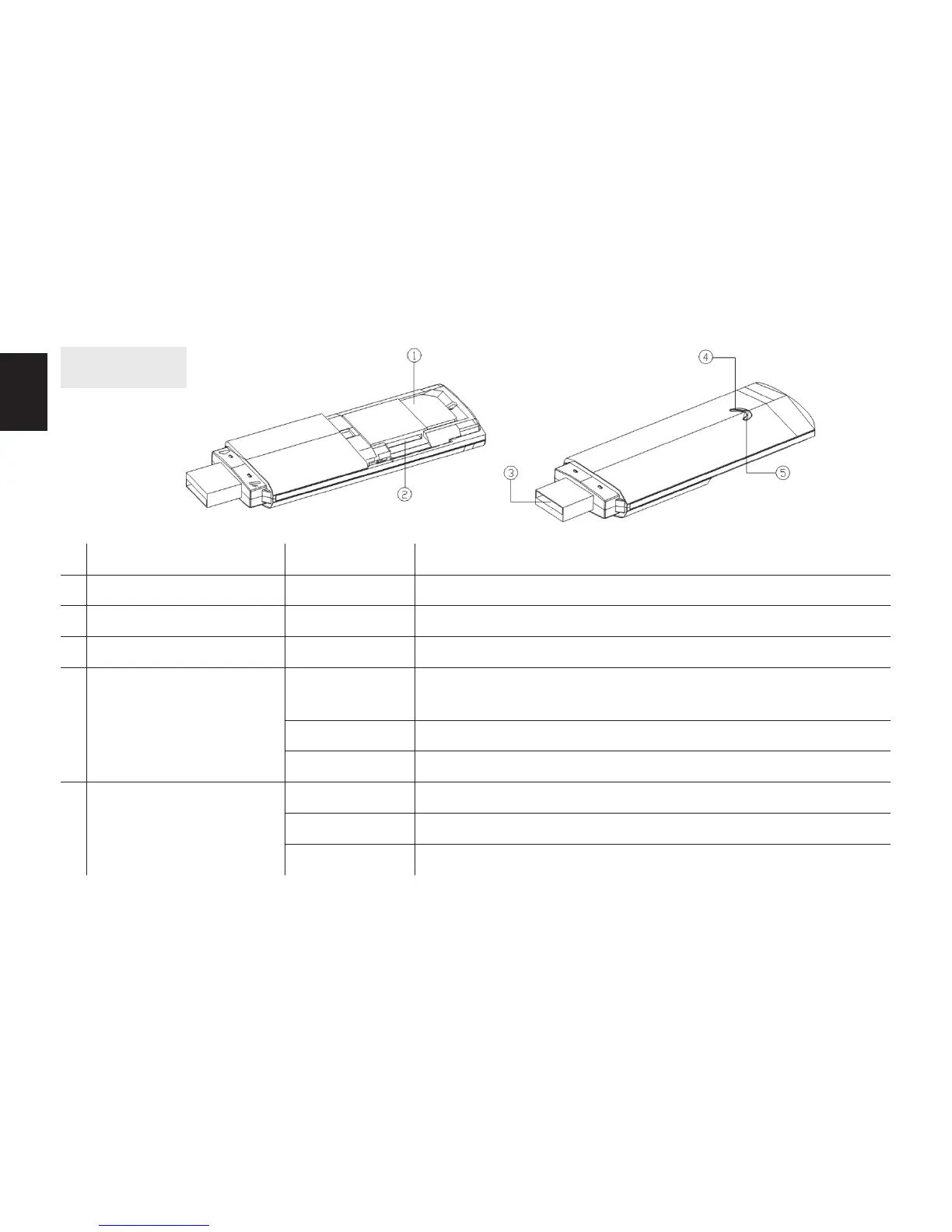
Overview
Name Status Description
1 Standard SIM card slot Support 3G/2G standard SIM card.
2 TF card slot Support Micro SD card
3 Standard USB interface Connect power adaptor, car charger or computer.
4 3G status indicator
Green
Always on Indicate failed to connect 3G/2G network (network signal is
weak or SIM card can’t be detected.)
Flash slowly Indicate 3G/2G network is founded, but is not connected.
Flash quickly Indicate 3G/2G network is connected successfully.
5 WiFi status indicator
Red
Always on Indicate WiFi starts up normally.
Flash Indicate some terminals connect to WiFi successfully.
Always o Indicate working in Dongle mode or WiFi works abnormally.



 To Next Page