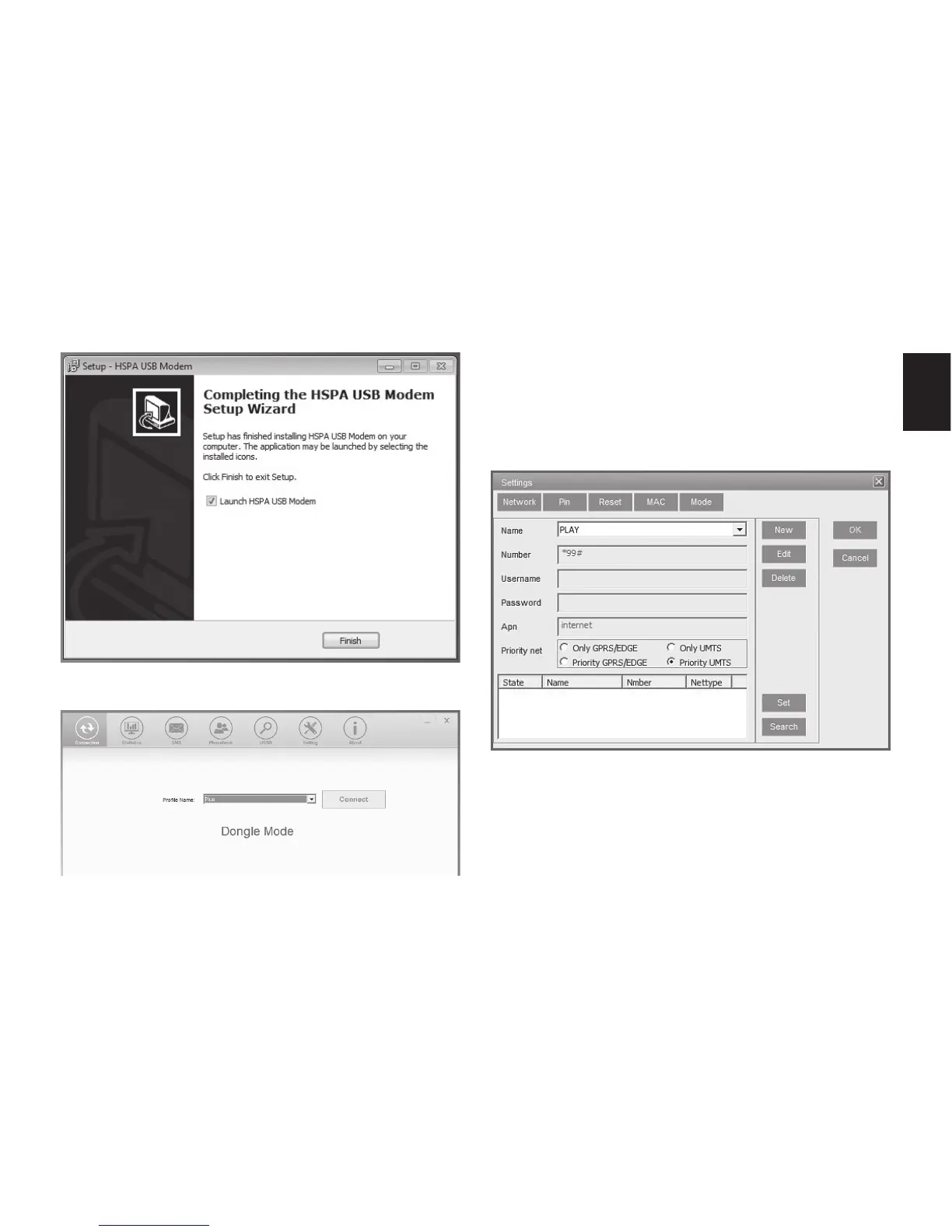
3. Now click “Settings” icon.
4. Select “Network” tab, click “New” and enter
parameters that you receive from your SIM
card provider and click “OK”.
Following picture is for reference only.
Now click big “Connect” button to connect to
internet network.



 To Next Page