ted “1234567890”). Now use your web
browser and enter following address
http://192.168.100.1
Enter default username “admin”
Enter default password ”admin”
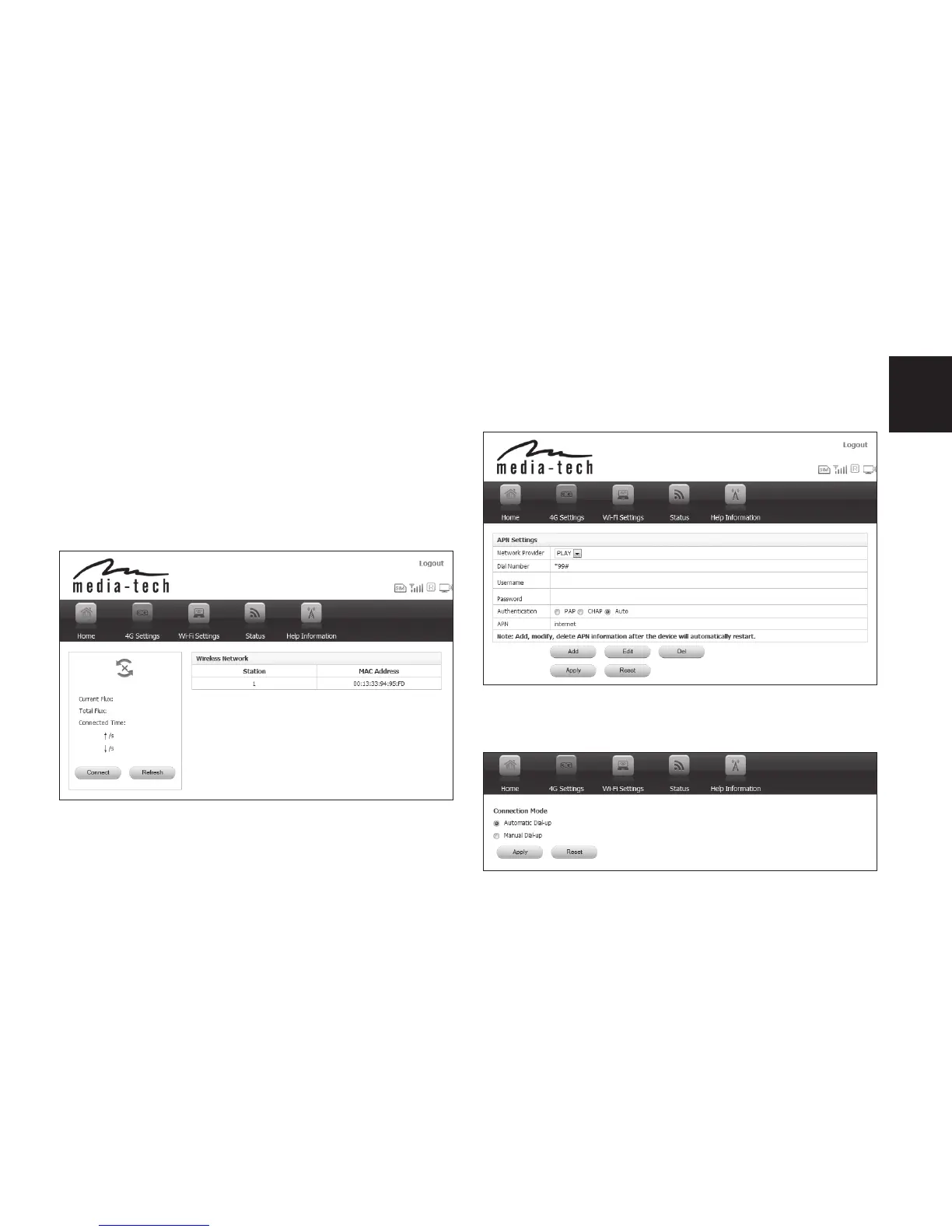
2. Now go to “4G setting” tab
3. Now select “APN settings” and enter pa-
rameters provided by your SIM card opera-
tor.
Go to “Connection mode” – automatic is by
default.



 To Next Page