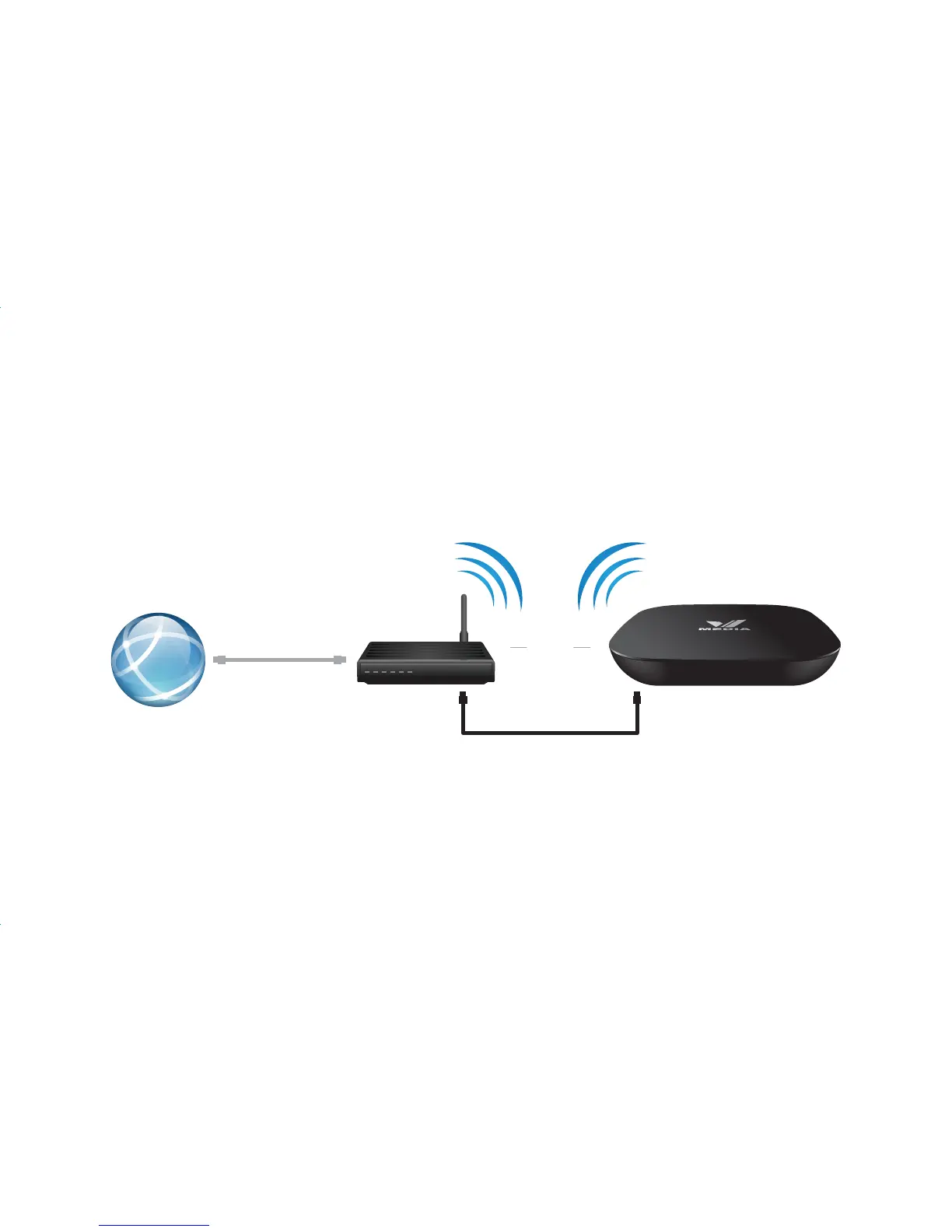
Network Setup
WiFi Connection
Ethernet Connection (Recommended)
If you have a wireless router at home, you can connect your VBox wirelessly.
Connecting to the internet with the Ethernet provides a more stable connection and avoids video buffering. You
can locate your router closer to the TV or use a longer cable to connect the router to TV. Plug the Ethernet cable
into the LAN port of your Modem/Router and into the VBox.
OR
WiFi
Ethernet
Internet
Modem / Router
VBOX


 To Next Page