1.
2.
8 Not connected Not Connected
Top
FXS Connections (RJ-11)and FXO
Caution: The RJ-11 cable should comply with UL 1863 and CSA C22.2 No 233 standards.
Caution: Use standard telecommunication cables with a minimum of 26 AWG wire gauge.
Note: The Ringer Equivalence Number (REN) is 0.1. for each individual FXO port of the unit.
Note: The maximum standard FXS cable length is 450 m.
The RJ-11 pair of wires is wired so that pins 3 and 4 are connected to the Ring and Tip, which meets the EIA/TIA-IS 968 and CS-03 Issue 8, Part III
requirements.
Pin # Function
1 Not used
2 Not used
3 Ring
4 Tip
5 Not used
6 Not used
Top
Troubleshooting
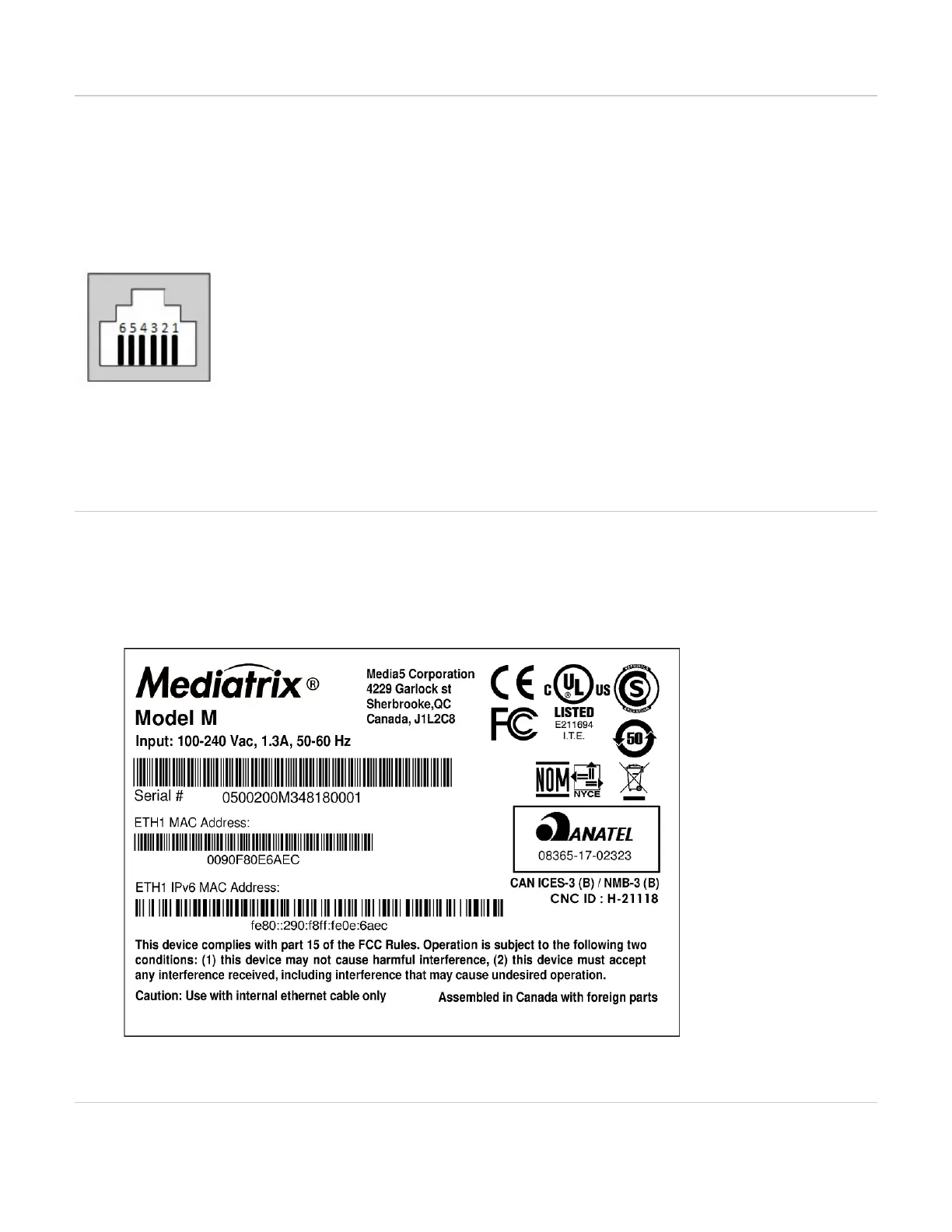
Locating the Product Serial Number
Before you begin
Warning: Make sure your unit is powered off.
Steps
Flip the unit. The serial number is located underneath the unit.
Caution: Use with internal Ethernet cable only.
Warning: Make sure your unit is powered off before flipping it over. Make sure all your cables are well connected.
Flip the unit and power the unit.
Top
Troubleshooting



 To Next Page