Installation and Activation Guide
1
Find the device that does not have a TiVo Menu
as this will be the one to replace.
2
Turn off your television and old cable box.
3
Disconnect the power cord from the back
of the old unit and remove it from the power
outlet to which it is connected.
(Your new Xplorer box comes with a different power cord.
Please do not use the old power cord with the new box.)
4
Unscrew the coaxial cable from both
the wall outlet and old cable box.
5
Remove any additional cables connected from
the old cable box to your TV (this could be a coaxial
cable, HDMI, or component/composite cables).
6
Set the old cable box, power cord, cables
and remote aside. We’ll return to these items
in Step 6 – Returning Your Previous Cable Box.
If you are replacing an existing cable box begin
with STEP 1, otherwise proceed to STEP 2.
1
Locate the HDMI cable and connect it from the HDMI
Out on the Xplorer box to HDMI Input* on your TV.
2
Connect the power cord to the Xplorer box
and plug it into a power outlet.
3
Connect the ethernet cord to the Xplorer box or plan
to use your home wi- connection when prompted.
4
Turn on TV and tune to appropriate HDMI Input.
*Please make note of the HDMI input used on the TV as you will
need to tune your television to this input once you turn it on.
STEP 2
Connecting the
Xplorer Box
STEP 1
Disconnecting Your
Previous Cable Box
1
2
M731-44149
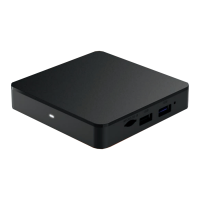
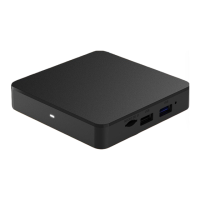
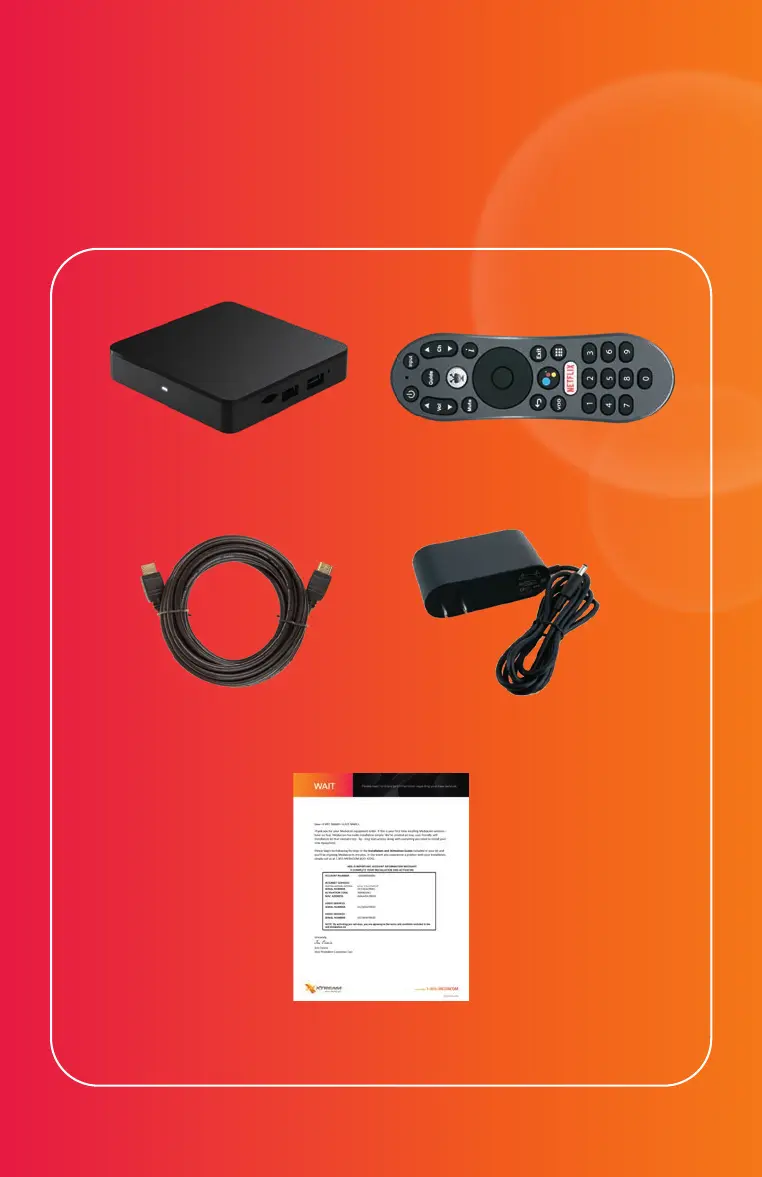
Xplorer Box Xtream Voice Remote
Welcome Letter
HDMI Cable Power Cable
REQUIRED FOR INSTALLATION
Included in This Kit
Xplorer Box
Instructions
Once the Xplorer box powers on it will display
‘Pair Your Remote’ instructions.
1
Place the remote within 3 feet
of the front of the Xplorer box.
2
Insert the batteries into the remote.
3
Follow the on-screen instructions.
STEP 3
Setup the Xtream
Voice Remote
Once the remote is paired, you can now nish activating
the Xplorer box by following the on-screen instructions.
STEP 4
Setup the Xplorer Box
Now that you’ve completed the setup, we need to nish
activation. Please call 844-581-0933 and our automated
system will complete this step.
STEP 5
Activate Service


 To Next Page
 Loading...