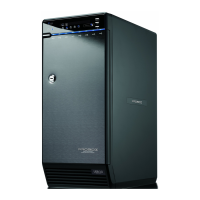
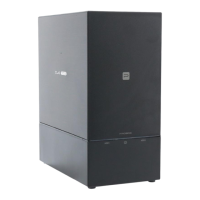
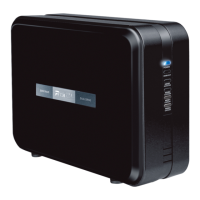
FUNCTION BUTTONS
STEP
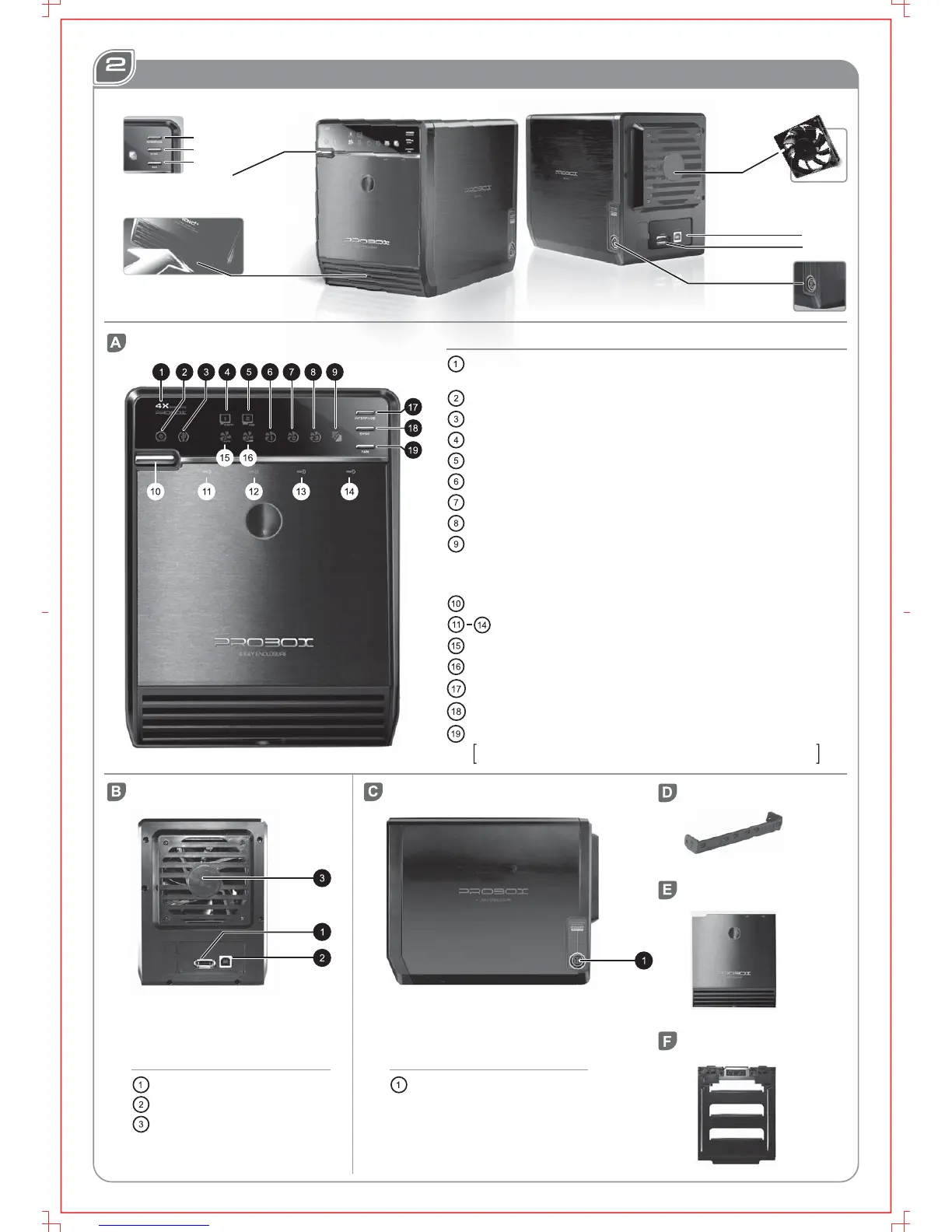
REAR PANEL
RIGHT SIDE PANEL
HDD HANDLE
e-SATA port
USB port
Fan
DESCRIPTIONS
DC Jack
DESCRIPTIONS
FRONT PANEL
DESCRIPTIONS
e-SATA in use
USB in use
e-SATA on/off line
USB on/off line
Smart Fan automatic mode
Smart Fan manual mode
Fan speed level 1
Fan speed level 2
Fan speed level 3
Synchronization comes in 3 modes:
Blue When the PC is off, the device goes off in 15 seconds.
Orange When the PC is off, the device goes to sleeping mode.
Off
Synchronization is off.
Smart fan Switches:auto, manual and fan speed from level 1 to level 3
Button 17 and 18 need to be pressed for 3 seconds to switch the device's mode.
This design will prevent accidental execution of these functions.
Power Press 3 seconds to power off the device.
Blue power on
Orange sleep
HDD1 / HDD2 / HDD3 / HDD4 active
Interface switch
Synchronization mode switch
www.mediasonicinc.com
Mediasonic Enterprises Inc

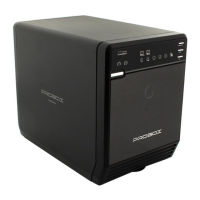

 To Next Page