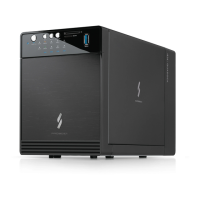
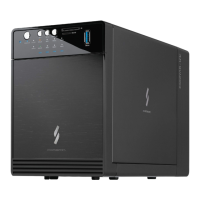
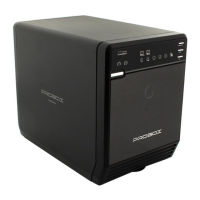
Detail View
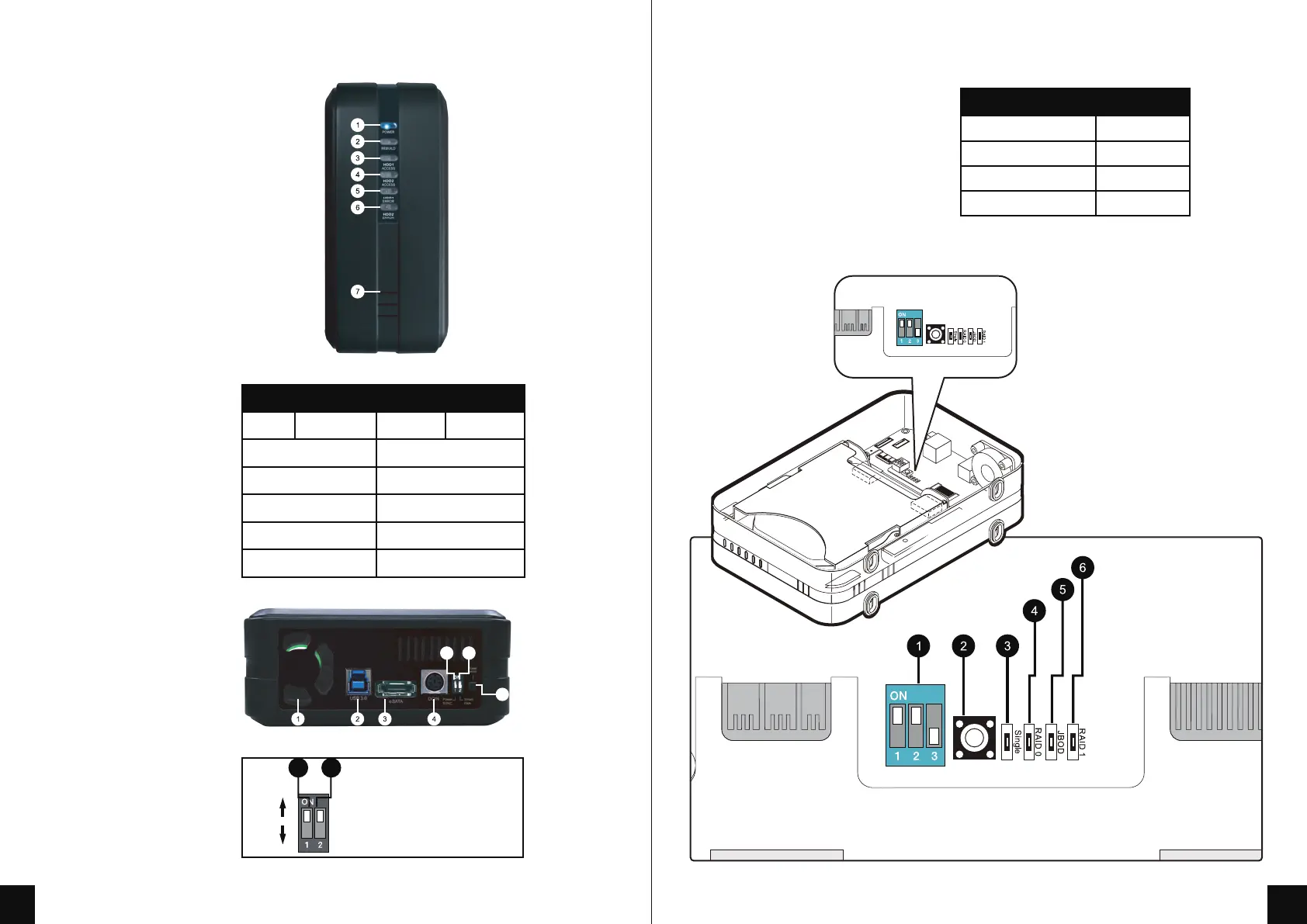
Front View
1. Power / Sleep indicator
2. Rebuild indicator
3. HDD1 Access Indicator
4. HDD2 Access Indicator
5. HDD1 Error Indicator
6. HDD2 Error Indicator
7. Ventilation
Rear View
1. FAN
2. USB 3.0 port
3. e-SATA port
4. DC IN
5. Synchronization mode switch
6. Smart Fan mode switch
7. Power button
LED Indicator
Front panel
Power
Rebuild
Active HDD 1
Active HDD 2
Error HDD 1
Error HDD 2
Status
Blue
Red
Orange
Orange
Red
Red
5 6
7
Sleep mode
Blue flicking
RAID MODE LED View
1. DIP switch
2. RAID Mode Confirmation button
3. Single Mode LED indication
4. RAID 0 Mode LED indication
5. JBOD (Spanning) Mode LED indication
6. RAID 1 Mode LED indication
Mode
Single Mode LED
RAID 0 Mode LED
JBOD Mode LED
RAID 1 Mode
Status
Green
Green
Green
Green
6. Smart Fan mode switch
5. Synchronization mode switch
5 6
When the PC is off, the device goes off in 15 seconds.
ON
OFF
1 2


 To Next Page