© 2015 mediola – connected living AG, Irrtümer und Änderungen vorbehalten | Version 6/2015 3
Factory reset:
The following reset options are executable:
1. simple reset (green LED lights permanently)
2. reset of all passwords (yellow LED lights permanently)
3. factory reset (yellow & green LED are blinking)
To execute any of the above resets, please follow these steps:
• You find the reset button on the backside of the AIO GATEWAY (small hole). To start the reset mode you
have to press the rest button with a pointed object (i.a. a paperclip) and hold it. After approx. 5 seconds the
backside-LEDs start to light and the reset mode begins. Please hold the button.
• While you are holding the button, the 3 reset modes will be offered one after the other by changing the
lighting of the LEDs. If you hold the button the 3 modes will enter in a permanent loop.
• To execute the reset you have to release the held button in the right moment. Release the button exactly
when the required reset type is indicated by the LEDs.
• After a factory reset the admin password is again: „admin“.
3. Activate your AIO GATEWAY in AIO CREATOR NEO
Now you can integrate your AIO GATEWAY to AIO CREATOR NEO, to control your devices.
AIO CREATOR NEO - Download for Windows
AIO CREATOR NEO - Download for Mac OS
Run the AIO CREATOR NEO and insert a valid licence key.
Open the Device Manager:
Select the tab „Gateways“, and store your AIO GATEWAY as a new gateway.
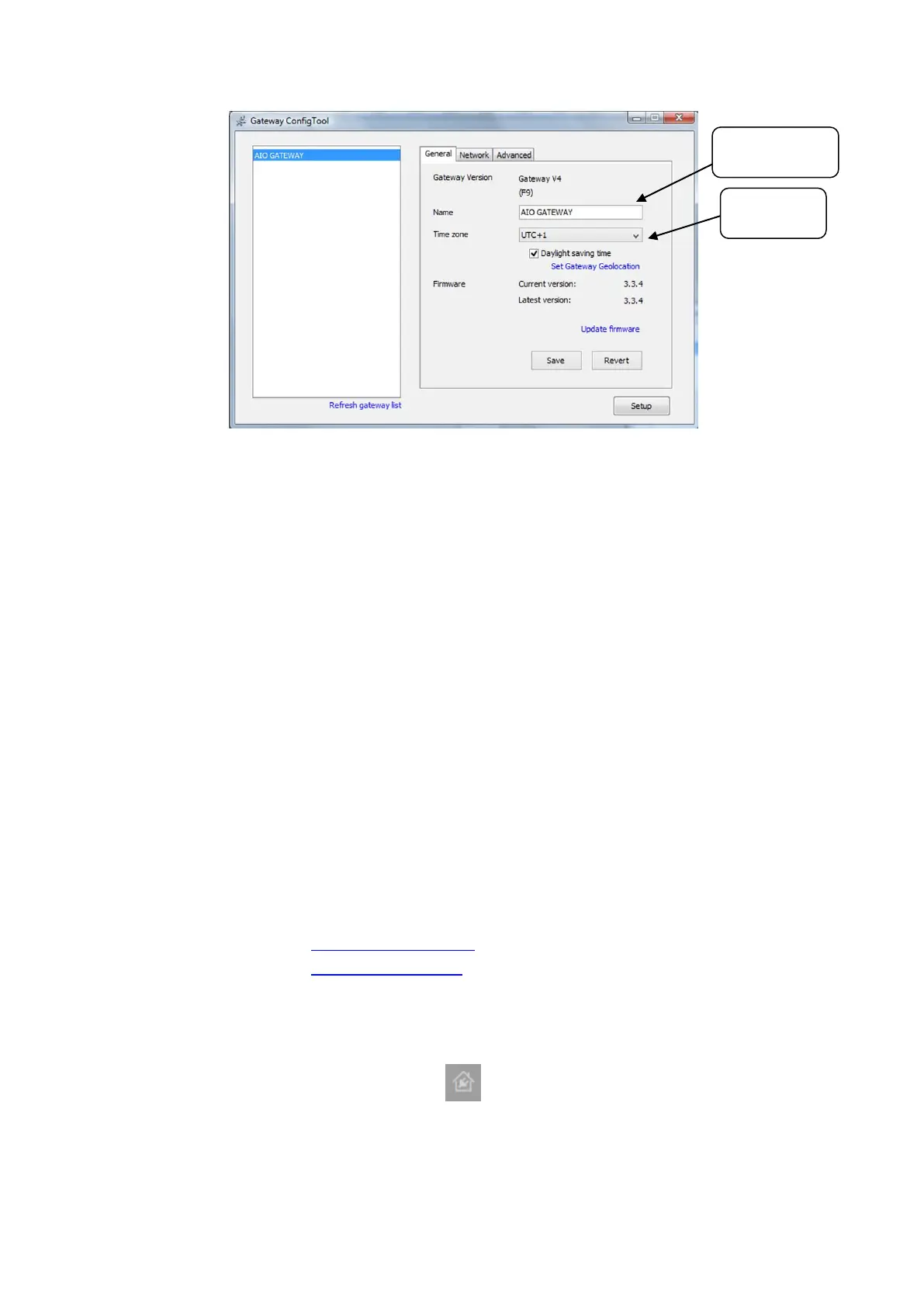
Gateway
timezone


 To Next Page
 Loading...