7
1. Information about these operating
instructions
Thank you for choosing our product. We hope you enjoy using this
device.
Read the operating instructions and safety instructions carefully before
using the device for the first time. Note the warnings on the device and
in the operating instructions.
Always keep the operating instructions close to hand. If you sell the device or give it
away, please ensure that you also pass on these operating instructions. They are an
essential component of the product.
These instructions include descriptions for various PC models and their features.
Device-specific specifications for your model are detailed in the supplied
supplementary sheet.
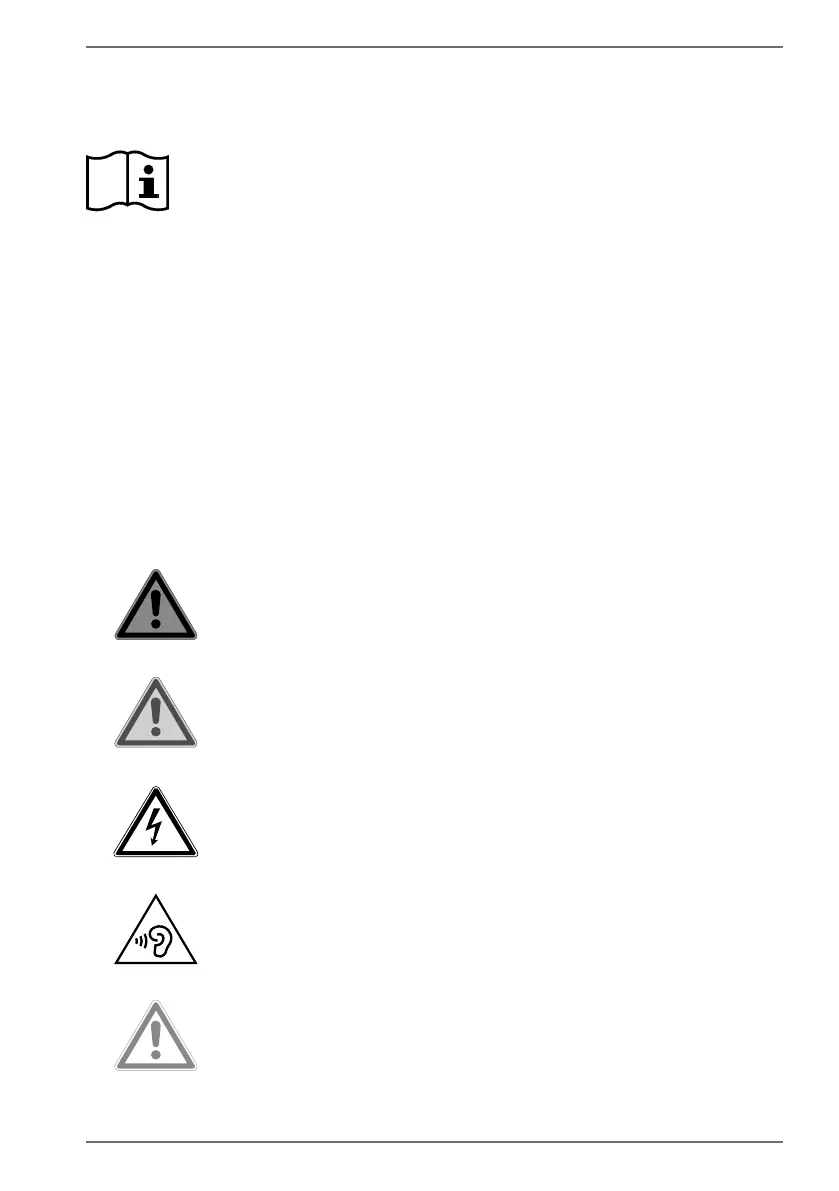
1.1. Key to symbols
If a block of text is marked with one of the warning symbols listed below, the hazard
described in that text must be avoided to prevent the potential consequences
described there from occurring. Depending on the model, warning symbols may
not apply or may not be present.
DANGER!
Warning: risk of fatal injury!
WARNING!
Warning: risk of possible fatal injury and/or
serious irreversible injuries!
WARNING!
Warning: risk of electric shock!
WARNING!
Warning: danger due to loud volume!
CAUTION!
Warning: risk of minor and/or moderate injuries!



 To Next Page