EasyManua.ls Logo

Medion LIFE E14080 - User Manual

Medion LIFE E14080
82 pages
Print Icon
To Next Page IconTo Next Page
Loading...
User Manual
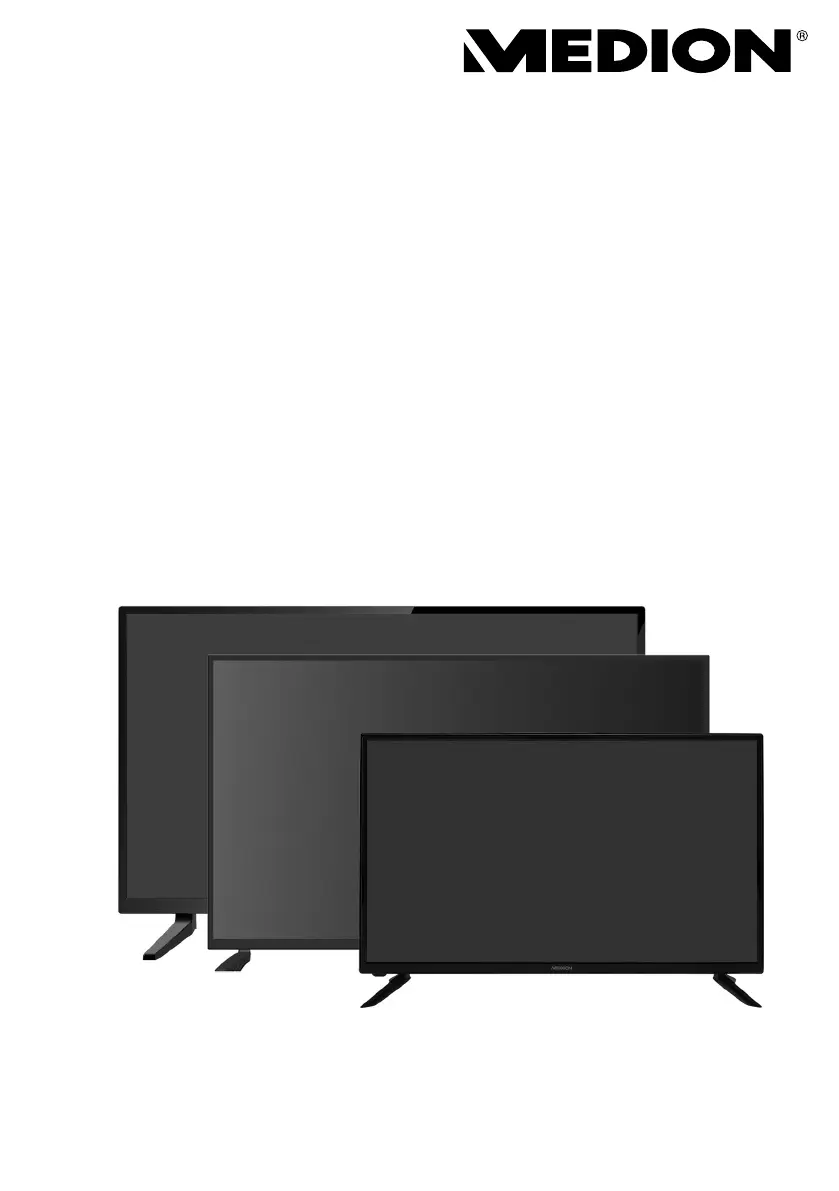
E14033 (MD 30223) / E14080 (MD 30224) / E13226 (MD 30326) / E13227 (MD 30327)
LCD-TV
MEDION® LIFE®

Table of Contents

Other manuals for Medion LIFE E14080

Questions and Answers

  • J
    Jason DavidsonAug 18, 2025
    How to fix Medion LIFE E14080 LCD TV remote control not working?
    • R
      Robert BrownAug 19, 2025
      If the Medion LCD TV remote control isn't working, first check if the batteries are fully charged and inserted correctly. Also, make sure the sensor on the TV isn't exposed to strong light, as this can interfere with the remote's signal.
  • C
    christopherclarkAug 21, 2025
    Why is there no sound on my Medion LCD TV?
    • B
      Brooke AndersonAug 21, 2025
      If there is no sound on your Medion LCD TV, first ensure that the volume hasn't been set to the minimum level and that the mute setting is not active. Check if headphones are connected. Also, if you've connected a satellite receiver or DVD player via a SCART cable, verify the cable is properly connected to the SCART socket.
  • A
    Andrew ArellanoAug 23, 2025
    What to do if my Medion LIFE E14080 LCD TV has no picture and sound?
    • L
      Lisa WrightAug 23, 2025
      If your Medion LCD TV has no picture and no sound, check if the power cable is properly inserted into the socket. Also, verify that the signal reception is set to TV.
  • J
    Joseph LawsonAug 26, 2025
    Why is the picture on my Medion LIFE E14080 LCD TV not clear?
    • K
      Kathryn HudsonAug 26, 2025
      If the picture on your Medion LCD TV is not clear, the reception might be poor. Check if the antenna is connected properly.
  • A
    Amy StephensonAug 27, 2025
    How to improve picture sharpness on Medion LIFE E14080 LCD TV?
    • V
      Vanessa LiuAug 27, 2025
      If the picture on your Medion LCD TV is not sharp, the reception might be poor. Check if the antenna is connected properly. You might also want to check the sharpness and noise reduction settings in the PICTURE menu.
  • S
    Sarah PittsAug 30, 2025
    Why is there no AV picture on my Medion LCD TV?
    • T
      Theresa SmithAug 30, 2025
      If there is no AV picture on your Medion LCD TV, check to ensure that the contrast and brightness settings are correct. Also, check to ensure that all external devices have been connected properly and that you have selected the correct AV source.
  • J
    josephjacksonSep 1, 2025
    Why does my Medion LCD TV keep switching off?
    • J
      Jacob WarrenSep 2, 2025
      If your Medion LCD TV switches off unexpectedly, check whether the automatic TV switch-off function is activated under the TIME settings.
  • D
    David LewisSep 4, 2025
    Why are there stripes on the screen of my Medion LIFE E14080?
    • L
      Lee DixonSep 4, 2025
      If there are stripes on the screen or the colors are faded on your Medion LCD TV, it could be due to interference from another device. Transmission antennae on radio stations, ham radios and portable phones can also cause interference. Try to operate the TV as far away as possible from the device that might be causing the interference.
  • W
    wbaileySep 6, 2025
    How to adjust brightness on Medion LIFE E14080 LCD TV?
    • C
      cherylmendezSep 6, 2025
      If the picture on your Medion LCD TV is too bright or too dark, check the contrast and brightness settings.
  • J
    Jamie SparksSep 8, 2025
    What to do if disc won't play on Medion LIFE E14080?
    • J
      Joseph SmithSep 9, 2025
      If the disc won’t start on your Medion LCD TV, ensure the disc is inserted with the label side facing to the rear. Check whether the disc is damaged by trying another disc. If the disc is dirty, clean it carefully, wiping it from the centre to the edge with a soft, dry cloth. For DVDs, confirm it has the correct regional code (2). If condensation has formed inside the device: leave the player for one to two hours to dry off.

Summary

Safety instructions

Operating safety

Provides essential safety precautions for operating the TV, including risks of suffocation and electric shock.

Handling batteries

Provides crucial safety guidelines for handling batteries to prevent explosions and damage.

Device overview

Rear

Details the rear panel connections and ports, including HDMI, USB, SCART, and antenna inputs.

Remote control

Provides a comprehensive diagram and explanation of all buttons on the remote control.

Getting started

Connecting the antenna

Explains how to connect various antenna types (analogue, DVB-T/C, satellite) to the TV.

Operation

Menu navigation

Troubleshooting

Corrective actions for common problems

Common problems and their corrective actions for picture, sound, and connectivity issues.

Service information

Medion LIFE E14080 Specifications

General IconGeneral
BrandMedion
ModelLIFE E14080
CategoryLCD TV
LanguageEnglish

Related product manuals