EasyManua.ls Logo

Medion LIFE X15092 - User Manual

Medion LIFE X15092
76 pages
Print Icon
To Next Page IconTo Next Page
Loading...
Operating instructions
MEDION
®
LIFE
®
X15092 (MD 31500)
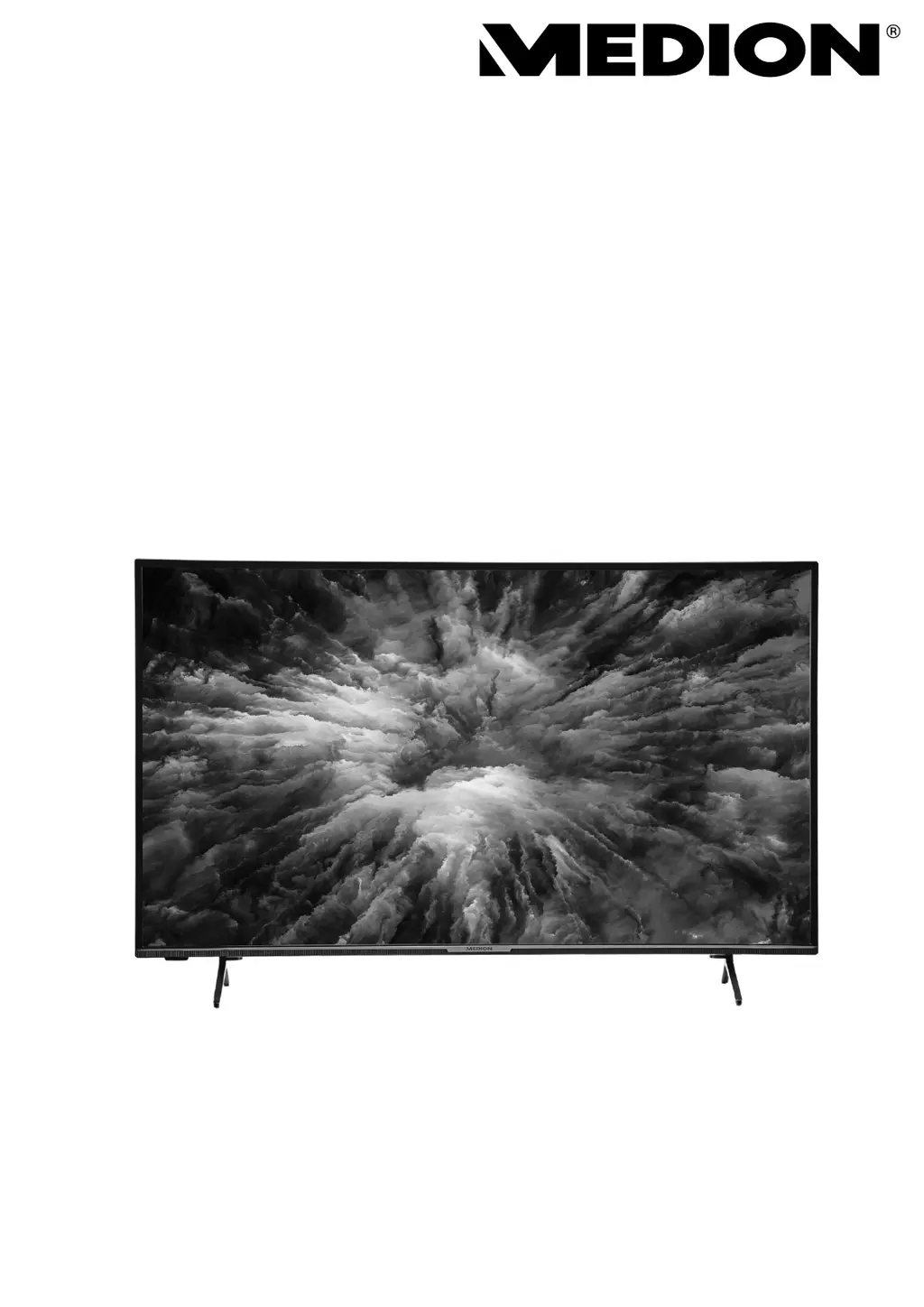
125,7 cm (50“) Ultra HD Smart-TV

Questions and Answers

  • T
    tuckerpatriciaAug 18, 2025
    What to do if the Medion HDTV remote control is not working?
    • A
      April ShafferAug 18, 2025
      If your Medion HDTV remote control isn't working, first check if the batteries are functional and inserted correctly. Also, make sure the sensor field on the TV isn't exposed to strong light.
  • A
    Amber SaundersAug 20, 2025
    How to fix Medion LIFE X15092 HDTV when there is no picture and no sound?
    • A
      Anthony GutierrezAug 21, 2025
      If your Medion HDTV shows no picture and produces no sound, verify that the power cable is properly inserted into the socket and that the signal reception is set to TV.
  • R
    Robert MartinezAug 23, 2025
    Why is there no sound on my Medion LIFE X15092?
    • A
      Antonio DixonAug 23, 2025
      If you're not getting any sound from your Medion HDTV, first ensure that the volume hasn't been set to the minimum level. Also, check that the mute setting isn't active by pressing the button with the crossed-out loudspeaker symbol on the remote control.
  • H
    Holly LawrenceAug 26, 2025
    What to do if the Medion LIFE X15092 picture is not clear?
    • L
      Laura LewisAug 26, 2025
      If the picture on your Medion HDTV isn't clear, ensure the antenna is connected properly, as poor reception could be the cause.
  • L
    Lindsey GibbsAug 27, 2025
    What to do if the Medion LIFE X15092 HDTV picture is too bright or too dark?
    • J
      Joseph GibsonAug 27, 2025
      If the picture on your Medion HDTV is too bright or too dark, check the contrast and brightness settings to adjust the picture to your preference.
  • B
    brandonmillerAug 30, 2025
    What to do if there is no AV picture on Medion LIFE X15092?
    • D
      Danielle WeberAug 30, 2025
      If there is no AV picture on your Medion HDTV, check the following: 1. Ensure that the contrast and brightness settings are correct. 2. Ensure that all external devices have been connected properly. 3. Ensure that you have selected the correct AV source. 4. Any input source that you want to select with or (SOURCE) must be marked in the SOURCES > SOURCE SETTINGS menu.
  • Z
    zmooreSep 1, 2025
    How to fix a pixellated picture on Medion LIFE X15092 HDTV?
    • D
      Dr. Donald OrtizSep 1, 2025
      A pixellated picture on your Medion HDTV can be caused by interference from cars, trains, power lines, or neon lights. Also, check for interference between the antenna and power cables and, if present, position the cables further apart.
  • D
    Derrick SantosSep 4, 2025
    Why is the picture not sharp on my Medion LIFE X15092 HDTV?
    • J
      Jorge CraigSep 4, 2025
      If the picture on your Medion HDTV is not sharp, check if the antenna is connected properly, as poor reception could be the cause. Also, check the settings for sharpness and noise reduction in the PICTURE menu.
  • E
    Eric SmithSep 6, 2025
    What causes a double or triple picture on Medion LIFE X15092 HDTV?
    • L
      Lisa WrightSep 6, 2025
      A double or triple picture on your Medion HDTV can be caused by improper antenna alignment. Check if the antenna is aligned properly. Also, waves might be reflected off buildings or mountains.
  • A
    adkinsgloriaSep 8, 2025
    How to fix stripes on the screen or faded colors on Medion LIFE X15092?
    • D
      Danielle MccallSep 8, 2025
      Stripes on the screen or faded colors on your Medion HDTV can be caused by interference from another device. Transmission antennae on radio stations, ham radios and portable phones can also cause interference. Operate the device as far away as possible from the device that might be causing the interference.

Medion LIFE X15092 Specifications

General IconGeneral
Display TechnologyLED
HDMI Ports3
USB Ports2
Wi-FiYes
Smart TVYes
TunerDVB-T2/C/S2
Refresh Rate60 Hz
3DNo
Resolution3840 x 2160

Related product manuals