4
Ö
Ö
Before cleaning the devices, remove the cable connection from the
computer. Clean the devices and other components with a damp
cloth. Do not use any solvents, corrosive or gaseous detergents.
Ö
Ö
When connecting additional or other components the EMC
(electromagnetic compatibility) directives must be adhered to. Do not
operate the mouse when it is in the charger. The devices are not
intended for use in a heavy industry environment.
ERGONOMICS
Medical studies have shown that certain physical ailments and
injuries are linked to prolonged and repetitive movements in an
unsuitable working environment and to bad working habits. Take
frequent breaks when using a computer. If you experience pain,
numbness or tingling in your arms, wrists, hands or fingers,
consult a medical doctor.
Remove the power plug of your computer from the power outlet
and contact customer care:
• if the connections are grazed or damaged;
• if liquid has entered the device housing;
• if a device does not operate correctly;
• if a device is dropped or the housing damaged.
INVENTORY
Please check that these contents are complete and notify us
within 14 days of purchase
if any item is missing. The product you
have purchased contains:
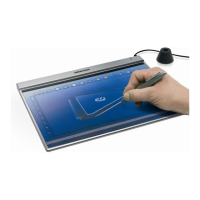
Graphics tablet with USB cable set
Pen*
Wireless mouse*
2 batteries (AAA, 1.5 V)
Installation and application software
This user manual
* ONLY for use with the Graphics tablet.



 To Next Page