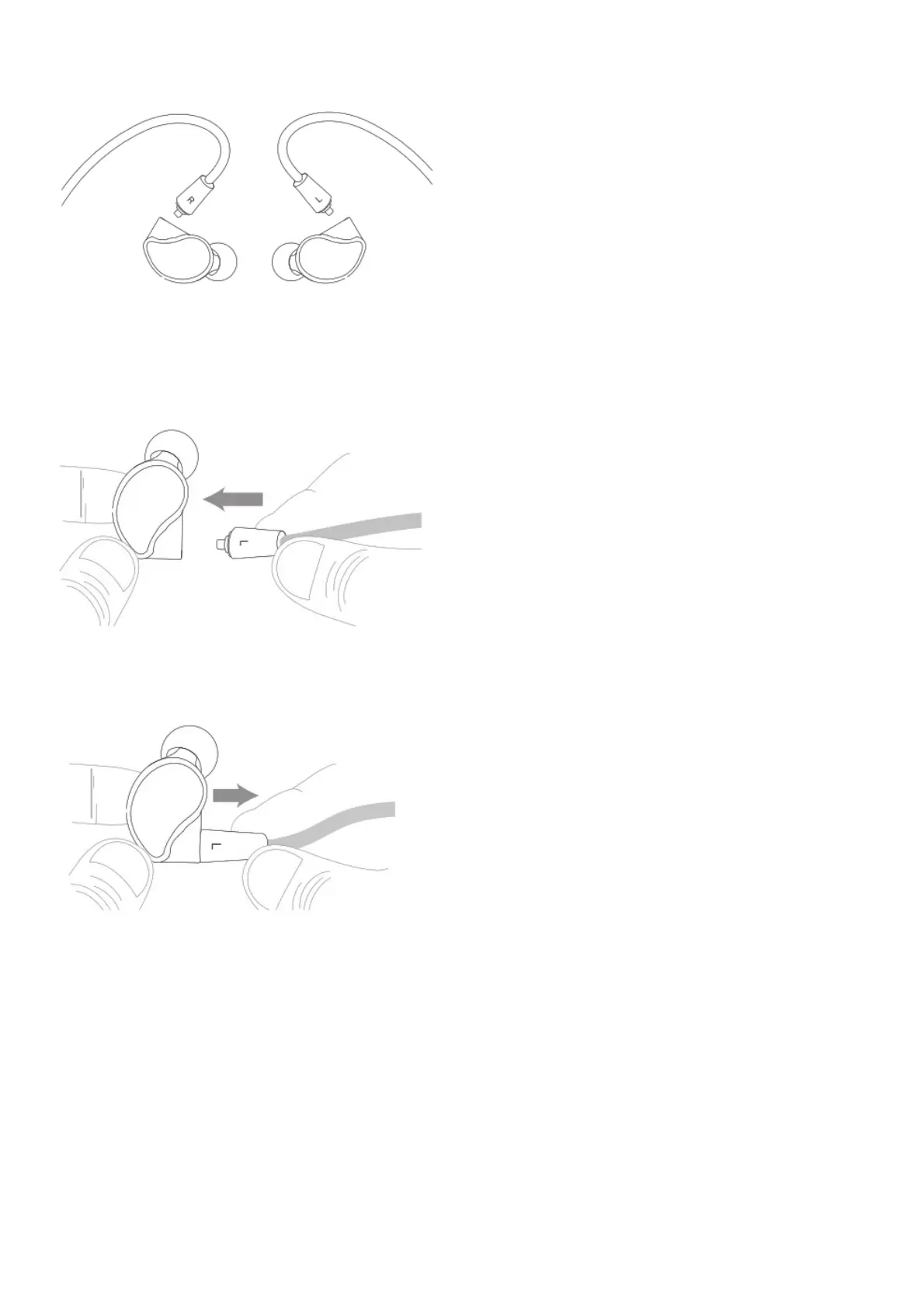
Make sure to attach the cable connector marked “R” to the right earpiece and the connector marked
“L” to the left earpiece.
STEP 2: INSTALLING EARPIECES (CONTINUED)
Attach the cable by aligning the connectors with the earpieces and pushing them in until they “click”.
Pull back slightly on each connector to make sure it is fitted securely.
STEP 2: INSTALLING EARPIECES (CONTINUED)
To detach the cable, grasp the earpiece and cable connector firmly, and pull straight apart.
STEP 3: PAIRING
Press and hold the Multifunction button for about 4 seconds until you hear the headset say “Pairing”
and the light flashes red and blue.



 To Next Page