Pairing (Continued)
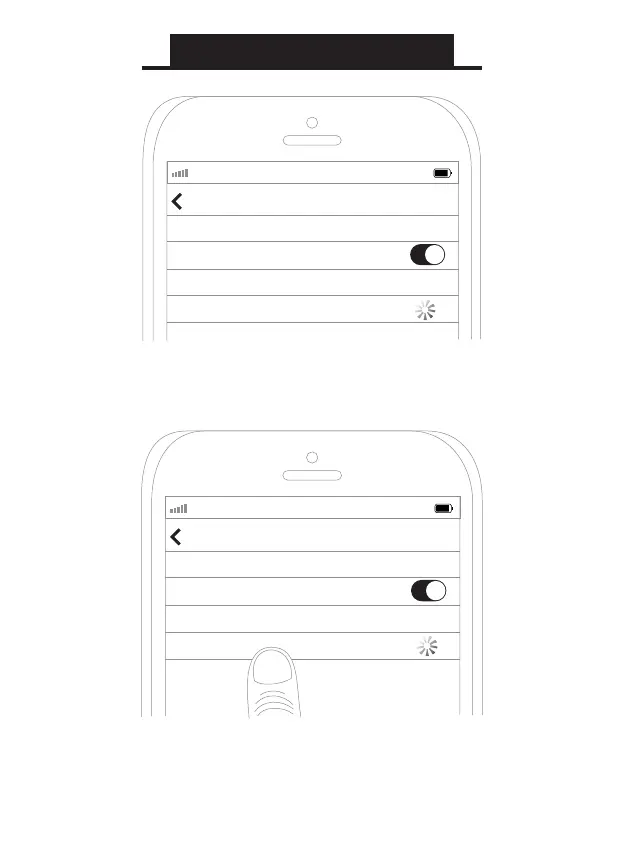
Open the Bluetooth menu on the device you wish to pair
(usually located in Settings->Bluetooth). If needed, select
“search for devices”, “pair new device”, or “refresh.”
Select “MEE audio H6” and allow pairing to complete. Use
“0000” if a pin is required.
Note: It is only necessary to pair your headset once with
each device.
AT&T LTE
12:26 PM
95%
Bluetooth
Settings
Searching...
Bluetooth
Devices
AT&T LTE
12:26 PM
95%
Bluetooth
Settings
MEE audio H6
Bluetooth


 To Next Page