STEP 3. PAIRING WITH OTHER DEVICES (CONTINUED)
ADDITIONAL INFORMATION
6
AT&T LTE
12:26 PM
95%
Bluetooth
Settings
MEE audio N1
Bluetooth
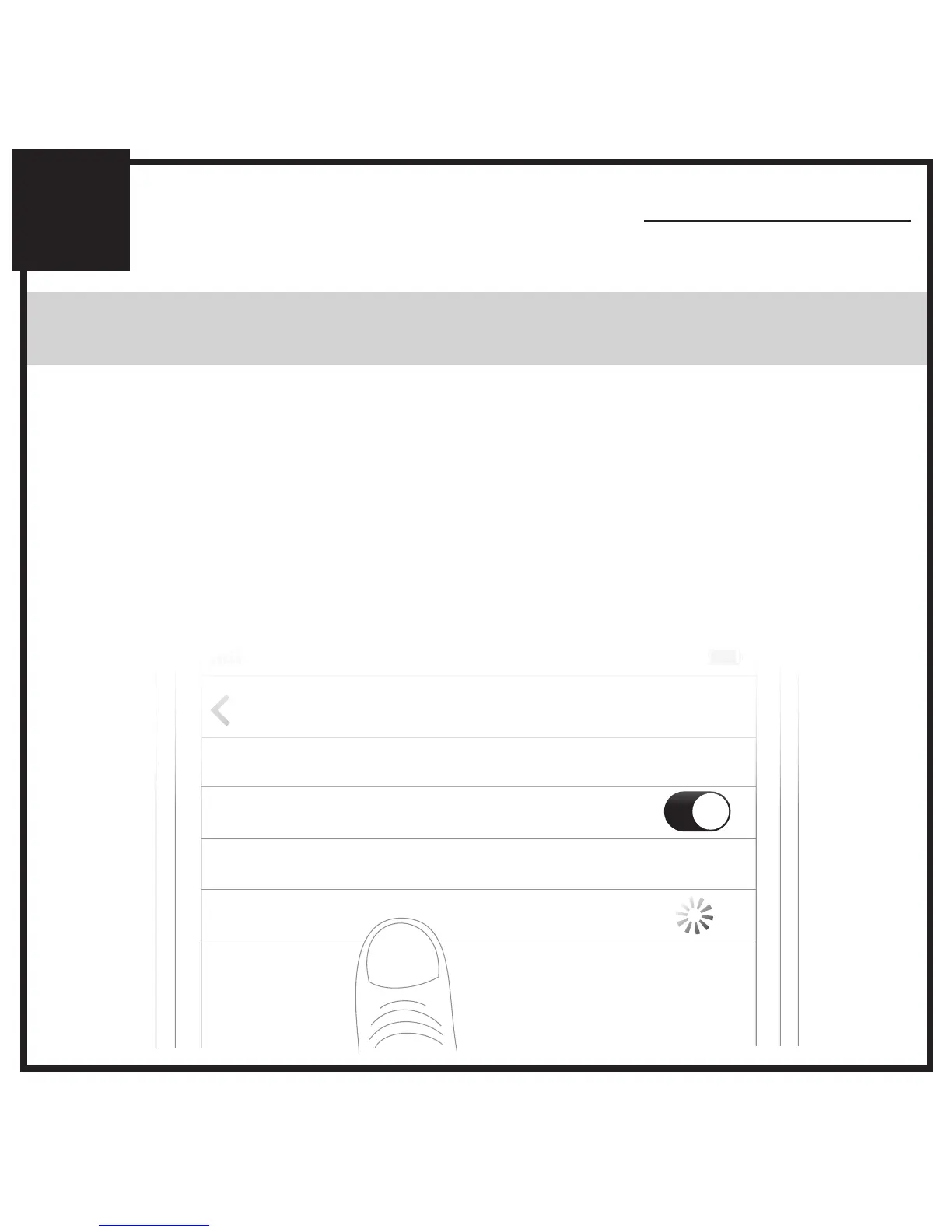
Select “MEE audio N1” and allow pairing to complete.
Use “0000” if a pin is required.
Visit the Bluetooth Support Page at
MEEaudio.com/Bluetooth for additional Bluetooth pairing
and setup information.
Note: Once paired, N1 will automatically reconnect to the
paired device each time it is powered on. To pair a new
device, first turn off Bluetooth on any devices nearby that
have previously been paired with the N1.



 To Next Page