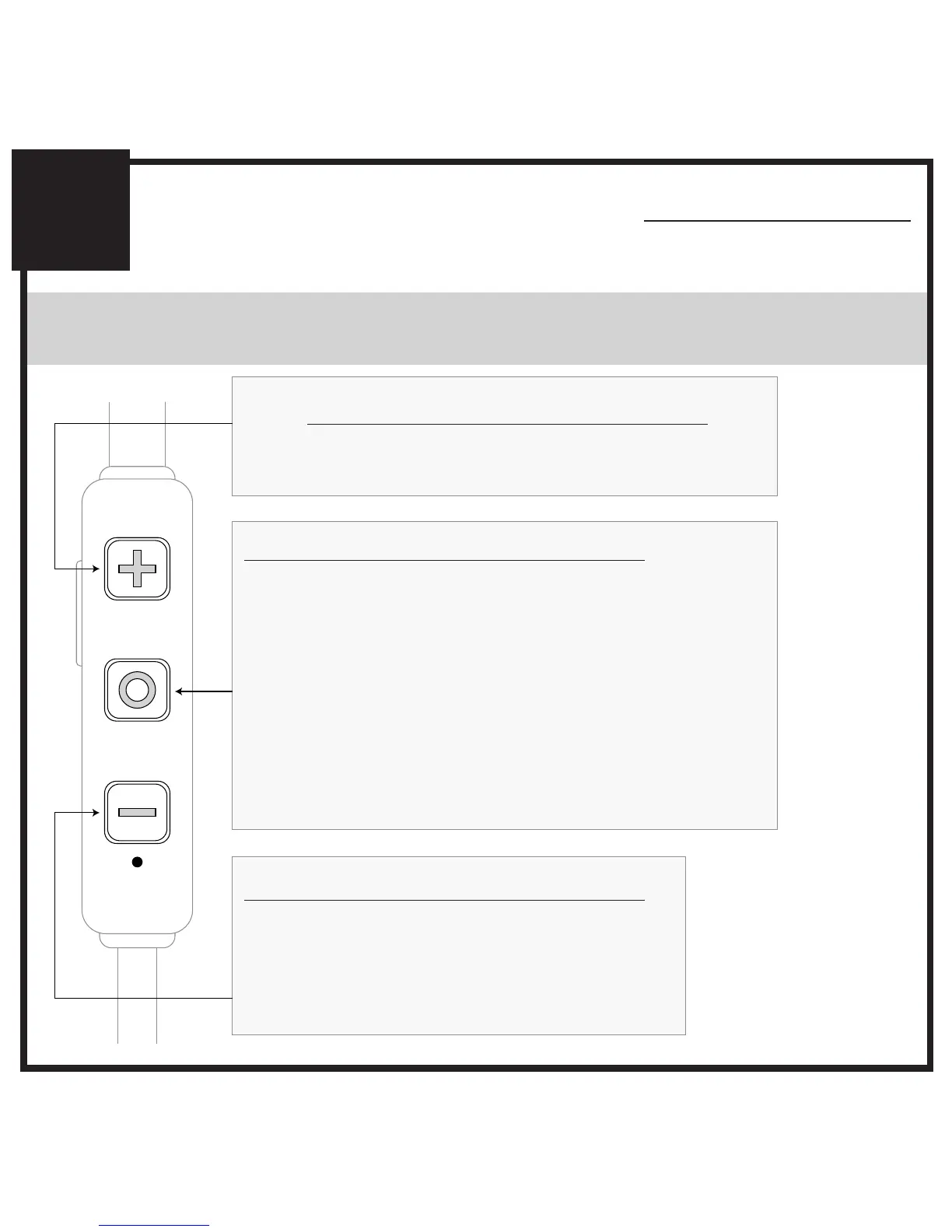
CONTROLS WITH PHONES AND TABLETS
ADDITIONAL INFORMATION
6
Volume Down / Previous Track button
- Decrease Volume
- Previous Track
- Mute / Unmute Microphone
(during phone call)
Volume Up / Skip Track button
[TAP]
[HOLD 2 sec]
- Increase Volume
- Next Track
Multifunction button
[HOLD 3 sec]
[TAP]
[TAP]
[HOLD 2 sec]
[DOUBLE TAP]
[HOLD 2 sec]
[HOLD 3 sec]
- Power On
- Play / Pause (during media playback*)
- Answer Incoming Call / End Call
- Reject Incoming Call
- Redial**
- Activate Siri
®
/ Voice Command**
- Power Off
[TAP]
[HOLD 2 sec]
[HOLD 2 sec]
You may need to bring
your music player
application up on the
screen for media
playback to start
Not all devices support
this functionality
*
**



 To Next Page