08 ENGLISH
4. Main Menu
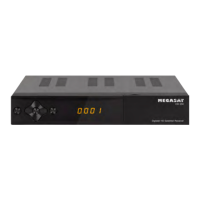
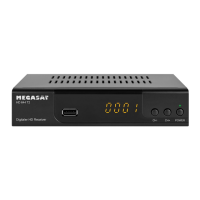
After connecting to any other required components, turn on the set-top box. Press the
MENU button to enter the menu.
Use the t u buttons to select a menu item and confirm with OK. So you access the
submenu. If you want to exit the menu or a submenu, press the MENU button to leave
the menus step by step. Press EXIT to go completely off the menu.
4.1 Channel list
Note:
The default password for
the menu access is: 0000
The main menu consists of:
• Channel list
• Installation
• System
• Accessories
• Media Center
Press the MENU button to enter the main menu. Go with the t u buttons to „Channel
List“ and press OK to confirm.
The following submenus are available:
1. TV channel list
2. Radio channel list
1. TV channel list:
Select the TV channel list and press OK to confirm. When delivered, a TV station list is
already set, you can change now. The following options are listed to change:
FAV (FAV button)
Press the FAV button to add the channels to a particular favorite group. Select a channel
and press OK to confirm. A window will appear in which you can add the sender to one
or more groups. Choose from favorite group 1 to 8 and confirm with OK. The selection is
recognized by a heart symbol. Repeat the process until all desired channels to a favorite
group were assigned. Press MENU to return to the TV channel list.


 To Next Page