EasyManua.ls Logo

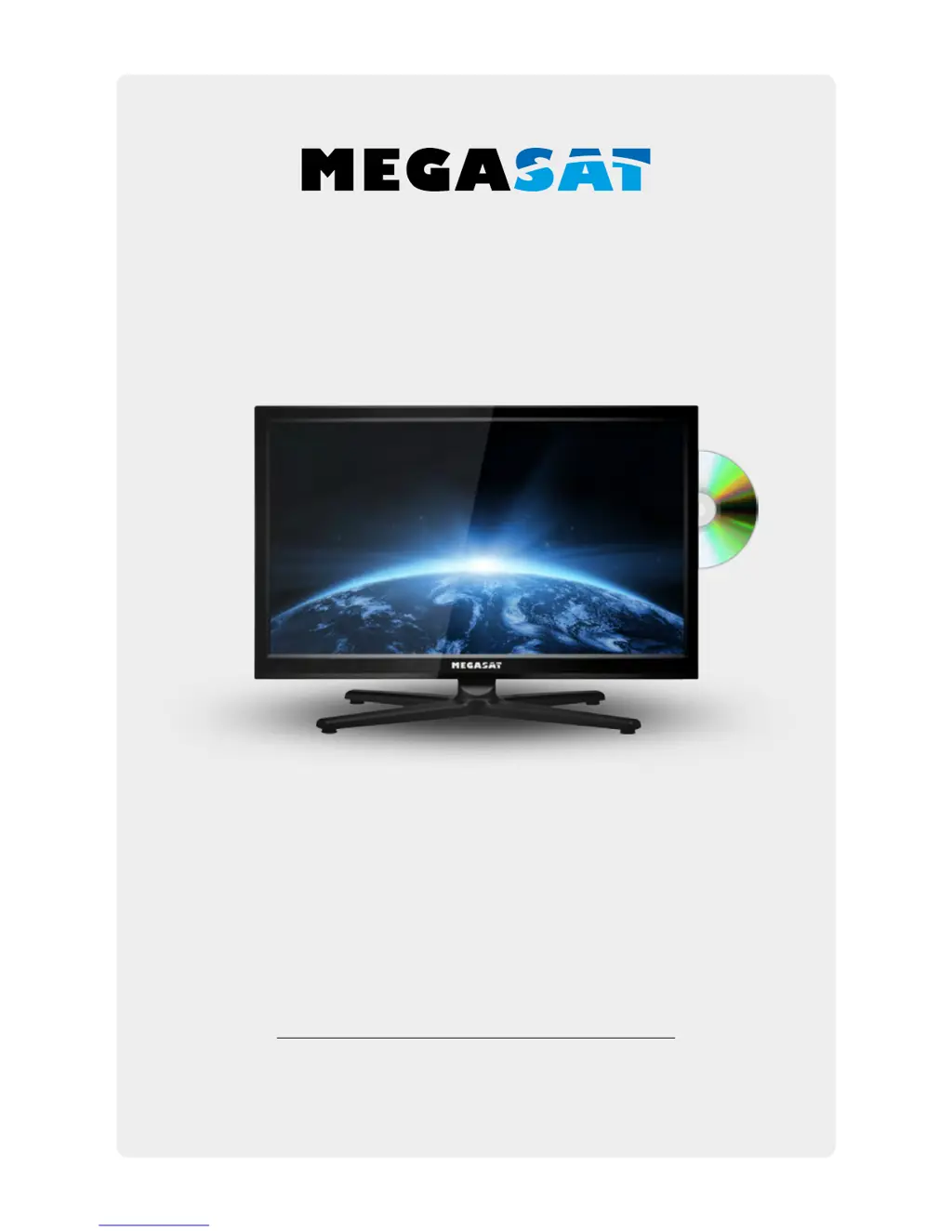
Megasat Royal Line 19 - User Manual

Megasat Royal Line 19
34 pages
Print Icon
To Next Page IconTo Next Page
Loading...
User manual
Royal Line Serie

Questions and Answers

  • L
    linda11Aug 17, 2025
    How to fix a Megasat Royal Line 19 that has no power?
    • G
      georgecaseyAug 17, 2025
      If your Megasat TV has no power, ensure the power cord is fully plugged into the electrical outlet and the power adapter. Also, verify that the cable of the power adapter is properly connected to the TV unit. If the issue persists, the electronic circuit may need a reset. Disconnect the power supply from the power source, wait one minute, and then reconnect it.
  • P
    Peter GriffinAug 20, 2025
    Why is there no picture on my Megasat TV?
    • L
      Lisa BatesAug 20, 2025
      If your Megasat TV has no picture, first check whether the antenna cable is properly connected. Next, make sure that you have selected the correct input using the INPUT button. Finally, review the brightness and contrast settings in the Picture settings menu.
  • T
    Thomas BurgessAug 23, 2025
    What to do if Megasat Royal Line 19 remote control does not respond?
    • D
      Dylan WilliamsAug 23, 2025
      If the remote control for your Megasat TV isn't responding, start by changing the batteries. Ensure you are using the remote within the specified range (max. 5 meters and 30°). Also, make sure the infrared sensor is not exposed to direct light.
  • R
    Rachel WoodsAug 26, 2025
    Why is there no sound on my Megasat TV?
    • C
      Crystal GarciaAug 26, 2025
      If your Megasat TV has no sound, first check if the sound is turned off or if Mute is activated. If not, carefully increase the volume. Also, verify that the audio cables are connected to the correct inputs.
  • G
    gjacksonAug 28, 2025
    Why is the picture quality bad on my Megasat TV?
    • G
      gsharpAug 28, 2025
      If the picture quality on your Megasat TV is poor, verify that the correct input is selected using the INPUT button. Check the connection to the TV to ensure it is secure. Review the video settings to make sure they are properly configured.
  • M
    Michael WalkerAug 31, 2025
    How to adjust the screen size on Megasat TV if the image is too large or distorted?
    • J
      Julia MartinezAug 31, 2025
      If the image on your Megasat TV is too large, too small, or distorted, use the ASPECT button on your remote control to change the appearance of the image until it displays correctly.
  • D
    donald39Sep 2, 2025
    What to do if my Megasat Monitor has no picture or sound?
    • P
      pvillarrealSep 3, 2025
      If your Megasat Monitor isn't displaying a picture or producing sound, make sure the TV is properly plugged in and powered on. Also, verify that the aerial is securely connected. If the issue persists, try switching to a different program.
  • N
    Natalie BlevinsSep 5, 2025
    Why my Megasat Monitor is not responding to the remote control?
    • P
      pshafferSep 5, 2025
      If your Megasat Monitor isn't responding to the remote, check for any obstructions between the remote and the unit. Ensure the remote is within the unit's operational range. Also, verify that the batteries in the remote aren't weak or exhausted.
  • R
    Robert LopezSep 8, 2025
    How to fix poor picture quality on my Megasat Monitor?
    • D
      donna39Sep 8, 2025
      To improve poor picture quality on your Megasat Monitor, start by checking the aerial connections. Also, ensure the channel is correctly tuned. You can also adjust the picture settings such as brightness, color, sharpness, contrast and hue. Finally, make sure the TV isn't near electrical appliances that could cause radio frequency interference.
  • C
    Christine PerrySep 12, 2025
    How to fix no color on Megasat Monitor?
    • M
      meyersshannonSep 12, 2025
      If your Megasat Monitor is displaying no color, begin by adjusting the color setting. Also, verify that the program you are watching is broadcast in color and that the channel is properly tuned.

Summary

Safety Instructions

General Safety Precautions

Covers power, liquid, ventilation, suffocation, cleaning, and location safety guidelines.

Device Overview

Connectivity Ports

Details all input/output ports on the TV (bottom and side views).

Remote Control Functions

Explains the buttons and operations of the remote control.

Initial Setup

First Installation Wizard

Guides through initial OSD, country, and tuning setup.

Basic Functions

Input Source Selection

How to select the video input source for the TV.

Main Menu Navigation

How to navigate and use the TV's main menu.

Channel Search

Satellite Channel Search

Procedure for searching channels via satellite reception.

Cable and Terrestrial Search

Procedure for searching channels via cable or terrestrial reception.

SAT Antenna Configuration

Picture Settings

Sound Settings

Protection and Hotel Mode

DVD Player Operations

Multimedia (USB) Playback

Troubleshooting

Common Issues and Solutions

Addresses common problems like no power, picture, or sound.

Megasat Royal Line 19 Specifications

General IconGeneral
Display TypeLED
Aspect Ratio16:9
Contrast Ratio1000:1
Response Time5 ms
Sound Output2 x 3W
Screen Size19 inch
Resolution1366 x 768
TunerDVB-S2 / DVB-T2 / DVB-C
InputsHDMI, USB, CI+
Power Consumption22W

Related product manuals