EasyManua.ls Logo

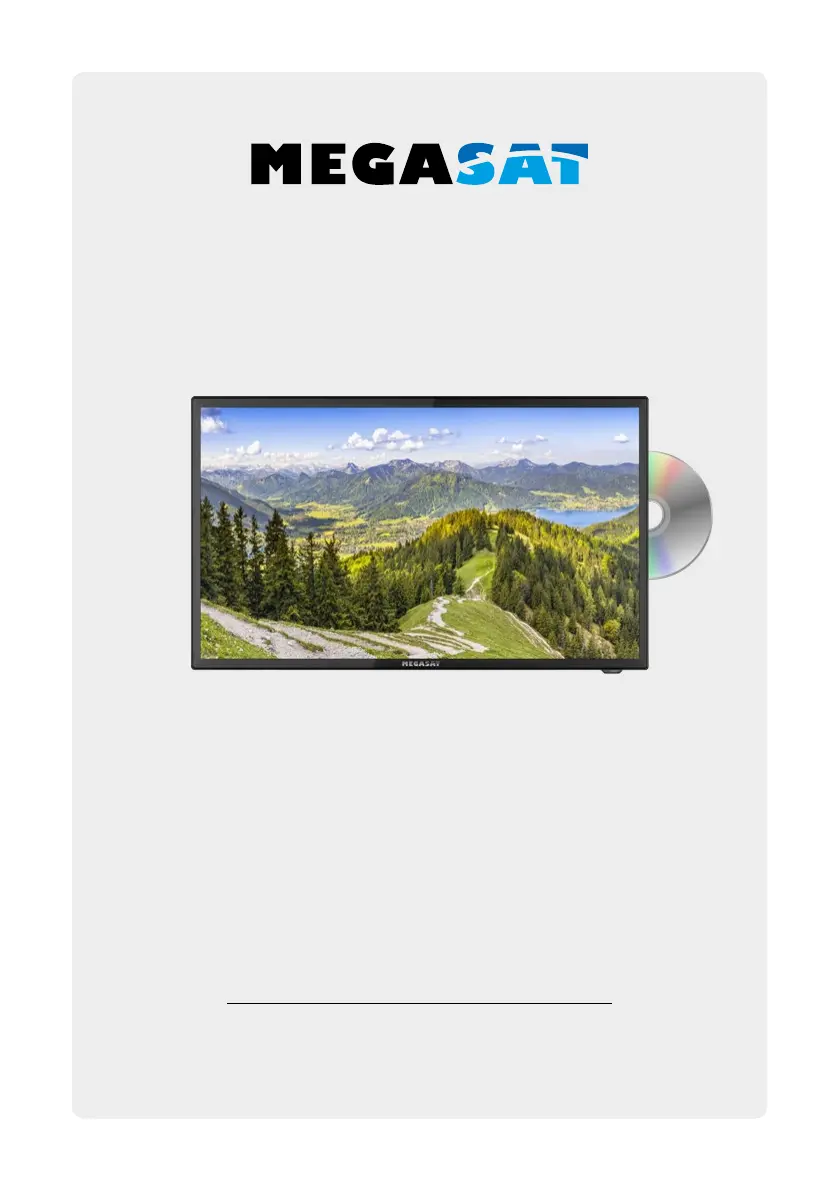
Megasat Royal Line III - User Manual

Megasat Royal Line III
102 pages
Go to English
Print Icon
To Next Page IconTo Next Page
Loading...
Bedienungsanleitung
Royal Line III 32

Table of Contents

Questions and Answers

  • M
    michael21Jul 29, 2025
    How to fix a Megasat Royal Line III that has no power?
    • R
      Ryan SanchezJul 29, 2025
      If your Megasat TV has no power, ensure the power cord is fully plugged into the electrical outlet and the power adapter. Also, verify that the cable of the power adapter is properly connected to the TV unit. If the issue persists, the electronic circuit may need a reset. Disconnect the power supply from the power source, wait one minute, and then reconnect it.
  • S
    sbarkerAug 3, 2025
    Why is there no picture on my Megasat Royal Line III?
    • S
      Shelby RandallAug 3, 2025
      If your Megasat TV has no picture, first check whether the antenna cable is properly connected. Next, make sure that you have selected the correct input using the INPUT button. Finally, review the brightness and contrast settings in the Picture settings menu.
  • R
    rdavidsonAug 8, 2025
    What to do if Megasat Royal Line III TV remote control does not respond?
    • K
      kellymollyAug 8, 2025
      If the remote control for your Megasat TV isn't responding, start by changing the batteries. Ensure you are using the remote within the specified range (max. 5 meters and 30°). Also, make sure the infrared sensor is not exposed to direct light.
  • A
    ashleypaulAug 13, 2025
    Why is there no sound on my Megasat Royal Line III?
    • M
      Michael DavisAug 13, 2025
      If your Megasat TV has no sound, first check if the sound is turned off or if Mute is activated. If not, carefully increase the volume. Also, verify that the audio cables are connected to the correct inputs.
  • R
    Rebecca GonzalezAug 18, 2025
    Why is the picture quality bad on my Megasat TV?
    • P
      patriciahollandAug 18, 2025
      If the picture quality on your Megasat TV is poor, verify that the correct input is selected using the INPUT button. Check the connection to the TV to ensure it is secure. Review the video settings to make sure they are properly configured.
  • D
    dterrellAug 23, 2025
    How to adjust the screen size on Megasat Royal Line III if the image is too large or distorted?
    • M
      Michelle CarrollAug 23, 2025
      If the image on your Megasat TV is too large, too small, or distorted, use the ASPECT button on your remote control to change the appearance of the image until it displays correctly.

Summary

Safety Instructions

Power and Electrical Safety

Covers correct voltage, avoiding overload, and preventing electrical shock.

Stand Assembly

First Installation

Initial Setup Options

Guides initial setup, including language, country, reception type, and tuner mode selection.

Channel Scan Modes

Explains different channel search modes: Auto, Fast Scan, and Normal Scan.

Basic Functions

The Main Menu

Channel Tuning and Management

Covers all channel tuning, searching (auto/manual for Sat/Ter/Cable), editing, and signal information.

Picture and Sound Adjustments

Allows basic adjustment of picture settings like contrast, brightness, color, and sharpness, and sound settings.

Multimedia Operation (USB)

DVD Operation

EPG Menu (Program Guide)

EPG Features and Navigation

Explains how to view channel previews, get broadcast information, and use color buttons for features.

CI+ Slot for Pay-TV Expansion

CI Module Installation

Step-by-step guide for inserting a smart card into a CI module and the module into the TV.

Troubleshooting

Power and Picture Issues

Addresses problems with no power or no picture, offering common causes and solutions.

Remote Control Issues

Lists troubleshooting steps for a non-responsive remote control, including battery checks and range.

Megasat Royal Line III Specifications

General IconGeneral
BrandMegasat
ModelRoyal Line III
CategoryTV
LanguageEnglish

Related product manuals