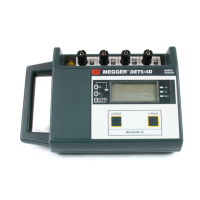
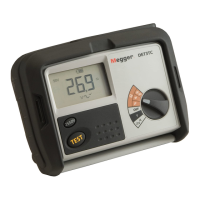
Note: If the DET4TR2 and DET4TCR2’s rechargeable batteries are replaced with alkaline batteries the
instrument may automatically disable its charging circuit to prevent inadvertent charging of non-
rechargeable cells. Follow the instructions ‘Re-enabling the DET4TR2 and DET4TCR2 charger circuit’ to
switch the charger back on when the NiMH cells are re-inserted.
Battery status indication (DET3TA)
1. Set the rotary selector switch to the position.
2. Press and hold the TEST button.
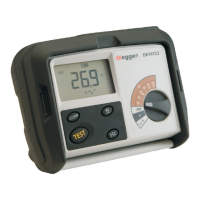
3. The battery charge level will be indicated on the scaleplate as shown in Figure 1.
Figure 1: battery charge level indicator
4. Release the TEST button.
Battery charging (DET4TR2 and DET4TCR2)
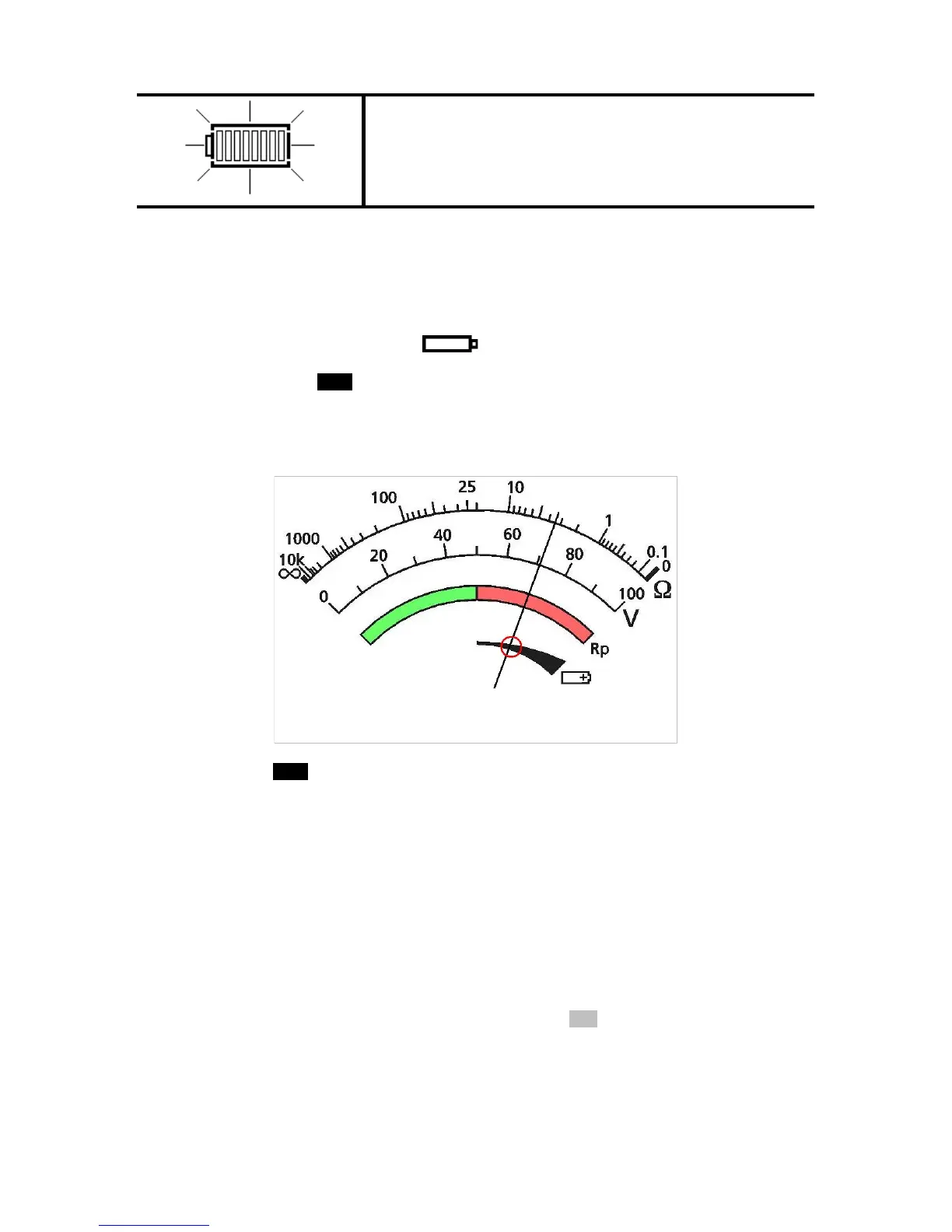
When the battery status indicator shows a nearly empty or exhausted battery, the instrument may be
recharged using the following procedure.
Warning: Do not attempt to operate the instrument whilst the external AC/DC adaptor is connected.
Warning: Do not attempt to recharge non-rechargeable (dry) cells in the DET4TR2 and DET4TCR2.
Doing so will result in instrument damage and may cause personal injury. Only use the cells
recommended by Megger.
Warning: Only use the external charging equipment provided by Megger.
1. To avoid the possibility of electric shock, switch instrument OFF and disconnect the instrument
from any electrical circuits.
2. Move the slide on the terminal panel until the external AC/DC adaptor socket is exposed.



 To Next Page