6. Press and release the TEST button [by holding the TEST button, the resistance measurement will
be continually updated].
7. The instrument will perform pre-measurement checks, the status of which will be indicated on
the display.
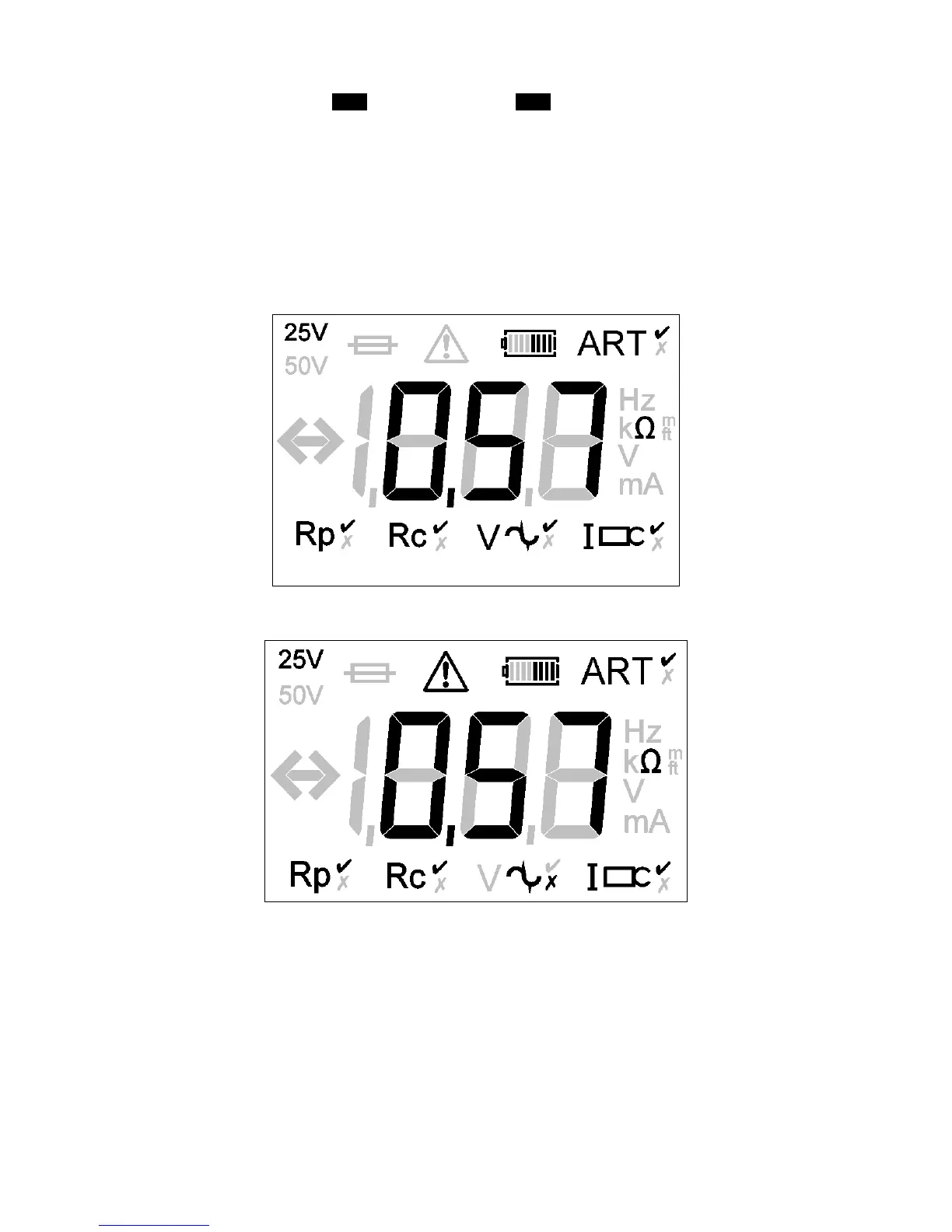
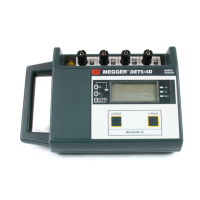
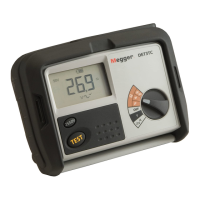
8. The three-terminal resistance reading using ART will be displayed as shown in Figure 32.
Figure 32: example three-terminal resistance reading using ART
(DET4 display shown)
9. Under certain circumstances, the instrument may display a noise warning as shown:
This means that interference has been detected which may impair the accuracy of the measurement. In
particular, the reading could be lower than the actual resistance. The resistance of the electrode or system
must be verified by an alternative method.
Note:
The instrument will display the warning triangle and an excessive noise voltage indicator if the ground
noise voltage is above 40 V pk-pk (14 Vrms).



 To Next Page