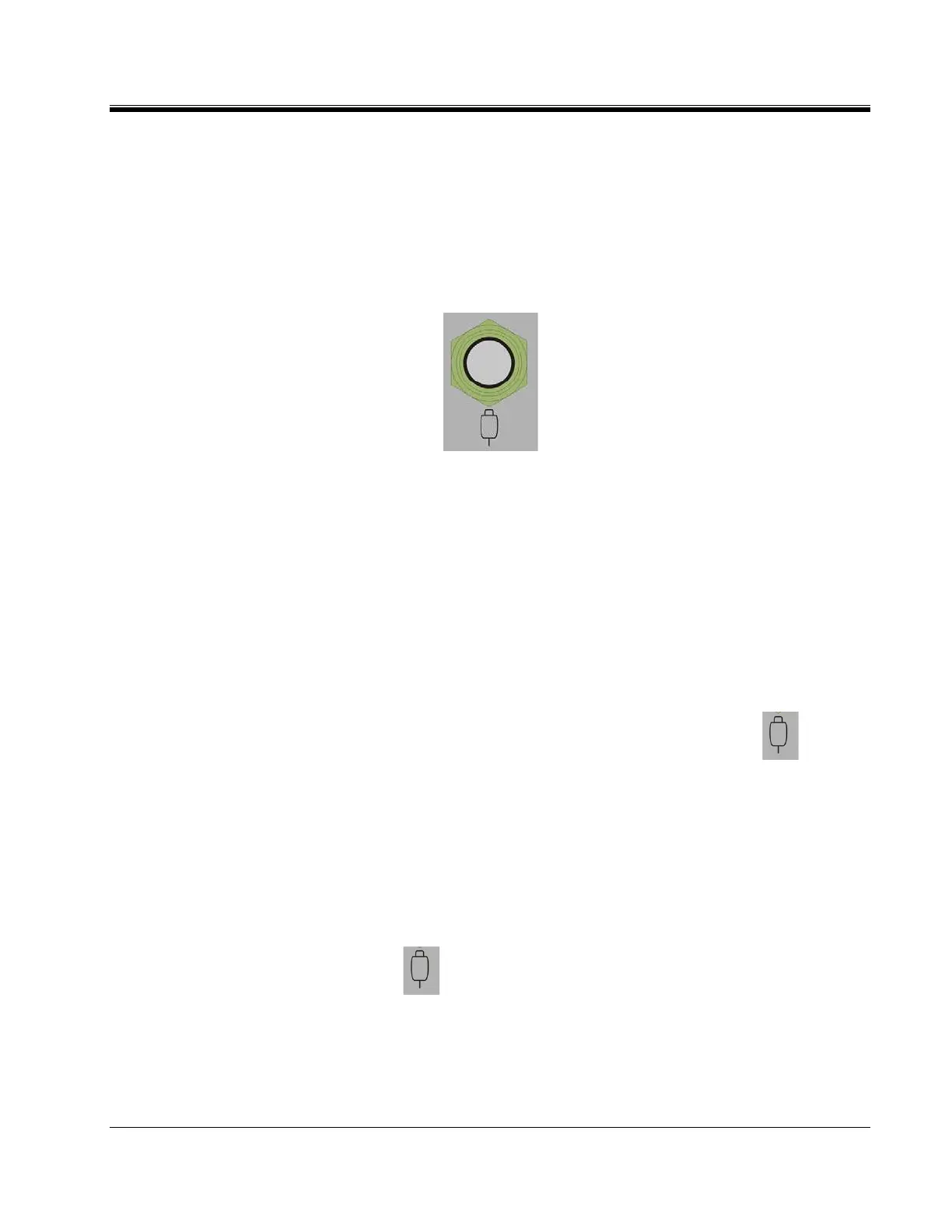
Operating the MTO
AVTMTO3XX Rev 3 Sept 2013
15
REMOTE TEST FUNCTION
The main purpose of this function is to take sequential data to storage during a
single test. It is useful for tap change testing where multiple resistance values are
read in sequence with no interruption in current flow.
1. Connect Remote Control Cable to the remote connector on the front
panel of the instrument.
2. Power ON (-) the instrument.
3. Start PowerDB software and follow the standard transformer setup
procedures
4. Once the MTO3XX control software is displayed, the remote button will
be automatically detected and the test button on the screen will display
ACTIVE.
5. STATE 1 – ready condition – Indicator will be off.
The operator will go to the tap changer, verify it is in the correct
starting position, and then to start the first test, press .
6. STATE 2 – Transformer Charging and/or Stabilizing – The Remote
Indicator will slow flash (once per second) (ON,OFF,ON,OFF) to
indicate charging.
7. STATE 3 – Stable Reading/ measurement mode - When the Remote
Indicator goes steady (L,L,L,L) the reading is stable. ( Y Stability and X
timeframe)
8. Pressing will cause the stable result to be saved to memory. The
Remote Indicator will flash quickly 6 times. (L,O,L,O) ¼ second cycle.
9. STATE 4 – Transition monitoring phase - After a save, the MTO screen
will present a message requesting the user to change the TAP. At this
point, the transition monitoring circuit is activated. The Remote



 To Next Page