Service
AVTMTO3XX Rev 3 Sept 2013
49
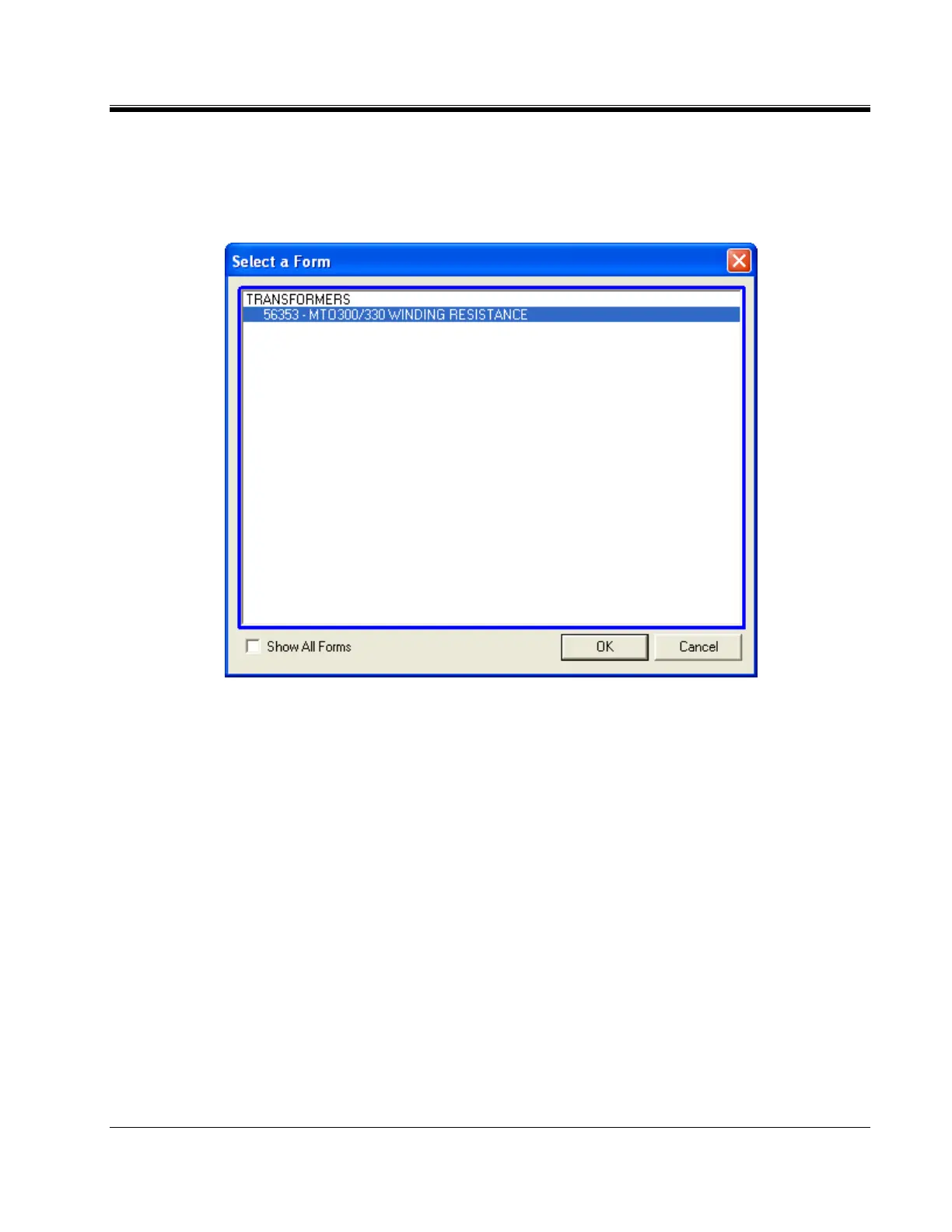
2. SELECTING A FORM
Once you have defined the instrument, PowerDB will present the forms created
in the database and associated with that instrument. The factory default form is
56352.
3. ENTER HEADER AND NAMEPLATE DATA
a. Header and nameplate information can be manually typed into a form.
b. Header and nameplate information can be automatically loaded into a form
by opening an existing form on the unit and selecting NEW.



 To Next Page