M
AVTMST16 Rev 1 May 2016
30
Step Description
6
If necessary, adjust the display settings, TDR settings and marker position through the
menu in order to identify the fault distance as precisely as possible. See page 38.
7
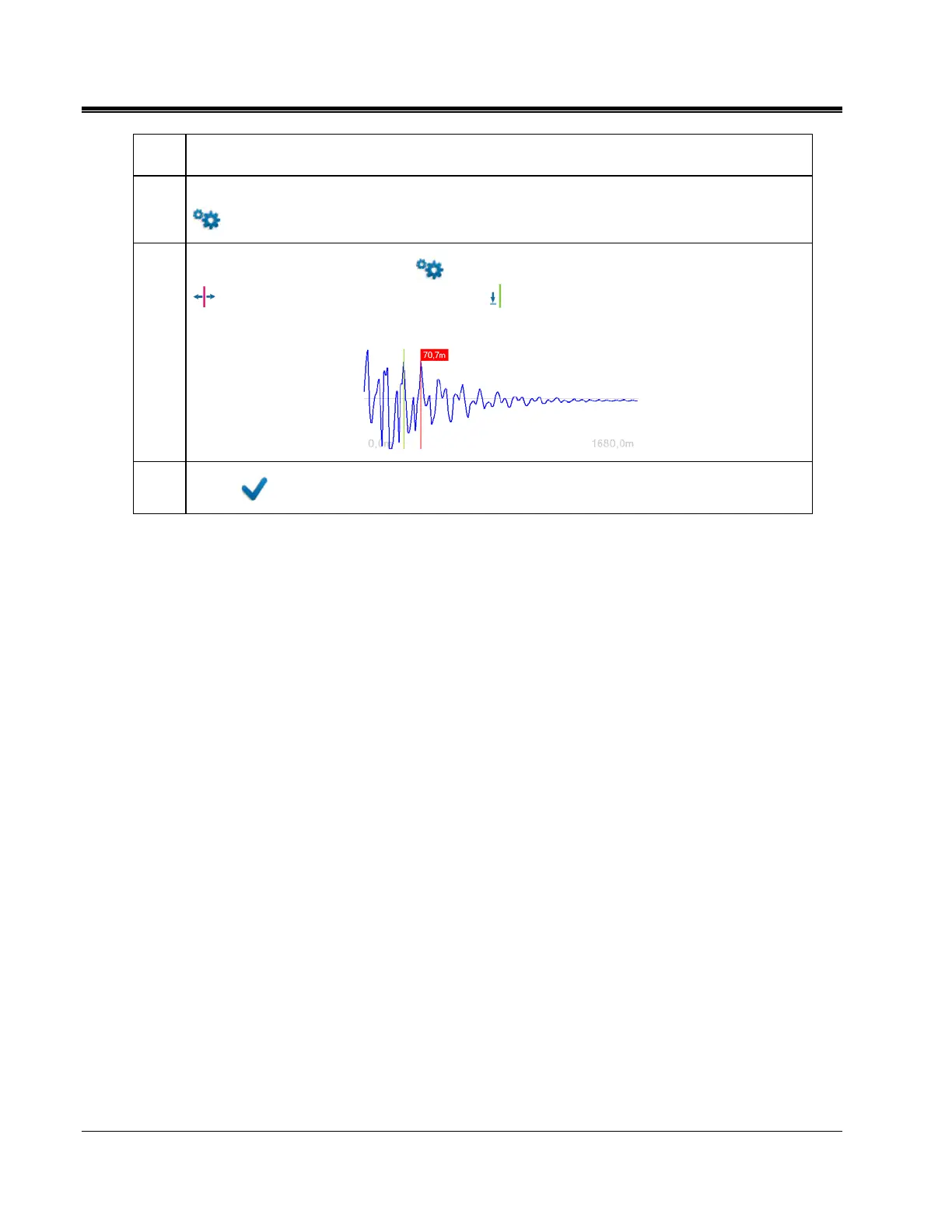
Go into the simple options menu in order to measure out the distance. Use the cursor
to select one peak first. Drop a marker at the cursor position and move the cursor
to the next peak. The distance between the cursor and the marker is given on the screen.
8
Select to return to the main menu.


 To Next Page