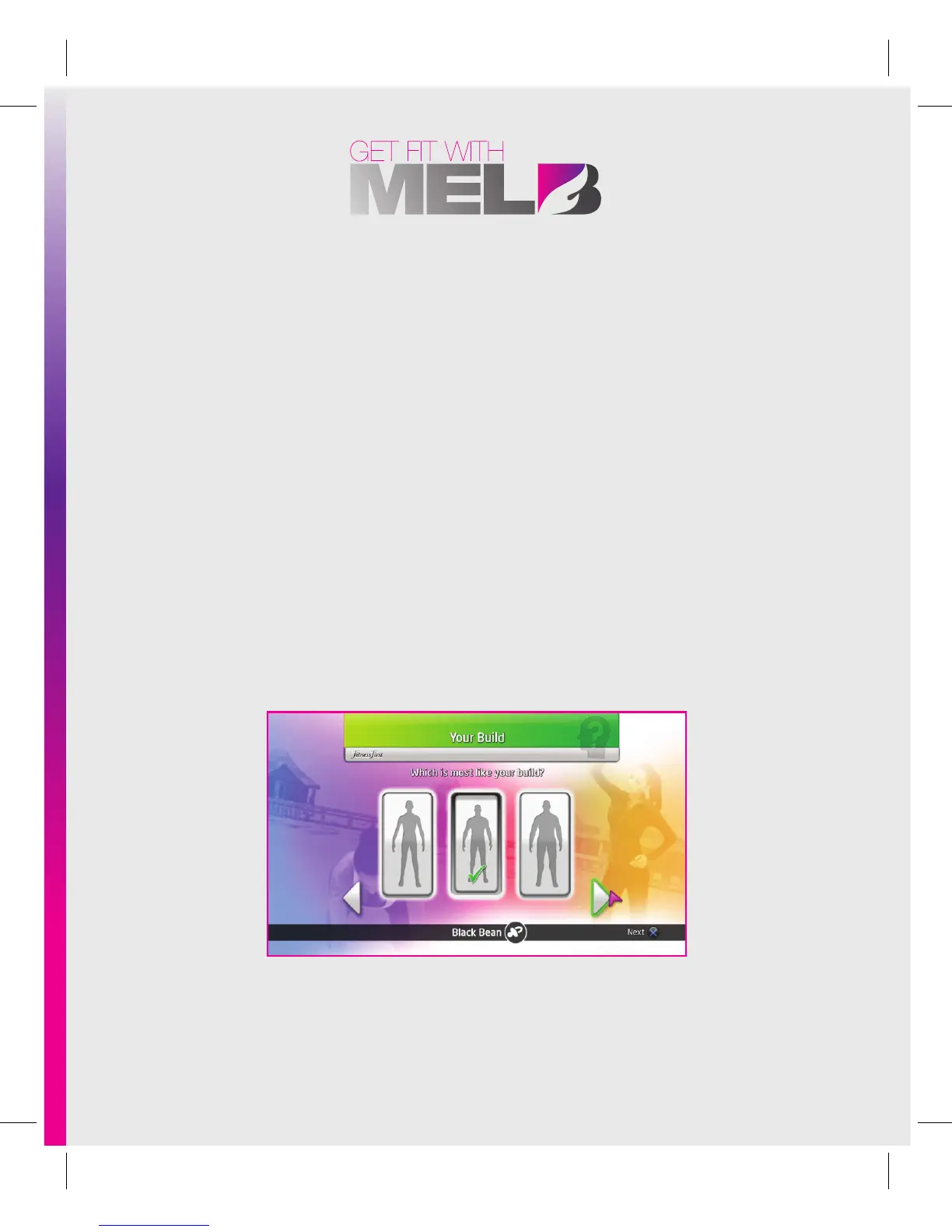
• Go from one menu to another, by pointing at the various options with the
PlayStation®Move Motion controller and pushing the S Button or the Action Button .
• Return to the previous menu by pushing the A Button.
• When you input numerical data, such as your height, point at the up and down
arrows located above and below the numbers, and press the S Button or the Action
Button to change the data.
• Push the [ Button to pause or leave a workout session.
Get Fit With Mel B needs to get to know you a little in order to prepare a custom workout
program and a tailored diet for you. Start by typing your name, and answer the questions
by navigating with the arrows at the bottom of the screen: point towards the arrows
located in the bottom left and right of the screen and push the S Button or the Action
Button to go forward (right) and back (left), scrolling through the questions. Don’t worry,
there aren’t too many!



 To Next Page