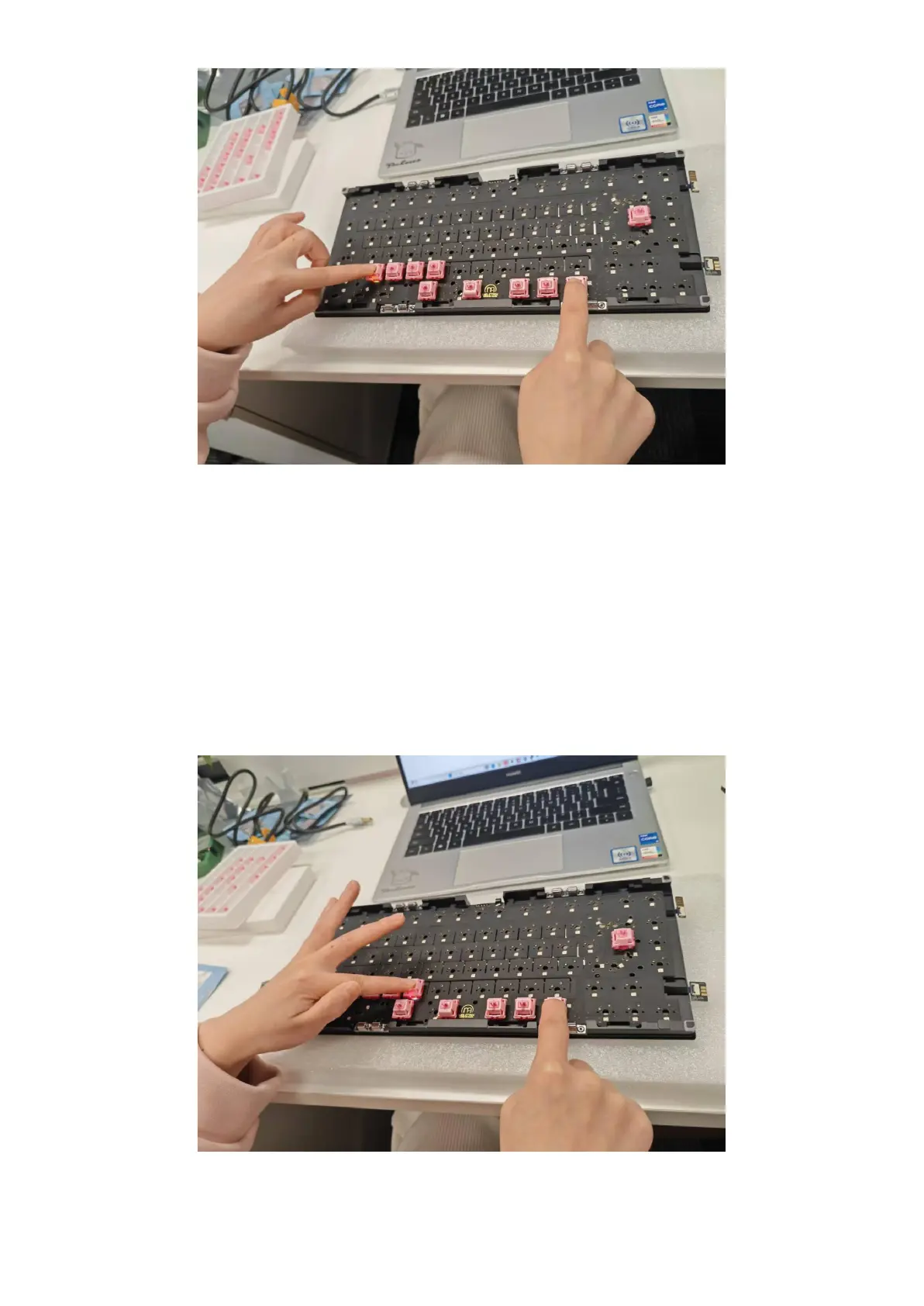
To test the 2.4 GHz wireless functionality:
1. Insert a switch into the V position.
2. Press and hold Fn+V for 3 to 5 seconds, until the LED under V flashes rapidly to indicate it is in
pairing mode
3. Insert the 2.4 GHz receiver into the computer’s USB port
4. After a successful pairing, the LED stays on for 3 seconds before turning off
Note:
● If pairing fails, move the keyboard closer to the receiver and remove other 2.4 GHz receivers
during pairing.
Use Fn+Space to return to wired mode


 To Next Page