Operating Guide
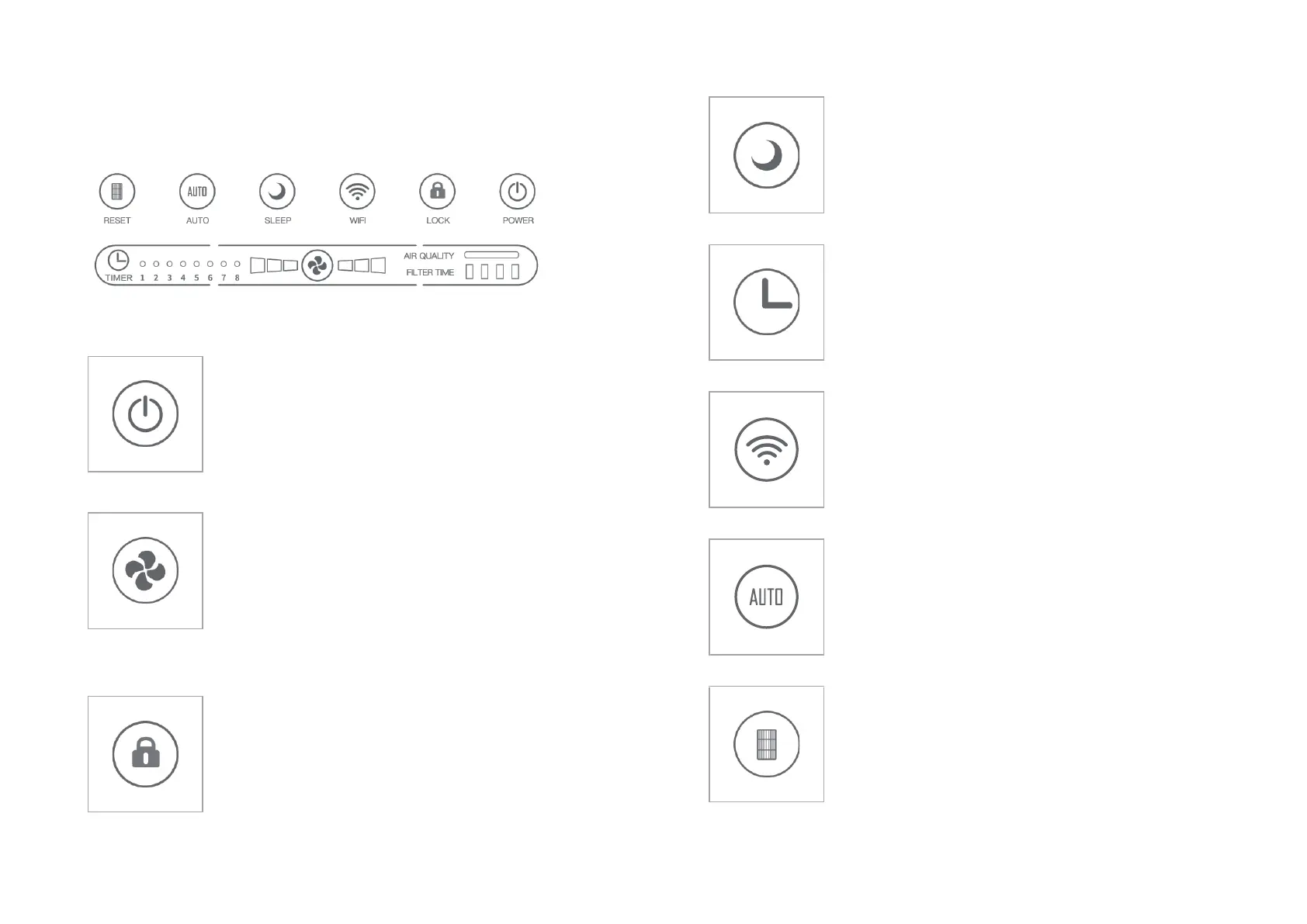
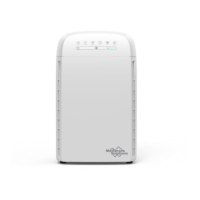
Control Panel
Power Button
Pressing the Power button will put the air
purifier into operating mode.
Press the power button a second time to stop
the air purifier and place it into standby mode.
Press the fan speed button repeatedly to cycle
through the different speed settings.
1 – Low speed
2 – Medium speed
3 – High Speed
The corresponding fan speed indicator light will
display the current fan speed.
To lock the system, press and hold the lock
button for 3 seconds until the lock display is
illuminated.
To unlock the system, press and hold the lock
button until the lock indicator light turns off.
Press the sleep button to put the unit into Sleep
Mode. In this mode, the fan is at its
lowest/quietest setting; all the indicators will
be off after 3 seconds to avoid disturbing your
sleep.
Press the timer button to set the timed auto-off
feature. The unit can be set run between 1 and 8
hours. Continue to press the timer button to cycle
through the preselected times. The corresponding
duration will be represented by the number of
indicator lights illuminated.
Indicate configuration status of the WIFI.
In light-off mode, when pressing the other
button, the indicator lights corresponding to the
functions will be on, and go off after 3 seconds.
See the MSPure APP instructions for more
information.
Press the Auto button to set the unit at Auto
Mode. The Auto indicators light will be
illuminated. The fan speed will change based on
air quality. (See page. 9)
When the total run hours of the air purifier reach
1700 hours, the indicator will flash to indicate
the filter needs to be replaced. (See page. 9). After
the replacement is completed, press and hold the
filter button for 3 seconds until the unit beeps
and the indicator light flash 3 times, the filter
timer function is now reset.


 To Previous Page