Full Programming Options
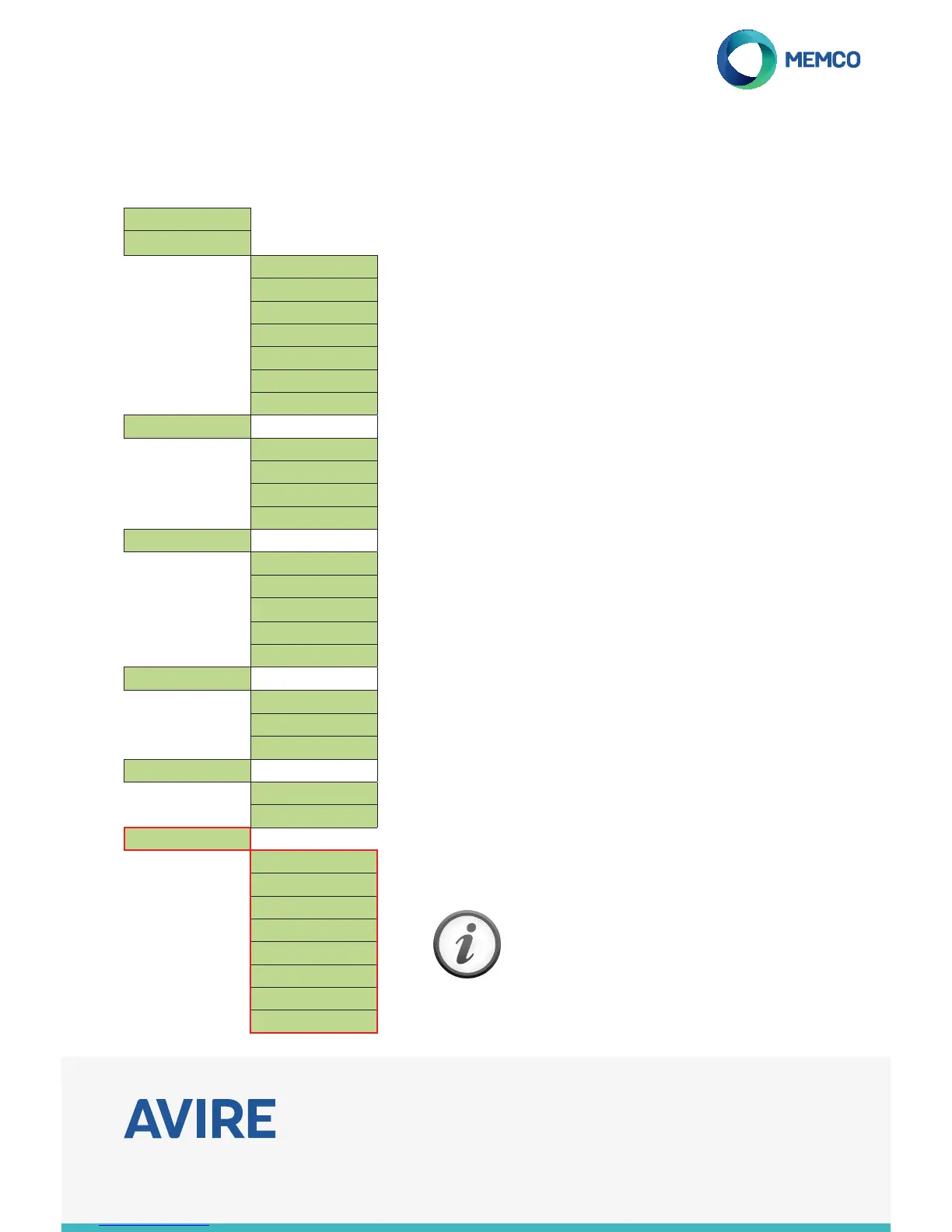
Full Menu Structure
Menu Sections explained...
Advanced Settings
Passcode
Enter the passcode required to enter programming mode when the
passcode mode is active. (up to 4 digits). This will also become the
passcode required for remote access via ETR or handset.
Network ID
Set an extension number 1-8 where units share a phone line. All unit
ID’s on a system need to be unique.
Next EN81 call
Details the next scheduled Background call for the unit.
PBX Frequency
Sets disconnect tone frequency (40-2000Hz in 40Hz steps), if
connected to a PBX. which does not use standard tones.
Language
Tick the language required from the onscreen list provided.
Relay Mode
The relay can be used to switch the power supply to an external
device (e.g. warning siren, door locking systems).
Relay Override
The relay override allows you to force the relay into a known state,
regardless of which operating mode it has been set to by the Relay
Mode setting. If Relay Override is set to None, the relay will switch
according to the Relay Mode setting. If Relay Override is set to Open
or Closed, the relay contacts will be held in the open or closed state
until Relay Override is changed again.
GMT Oset
Will not need updating on the unit. For reference only.
If you require any further assistance when
programming the C100 unit, please call our
Technical Service Team on:- 01628 540160.
Quickstart >
Tel. Numbers >
Alarm No. 1
Alarm No. 2
Alarm No. 3
Alarm No. 4
Tech.no.
Background No.
Call attempts
Settings >
ID Code
Volume
System Cong>
HW Monitoring >
Delays >
COP delay
LVAS delay
Tech delay
Hangup delay
Answer delay
Messages >
Location
Reassurance
Guidance
Time / Date >
Time
Date
Advanced >
Passcode
Network ID
Next EN81 call
Frequency PBX
Language >
Relay Mode >
Relay Override >
GMT Offset


 To Previous Page
 Loading...