Need help?
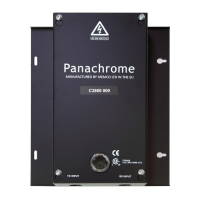
Do you have a question about the Memco Panachrome C3850 and is the answer not in the manual?
Securely mount the controller and connect power, inputs, TX/RX leads according to instructions.
Ensure correct routing and smooth movement of travelling cables to prevent snagging or damage.
Check controller display for correct scanning and verify SW3 setting if troubleshooting is needed.
Understand the function of Green/Red indicators and external signalling for door movement.
Details on the Pana40 Plus Controller test tool and its required cross cables.
Fit Panachrome 3D detectors and understand factory settings for 'Door Closing' on 'High Sensitivity'.
Select the desired 3D Operating Mode using switches 1 & 2 as per the provided table.
Adjust 3D sensitivity using switches 3 & 4 to overcome spurious reflections or false triggers.
Detailed explanation of 'As Doors Close', '3D Timeout', and 'At 800mm' operating modes.
Steps to diagnose and resolve issues where no 3D detection is active.
Methods to prevent unit false triggers during door closing, including mounting and sensitivity.
Connecting external signals for door movement indication and LED switching.
Procedure for cleaning light curtains using a damp cloth to maintain performance and prevent damage.
 General
| Brand | Memco |
|---|---|
| Model | Panachrome C3850 |
| Category | Industrial Equipment |
| Language | English |


 To Next Page