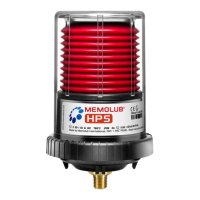
Lubrication Systems MEMOLUB® HPS
Lubricator Installation Instructions
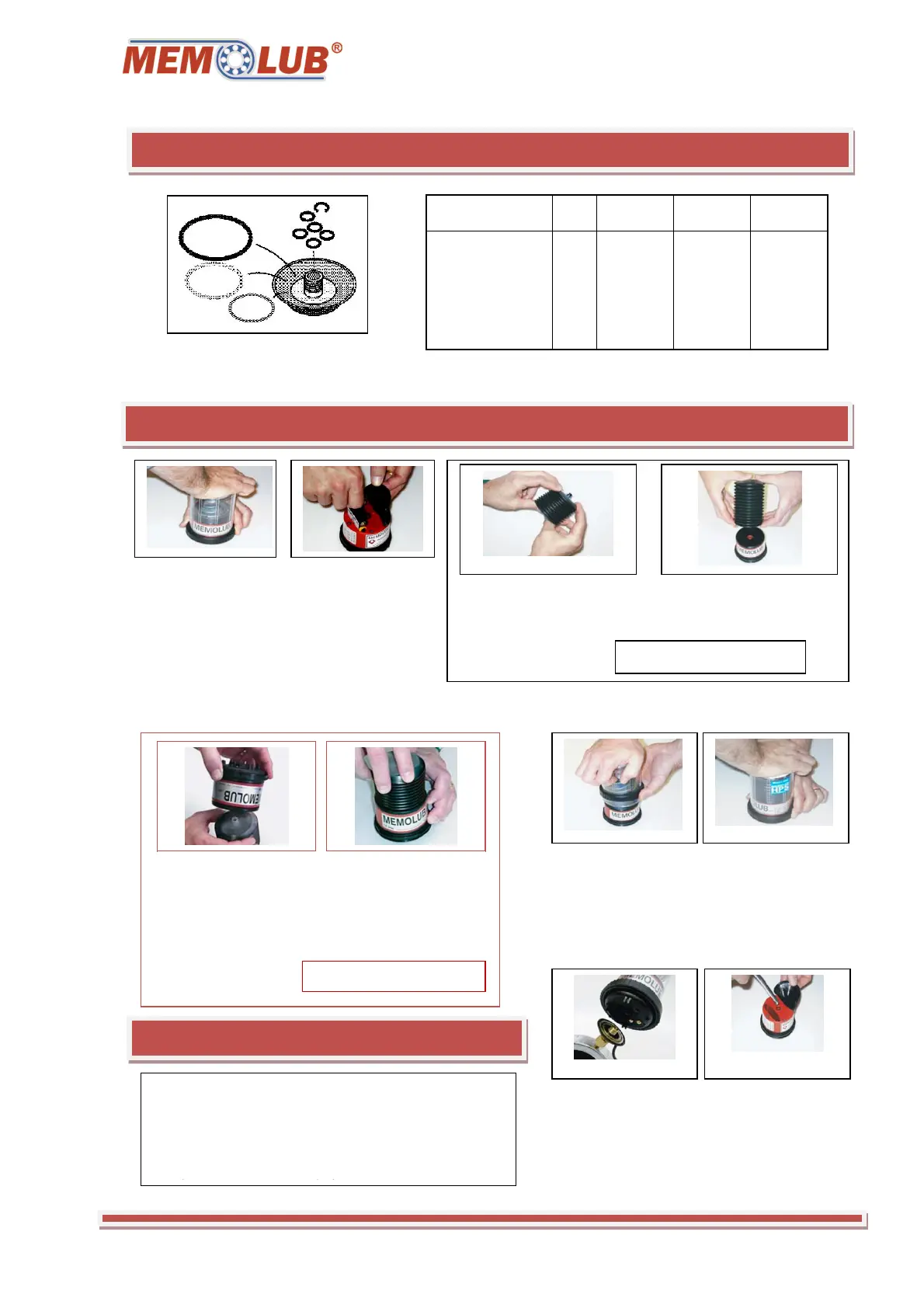
1. Setting of MEMO with combination of
three rings (black, White and red) as
described in the table
Lubricant Cartridge Change Out Instructions
1. To open, place
the lubricator
upright on flat
surface. Press firmly
and turn locking ring
counter-clockwise
while holding the
ribbed surface.
3. Carefully squeeze
air out of the
cartridge until grease
begins to emerge
4. Place the cartridge on
the inlet of the lower
h
Grease Cartridges Only.
3. Hold the cartridge
with the outlet facing
up. Carefully remove
the cartridge plug.
Turn the lower
housing over and
gently place it on the
outlet of the cartridge
4. While holding the
cartridge and lower
housing together, flip
the assembly over
and hold the cartridge
in place.
Oil Cartridges Only.
5. Place the clear
housing assembly
over the lubricant
cartridge and lower
housing.
6. Holding the
locking ring by its
ribbed surface, turn
it clockwise until it
clicks into the
locked position.
7. Screw the
MEMOLUB®
HPS lubricator onto
the Power-Through
MEMO.
Note: If necessary,
prime the
MEMOLUB® HPS
with a hand grease
gun (grease
application only).
SAFETY PRECAUTIONS
* Warning: Lower housing contains a
loaded spring. Do not open.
* Use only factory pre-filled cartridges
Ring
Freq. 120 cc 240 cc 480 cc
Black 48 h 12 months 2 years* -
White 24 h 6 months 12 months 2 years*
Black + White 16 h 4 months 8 months 16 months
Red 12 h 3 months 6 months 12 months
Black + red 6 h - 3 months 6 months
White + Red 2 h - 1 months 2 months
Black + White + Red 1 h - 15 days 1 months
2. Insert battery
pack inside battery
compartement.


 To Previous Page
 Loading...